


Images become corrupted when applied to surface
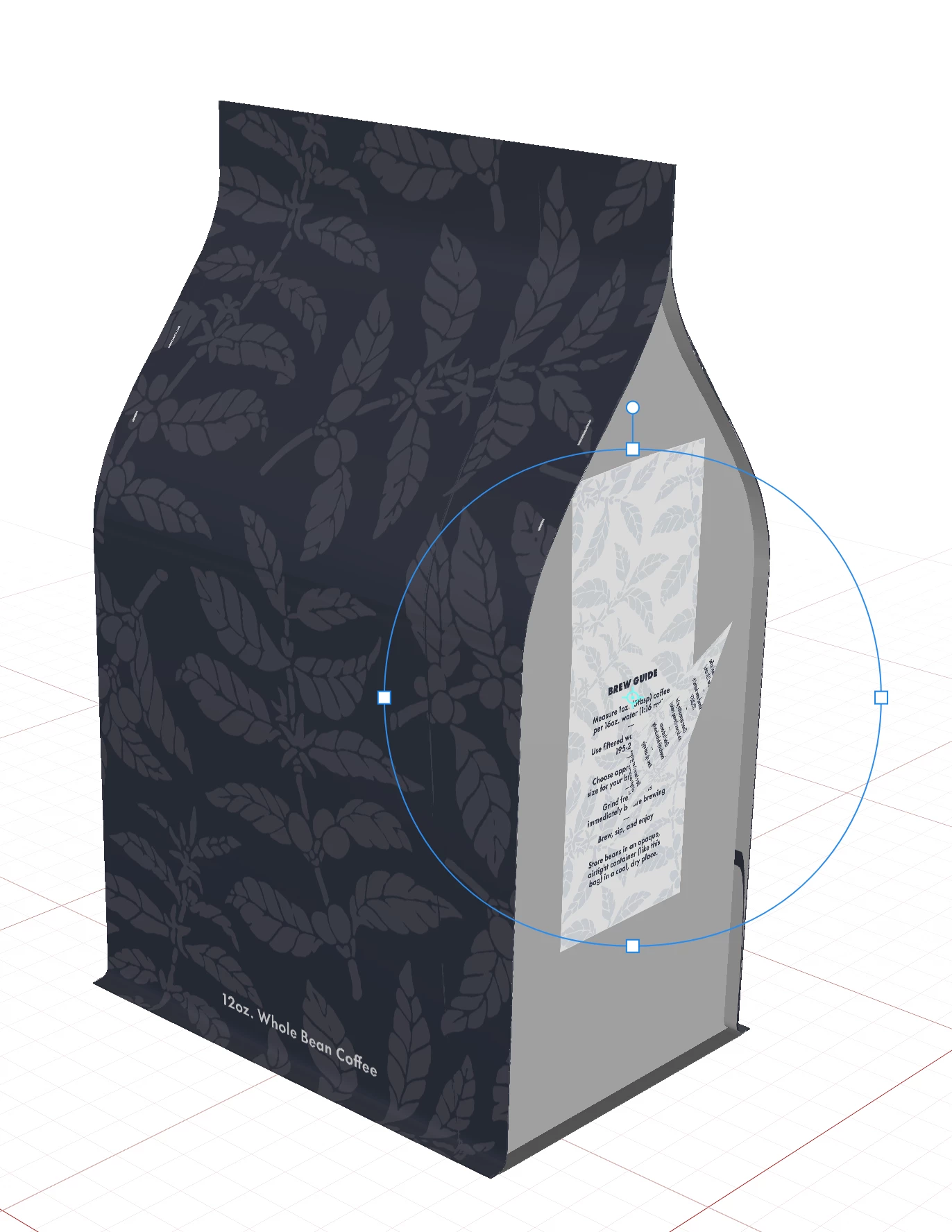
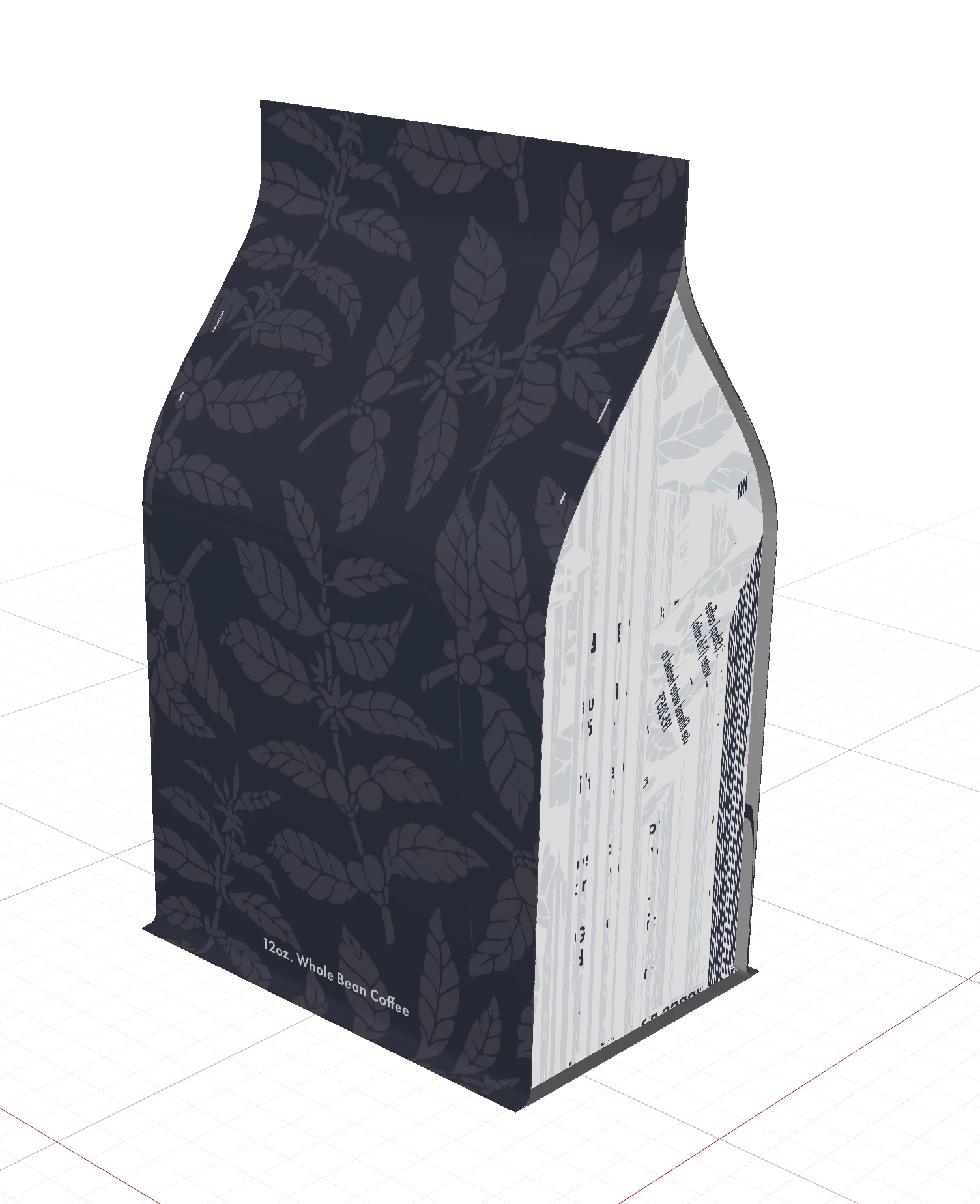
First time using Adobe Dimension — really wanting this to be a reliable tool for creating custom mockups, but pretty disappointed so far. I'll assume that the fault is on my end since I'm a beginner. In the attached images, you can see that my PNG image is immediately corrupted during the place function, and then remains corrupted after I've committed the place. Weirdly, the image on the main panel did not corrupt, even though they were both PNGs that were exported from the same Ai file at the same relative scale.
Could it have anything to do with how I built the file? I created the front panel by extruding a line in the shape of the bag contour, but created the side gusset by extruding a solid shape by just .5mm (watched many tutorials, but didn't find the "correct" way to do this if different).

 AdChoices