June 26, 2020
Answered

Invisible lable on imported obj files

  • June 26, 2020
  • 1 reply
  • 431 views

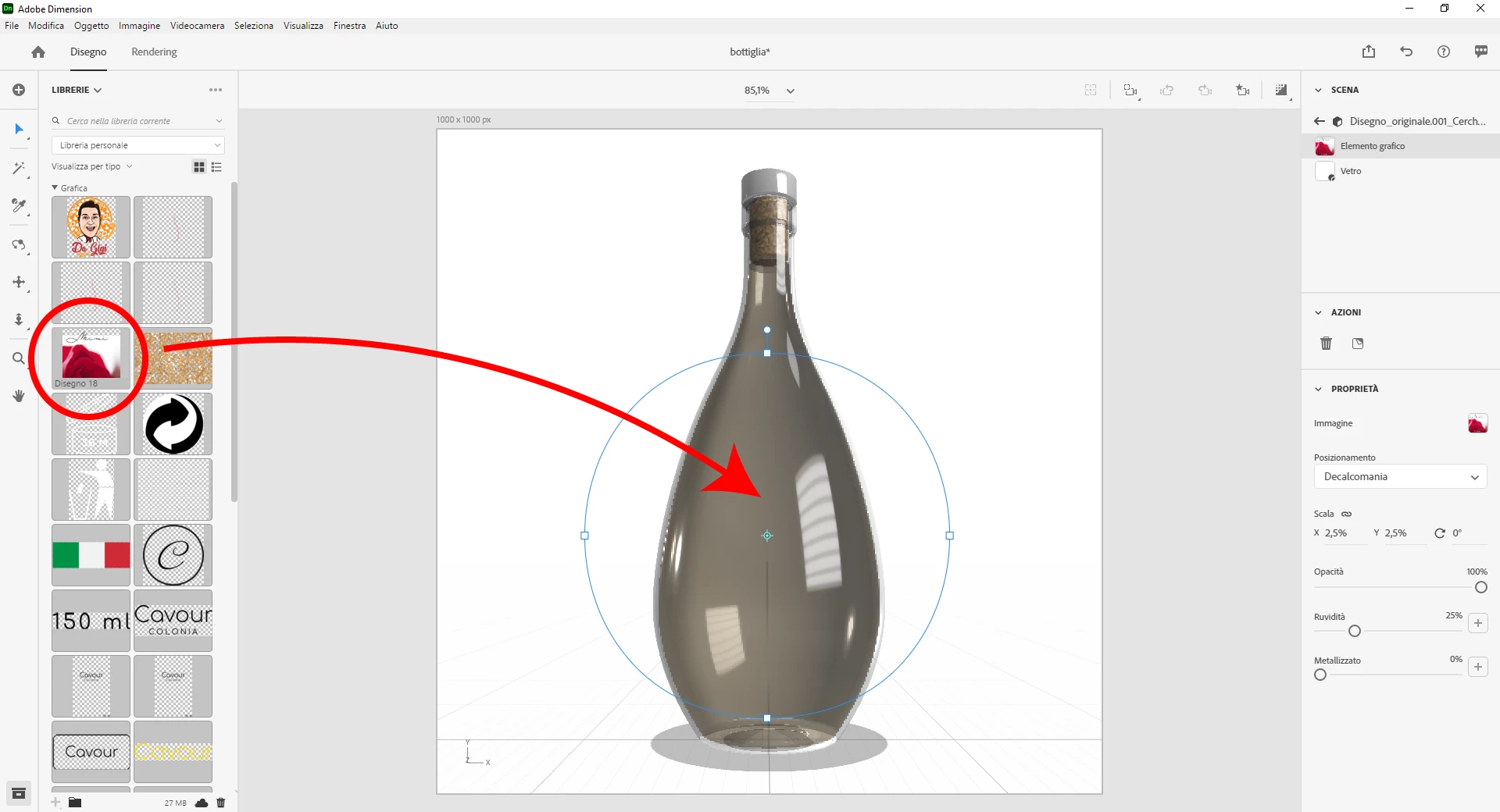
Hi! How come on imported obj file (drawn in Blender) I can't apply labels on it? In the scene panel it is imported correctly, but in the work window, even in the rendering, the label is not there.

Example on attached screenshot.

Thanks so much. 🙂
This topic has been closed for replies.
Correct answer Ussnorway7605025

issue = you made it wrong without a UV map

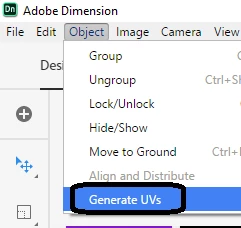
fix = select the bottle and tell Dimension to generate a new UV map... remove your decal and reapply it after making a new map

1 reply

Ussnorway7605025
Ussnorway7605025Correct answer
Legend
June 28, 2020

issue = you made it wrong without a UV map

fix = select the bottle and tell Dimension to generate a new UV map... remove your decal and reapply it after making a new map

June 28, 2020

It works. Thanks so much! 🙂