


Question
Loading multiple materials into Adobe Dimension
Hello community! How are you?
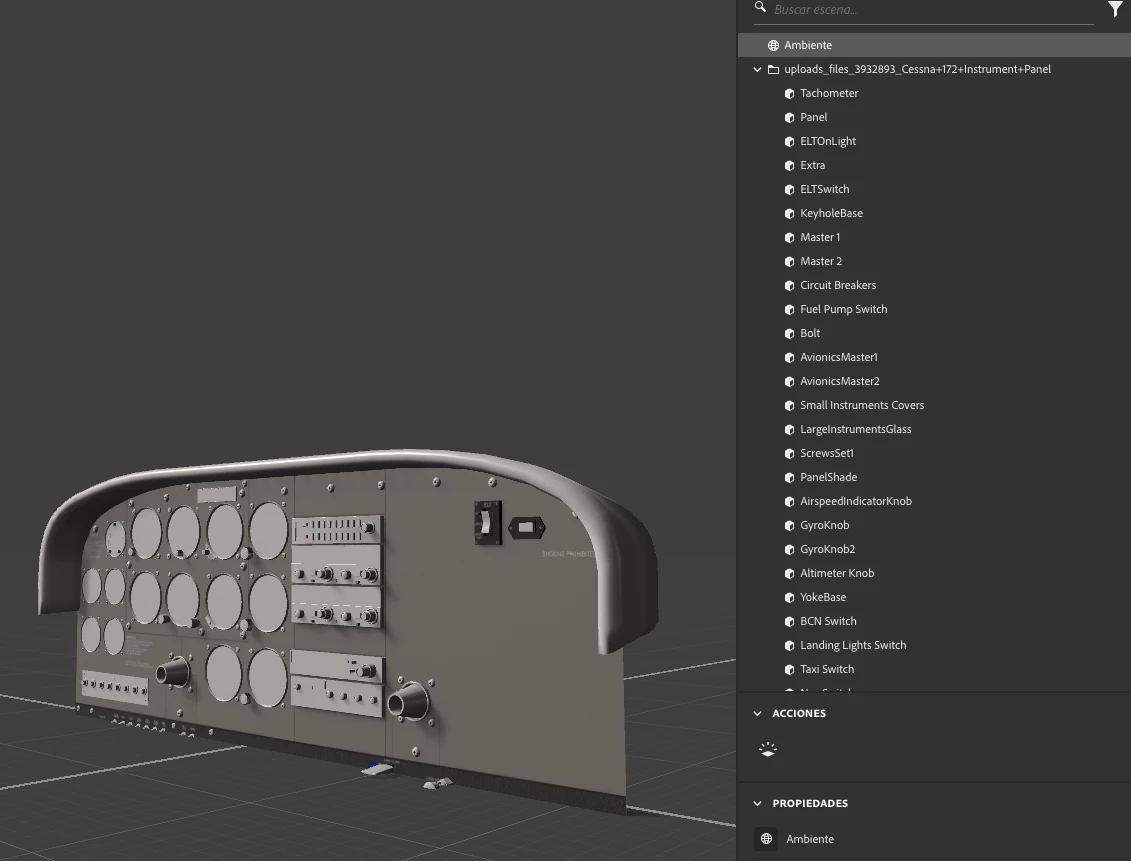
I’m new to Adobe Dimension, and I’m trying to work with a file downloaded from a model bank.
It’s an .fbx model with multiple objects (almost 140 objects), and each object has its own set of materials. Is there a way to import and link all the materials to their respective objects automatically all at once? Without having to assign them one by one?
In the materials folder, each material set is properly named, so I understand that it shouldn’t be too complicated.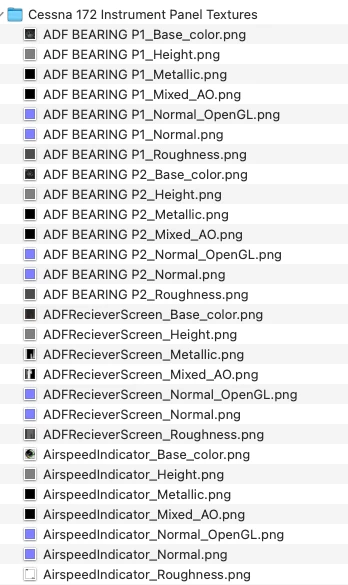
Thank you very much in advance for your help.
 AdChoices