


Known Participant
November 3, 2020
Answered

Match images perspective

  • November 3, 2020
  • 2 replies
  • 642 views

Hello creatives,

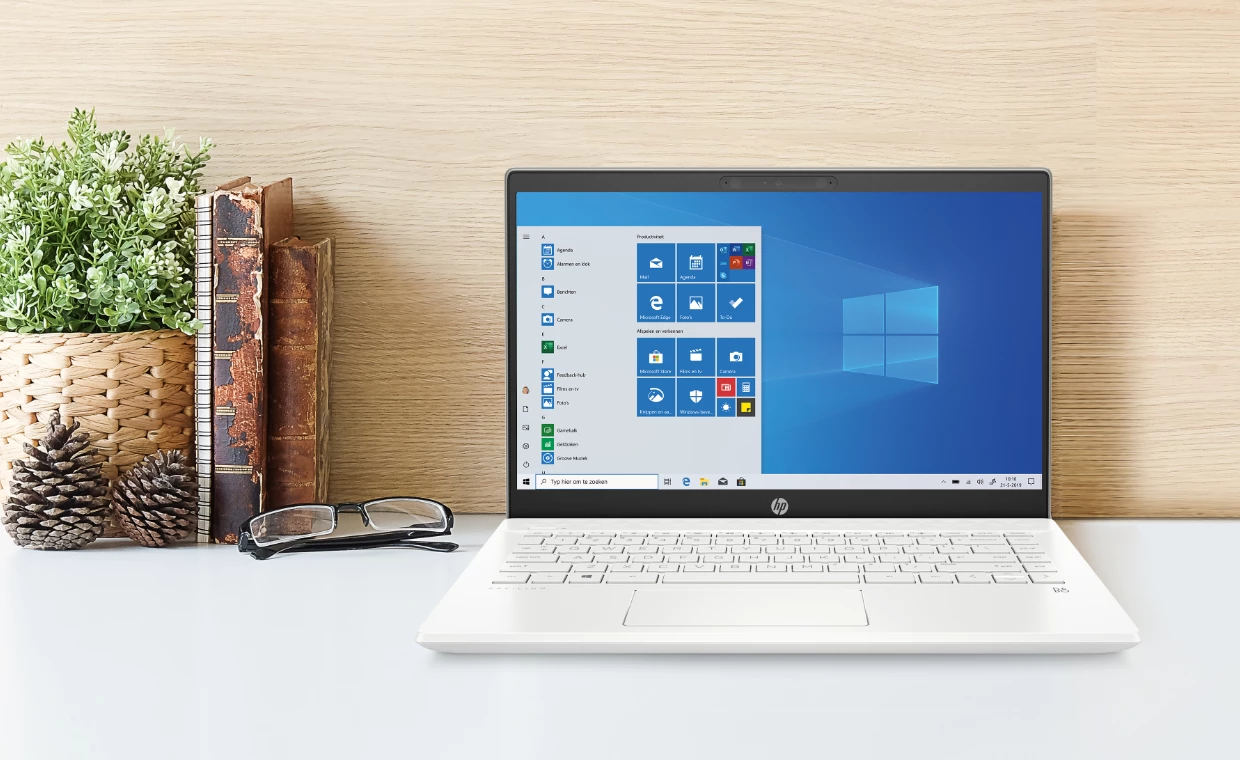
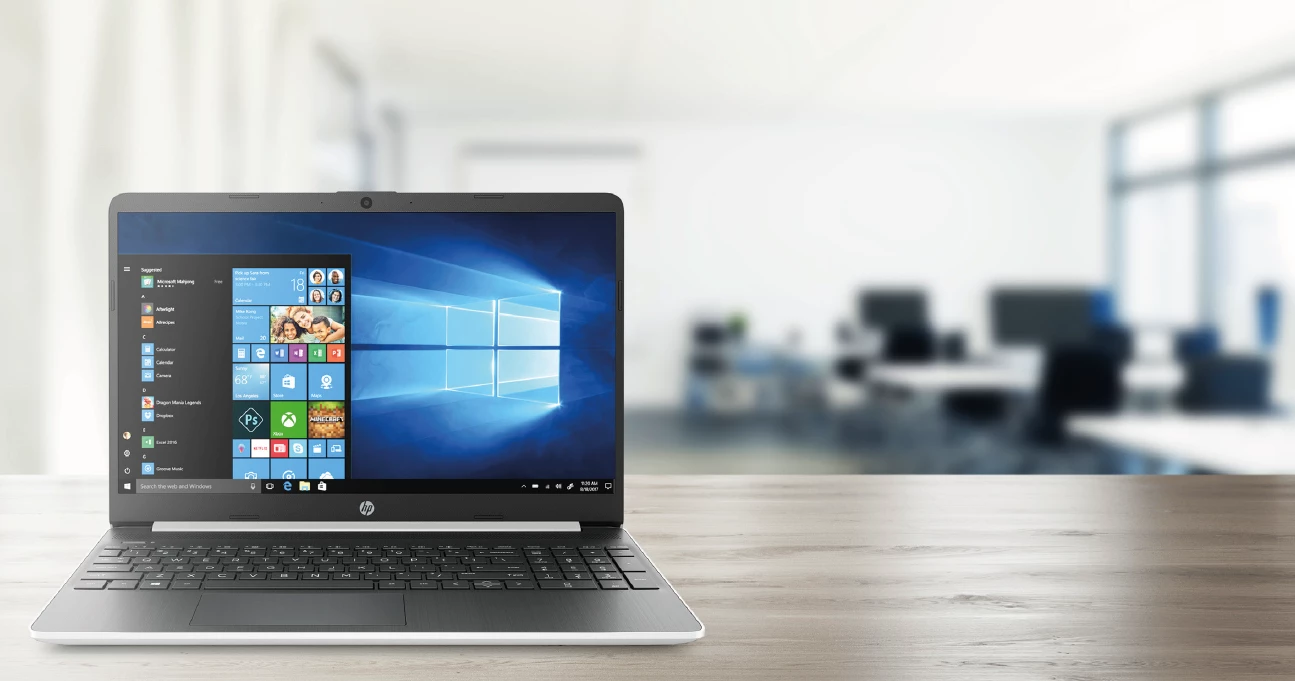
I make lots of advertising magazines with laptops in it. So I download the jpg of the laptop from the vendor's portal. But just a regular cutout isn't always interresting, so I try to place it in an image that I download from shutterstock. It sometimes works, but you'll always see some perspective issues.

I was wondering if it's possible to match the perspective of 2 images (the png from the laptop and the photo from shutterstock) so it looks a bit more realistic. I've place an example of how it currently looks like.


This topic has been closed for replies.
Correct answer Ussnorway7605025

no its not possible to match more than one

2 replies

Ussnorway7605025
Ussnorway7605025Correct answer
Legend
November 4, 2020

no its not possible to match more than one

Ares Hovhannesyan
Community Expert
Community Expert
November 3, 2020

Just want to undestand your workflow. 

Did you use laptop 3d model in Adobe Dimension and place it in the photo from shutterstock (that is background) or this is only two different bitmap images and you want to match their perpectivies?

Thanks

Known Participant
November 3, 2020

Hi Ares,

These are 2 different images, so no 3d models. I also don't know if it's possible in dimension, if it's not then I can ask in the Photoshop section.

Ares Hovhannesyan
Community Expert
Community Expert
November 4, 2020

Dimension calculated image perspective and place 3d object into that perspektive. As @Ussnorway7605025 pointed out  its not possible in Dn. But you can use computer 3d model and place it into you decided image in Dn. That can work fine.