


Participant
January 7, 2021
Question

Material getting stretched when using base color property image

  • January 7, 2021
  • 2 replies
  • 789 views

Hi, 

I am trying to use the base color property to insert an image to create a new material in Dimension. However, the image is getting stretched in some areas when the model is a bit more complex than just a cube. I get the same issue when I use the built-in materials. See below: 


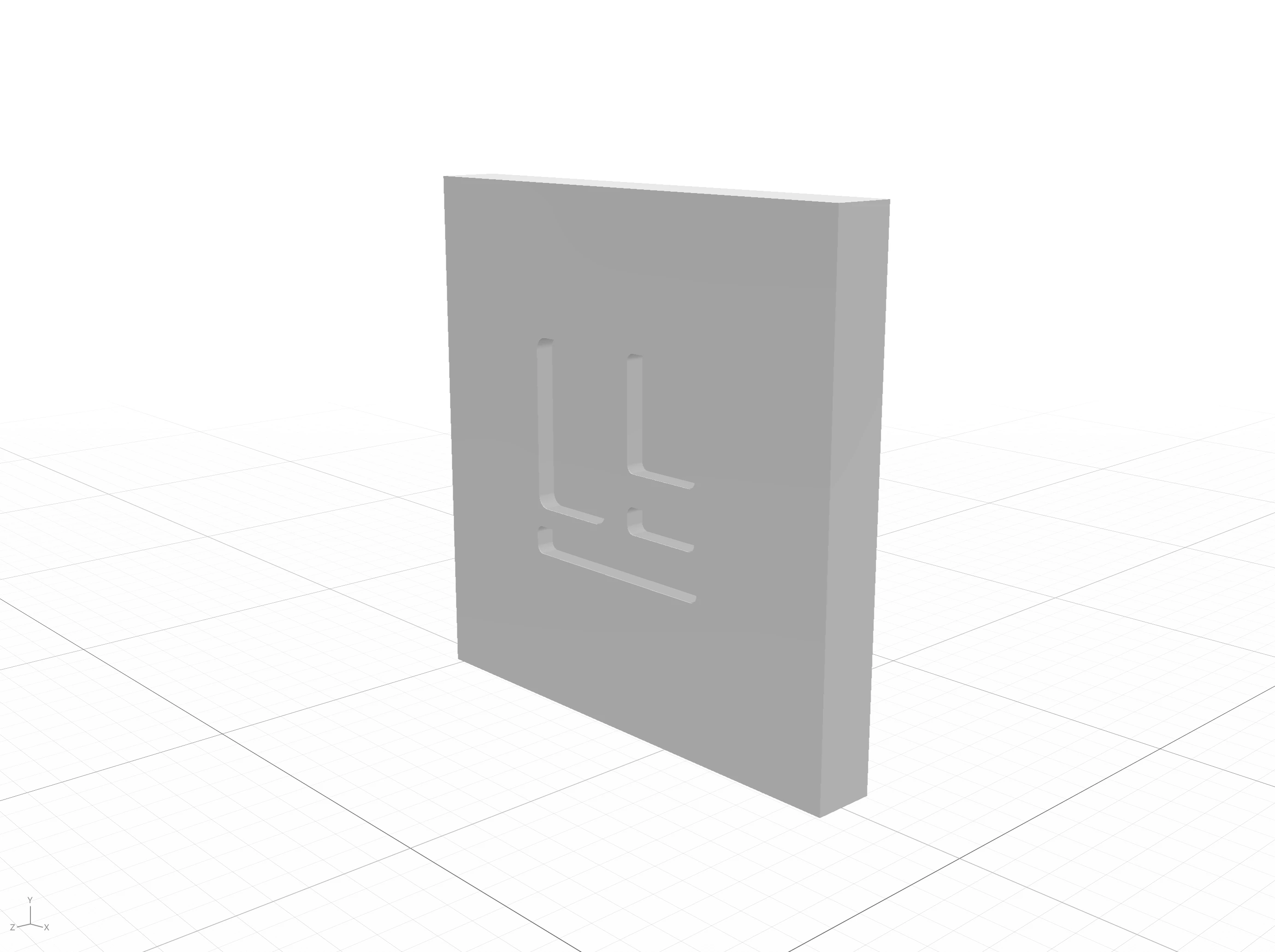
This is my model: 
This is how it looks when applying a base color image:
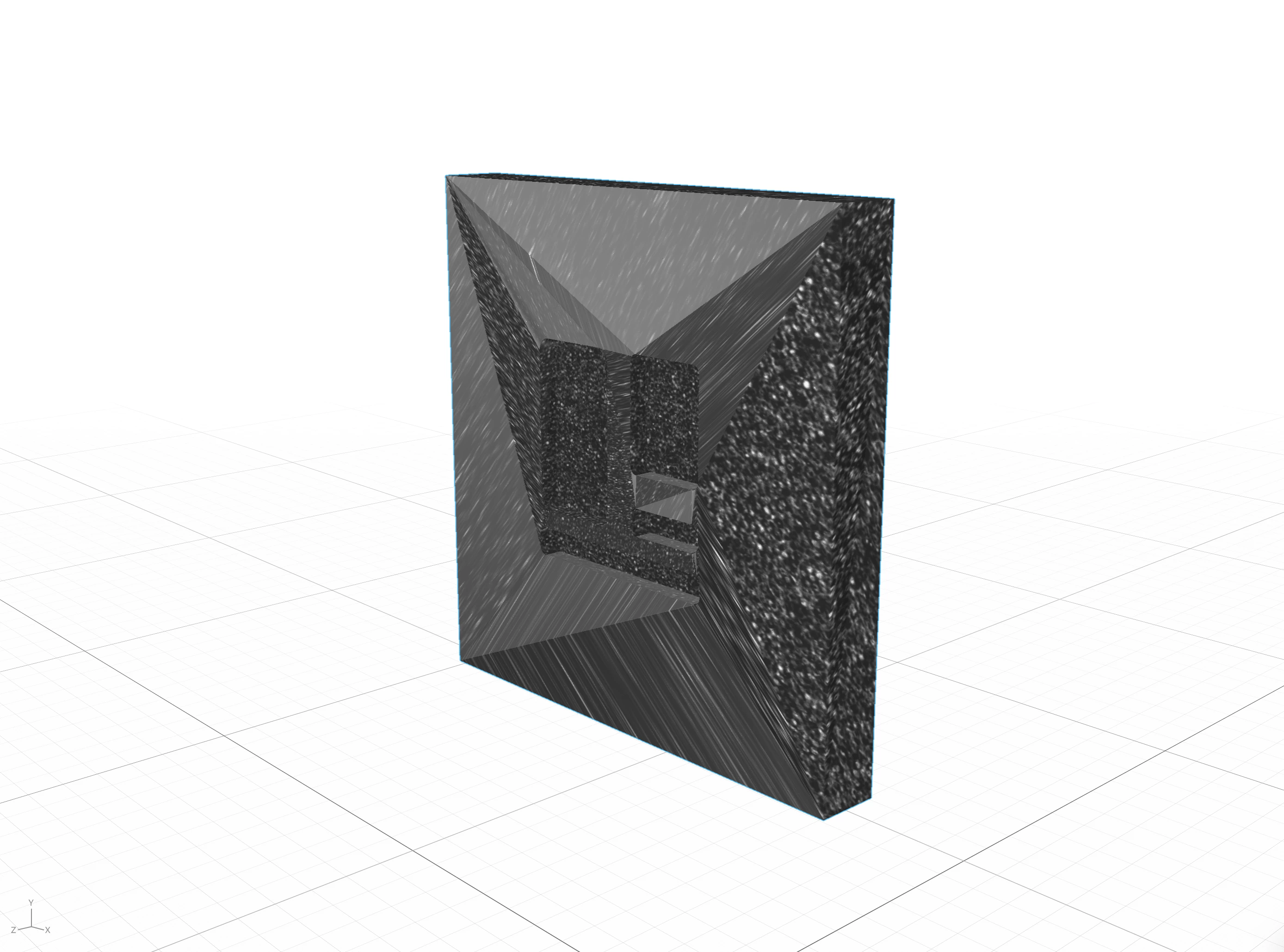
 

This bug has been annoying me for years now, am I missing something, or is this just how it is currently? 


I use macOS and Dimension 3.4. 

This topic has been closed for replies.

2 replies

Ussnorway7605025
Legend
January 7, 2021

the UV map is what says how the image is stretched around the object and no this is not a bug, export the UV map and look at it in Photoshop to see where the parts line up or you can make a new UV map in Photoshop or Blender

Ares Hovhannesyan
Community Expert
Community Expert
January 7, 2021

Try to Generate UV in Dn before placing.

Participant
January 7, 2021

Hi Ares, 


thanks for the proposal, tried that but still have the same problem, unfortunately. 


Ares Hovhannesyan
Community Expert
Community Expert
January 10, 2021

Can you share 3d model for testing?