Participant
November 12, 2018
Answered

Missing materials

  • November 12, 2018
  • 3 replies
  • 1580 views

In the latest (October 2018) release of Adobe Dimension, there are a number of useful materials missing (for example, Black Plastic) that were included in the previous release. Now I see that if I want to use those materials, I have to pay for them in the Adobe Stock area. To me, that feels like a bait and switch.

I have been pushing my company supervisors hard to adopt Dimension as our rendering tool, based on the features that were present before the October update. I assumed, perhaps incorrectly, that anything there would remain and you would ADD new features/function but not eliminate any.

Please respond and let me know why those materials were moved from "default/included" to "you have to pay for them". Your response will determine if I continue to pursue Dimension as the rendering tool or look for something else.

Thanks.

    This topic has been closed for replies.
    Correct answer JeanetteMathews

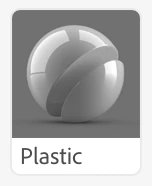
    Dimension previously had 6+ copies of each material where the ONLY difference was the color property.  We decided to remove these 'variations' of a material in order to free up room to give more meaningful material diversity, so anything that was just a color change was removed..  The original plastic material is still in Dimension 2.0, only the variations of different colors are gone.  You can simply add this white plastic then change the color to anything you'd like.

    Add the plastic as a starting point.

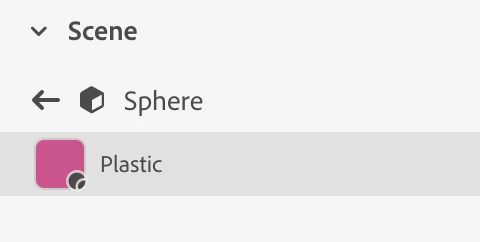
    Double click the model to access the materials and change the base color to anything you'd like.

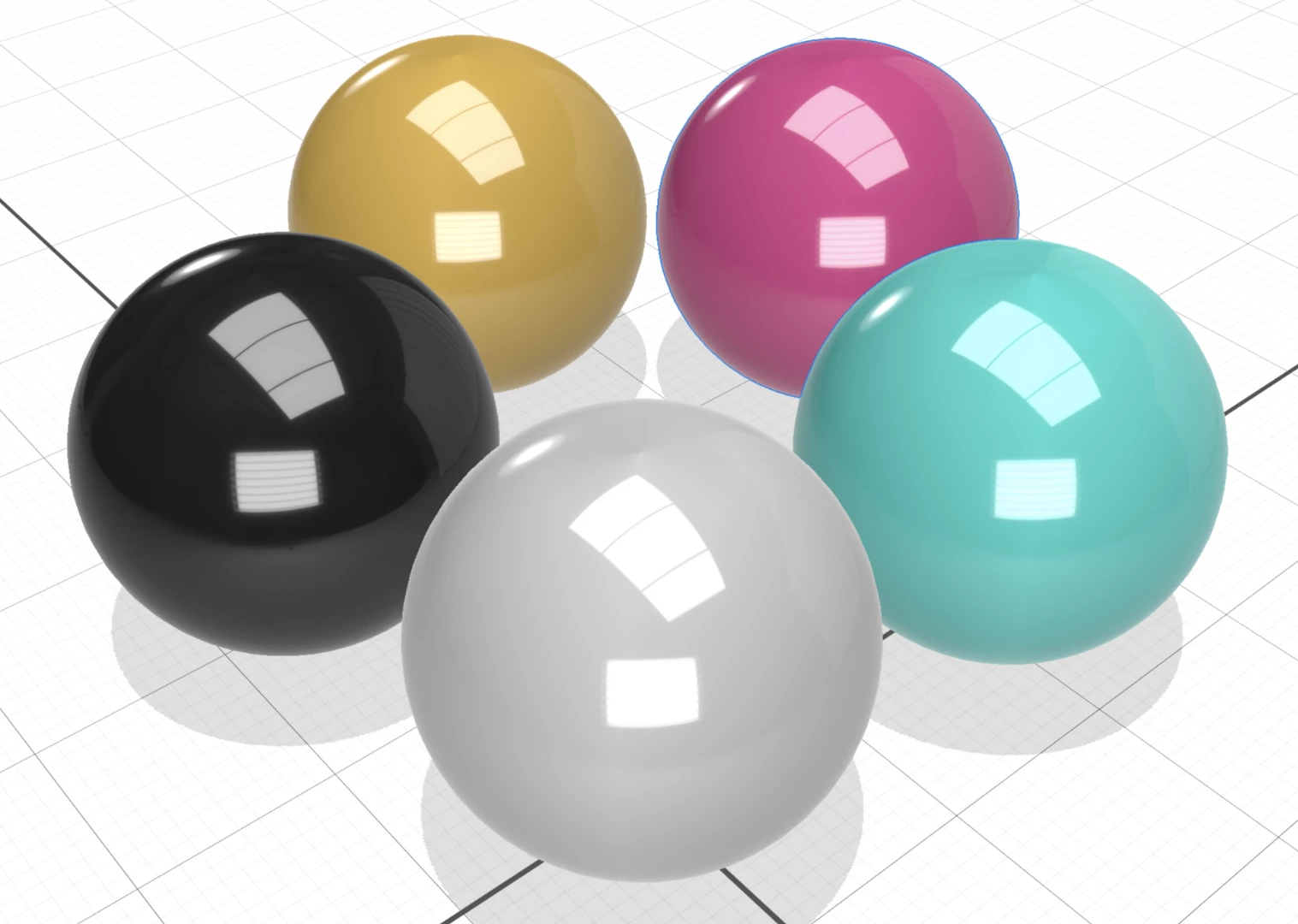
    Make any variation of colors from the material starting points.

    3 replies

    Participant
    December 9, 2018

    You can find a collection of free basic materials at

    materials.zip - Google Drive

    DruHouston
    Participating Frequently
    August 20, 2020

    Thanks for the zip file.  File type not supportted by Dimensions.  So I guess I can try Blendr..

    Ussnorway7605025
    Legend
    August 21, 2020


    File type not supportted by Dimensions


    then you did something wrong because Mdl files work just fine in Adobe Dimension... did you unzip the file before trying to use?


    Ussnorway7605025
    Legend
    December 5, 2018

    fyi your file was rejected because the site its hosted on is full of fake virus spammers

    JeanetteMathews
    Adobe Employee
    JeanetteMathewsCorrect answer
    Adobe Employee
    November 14, 2018

    Dimension previously had 6+ copies of each material where the ONLY difference was the color property.  We decided to remove these 'variations' of a material in order to free up room to give more meaningful material diversity, so anything that was just a color change was removed..  The original plastic material is still in Dimension 2.0, only the variations of different colors are gone.  You can simply add this white plastic then change the color to anything you'd like.

    Add the plastic as a starting point.

    Double click the model to access the materials and change the base color to anything you'd like.

    Make any variation of colors from the material starting points.

    Participant
    November 14, 2018

    Thanks, Jeanette.

    BTW - I looked for the “Correct” button but I couldn’t find it.

    -Larry