


Question
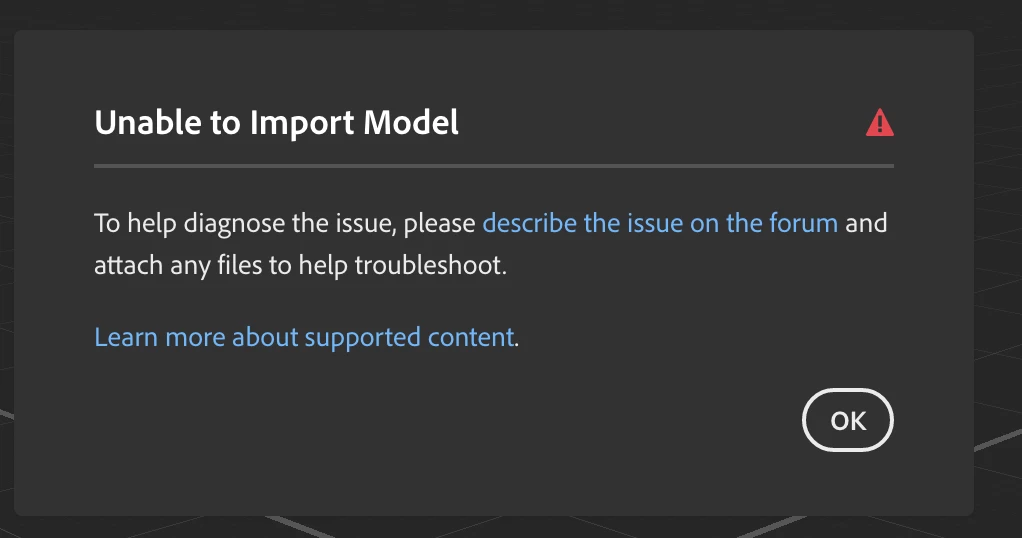
New files won’t open in Adobe Dimension 2026 on macOS 26
Hello,
I’m using Adobe Dimension 2026 on macOS 26.2 (25C56). Old(that i have opened just yesterday) Dimension files open without any issues, but newly created or imported files fail to open.
I have already:
Cleared the Application Support/Adobe/Dimension folder
Verified file paths are local and in Latin characters
Could you advise on a permanent solution to open files?
I attach link with the files that i try to open(other people can open them without any problem)
https://drive.google.com/drive/folders/1xpZeBQyCyUiHO8zG5lUXa8LKV093h92f?usp=drive_link
 AdChoices