Participant
July 14, 2022
Question

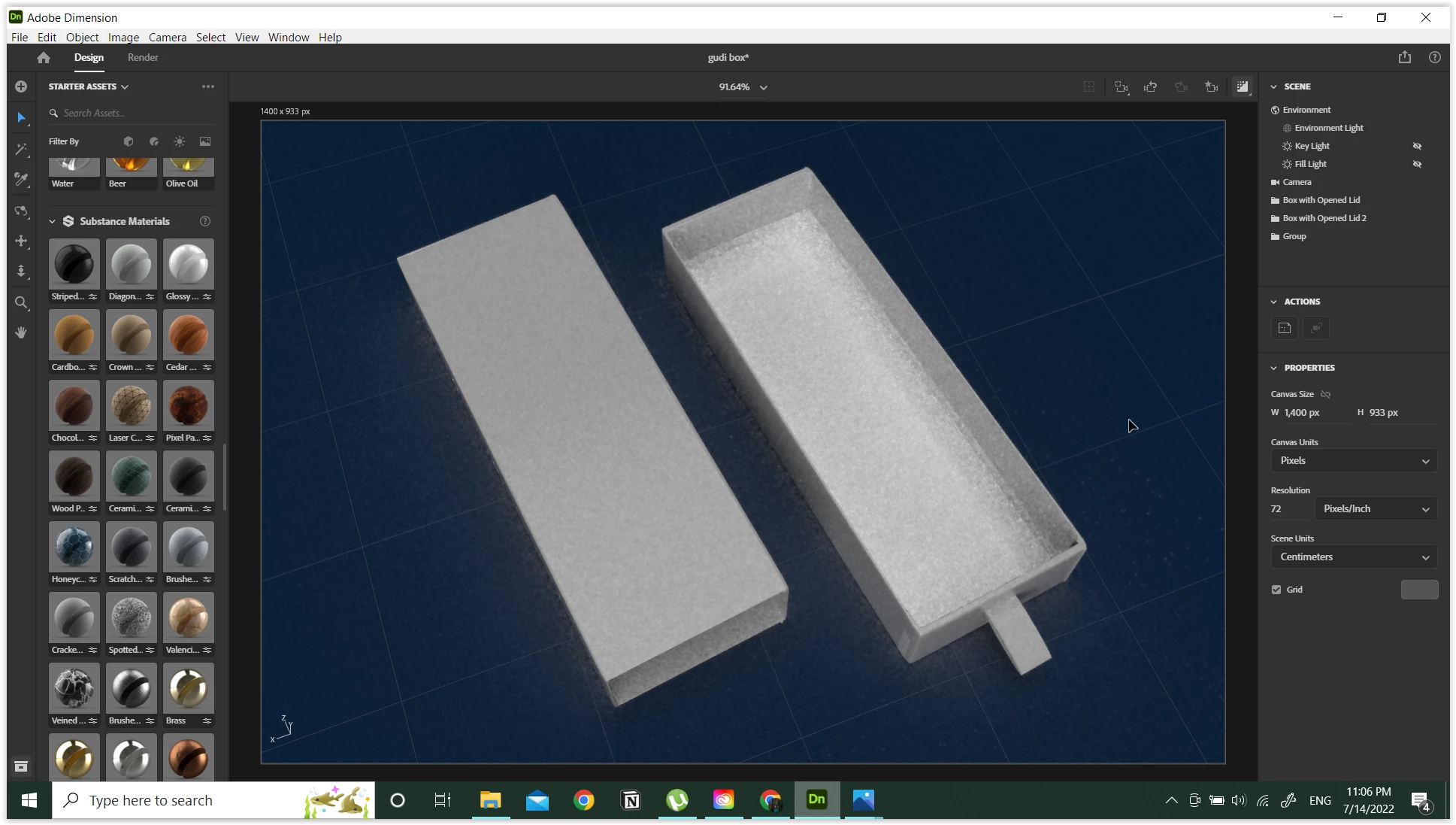
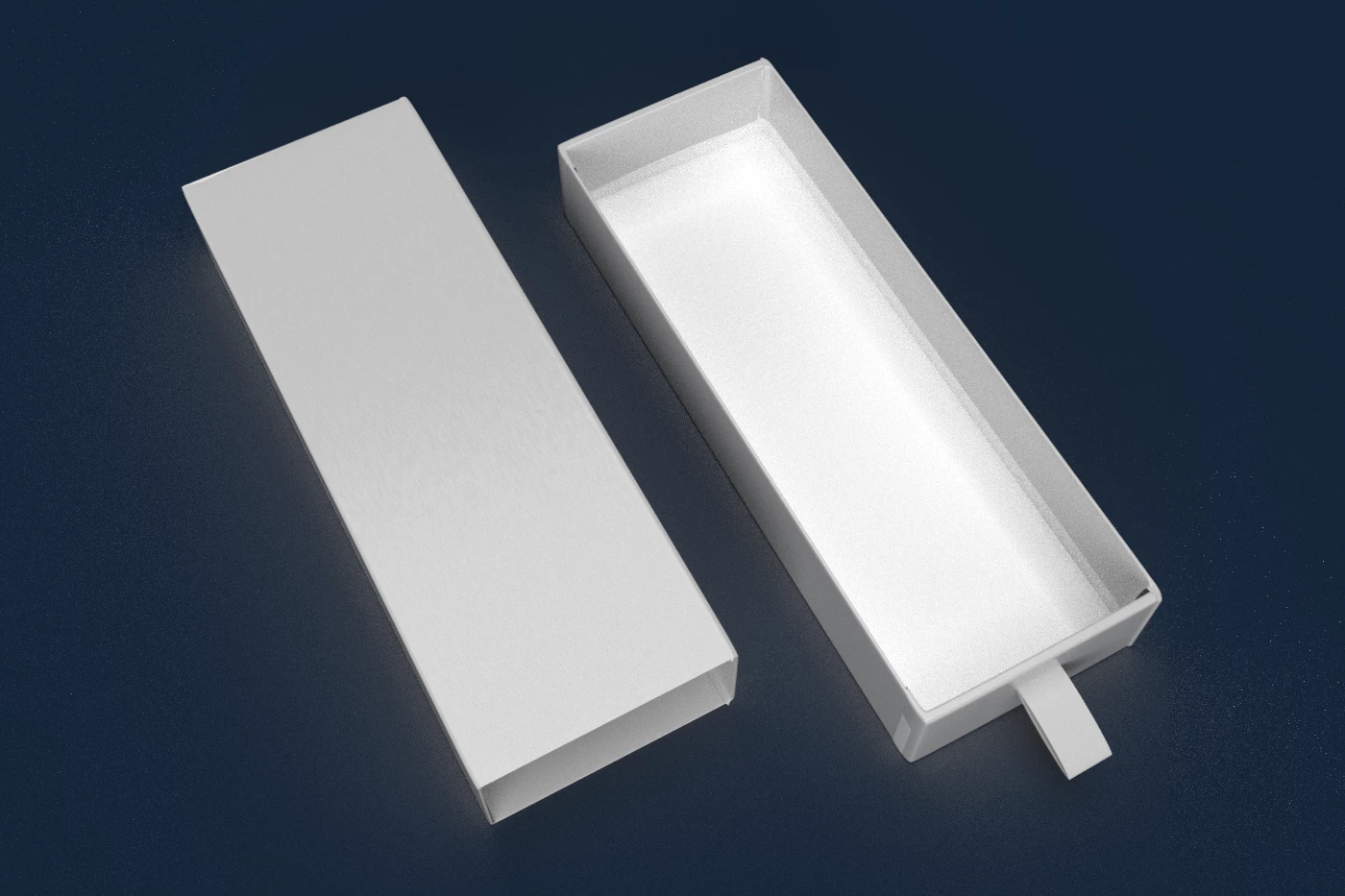
Object drops grey shadow when using colored background

  • July 14, 2022
  • 2 replies
  • 213 views

The objects I placed on colored background always drop soft grey shadow instead of black shadow. It happens on preview mode and when I render. Anyway, it looks normal in white bg.


Thank you in advance


This topic has been closed for replies.

2 replies

Landshark67
Participating Frequently
July 18, 2022

I have always had this same issue. So much so that I have to turn off the ground plane and add shadows in after the render in photoshop.

Ussnorway7605025
Legend
July 14, 2022

thats not a bug its normal

the 'fix' is to rendor as Psd with a white background then open the file is Photoshop, select the white background layer and change it to the new colour

lazekoAuthor
Participant
July 15, 2022

I've already changed it to another color in photoshop but it still has grey effect. To fix it is to die cut the shadow area out and change its layer to multiply. It's a long process though. Is there any other way to make it faster?