


Participant
December 30, 2019
Answered

Opening Adobe Dimension shows nothing but blank grey screen and refuses to close

  • December 30, 2019
  • 4 replies
  • 9274 views

When I open Dimension, I am greeted by nothing except a blank dark grey screen which does not respond to anything. I can move it around and expand it, but beyond that, all mouse clicks, keyboard have no effect.
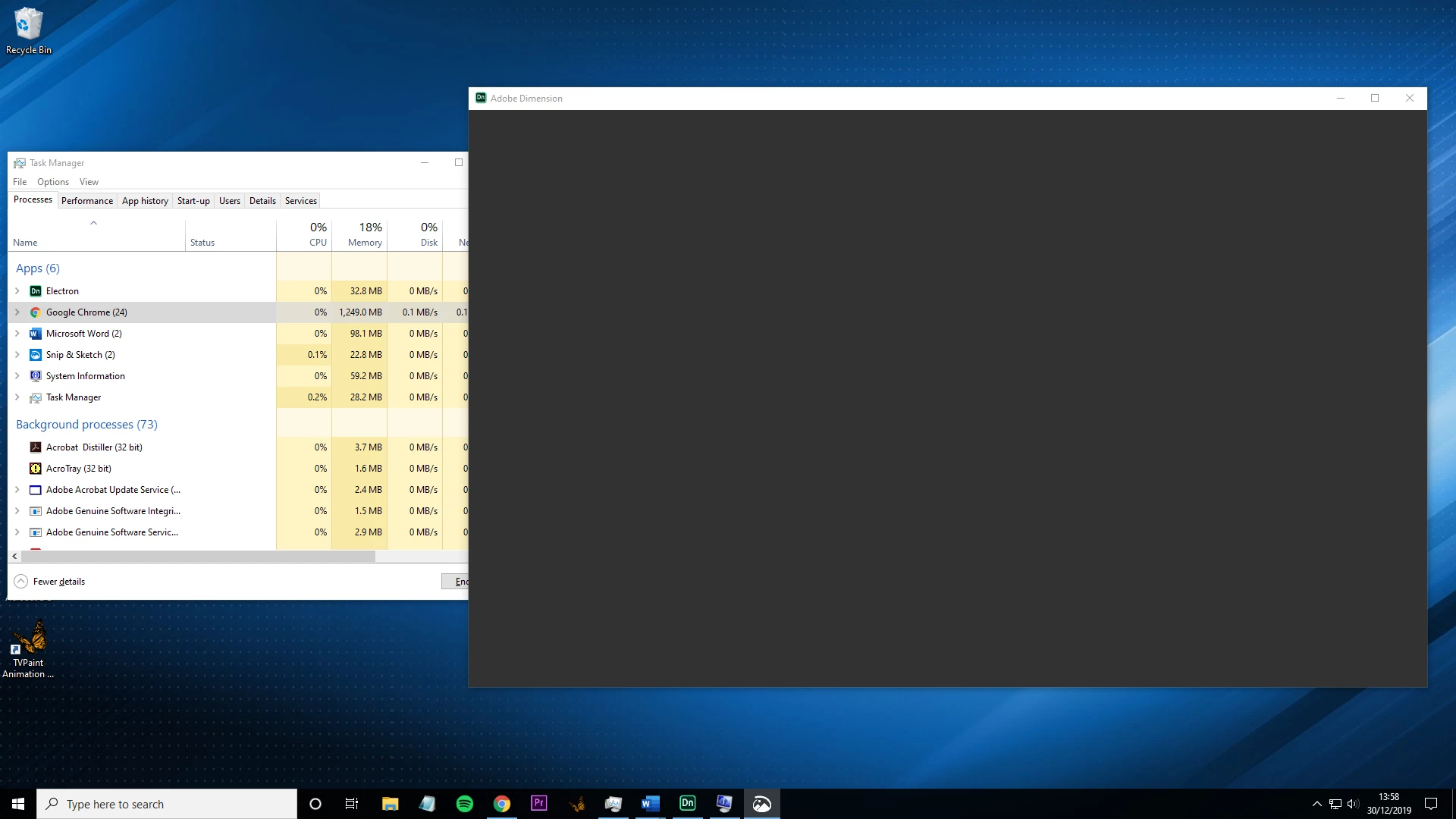
Also when I exit in the corner it refuses to close. I have to end the task in task manager.


Brand spankin' new Windows 10 computer. I will screenshot the specs.
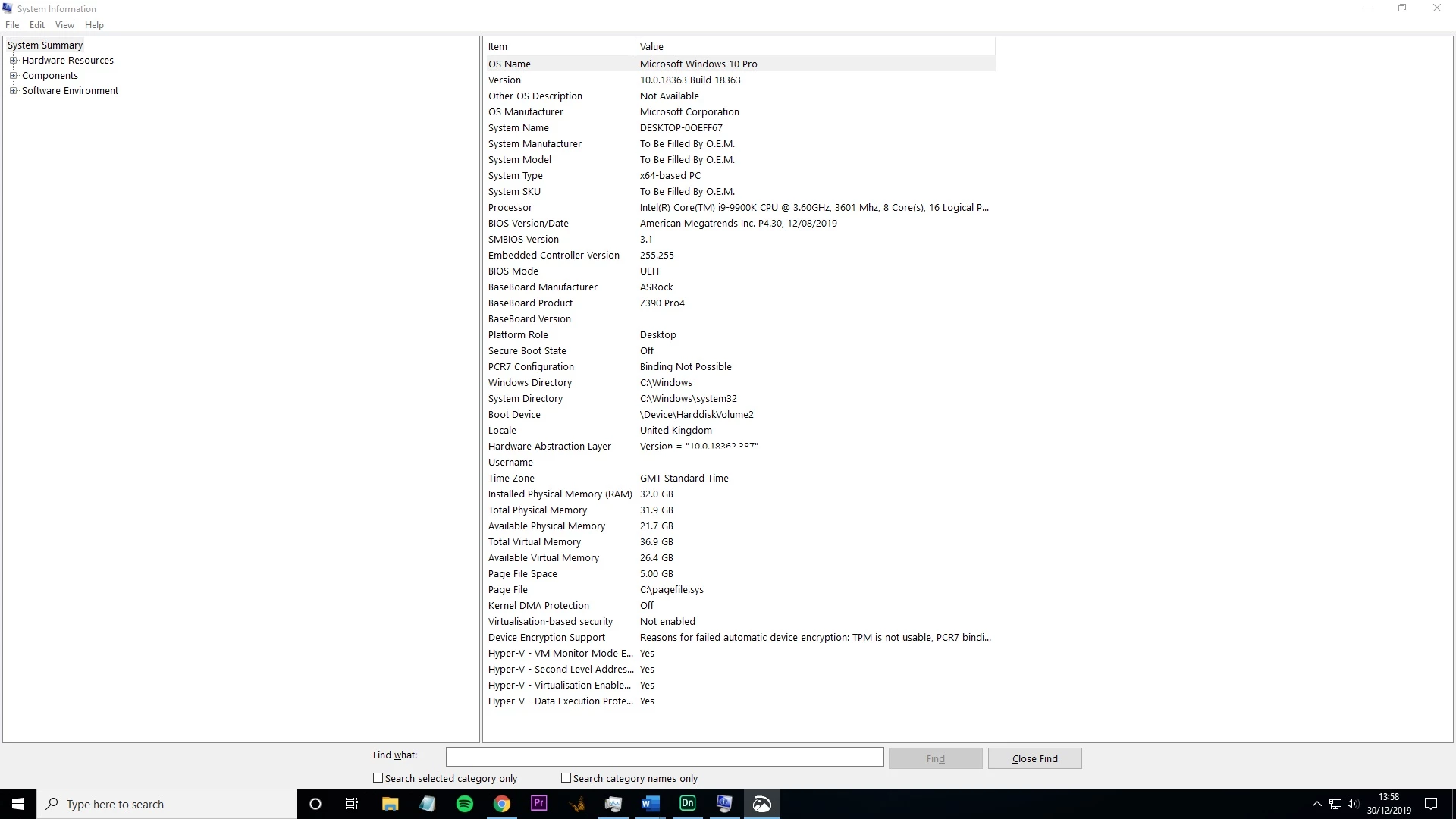
  • The latest version of Adobe Dimension (3.1)
  • I tried installing the two older versions instead - had the same results.
  • I tried restarting - no luck.
  • I currently only have one monitor display.
  • All of the other apps in the Adobe cc range appear to work just fine.


I would really appreciate anyone who is able to help me with this. If it is an idea for a solution or an idea of what the problem is. Also feel free to ask for more info.

Thank you

Correct answer howardw43850445

Thank you all so much for your support. It was indeed a case of needing to update the driver.

Opened device manager, went to display adaptors, right clicked and clicked update driver.


Problem solved now

4 replies

IDNHAB
Known Participant
June 23, 2020

So I wanted my discreete GPU to handle Dimension and it only showed a grey surface no matter what I did - changed it to the integrated GPU (Vega 😎 on the AMD chip and voila - it works - AMD or or not don´t know why and don´t care just so long as it works.

Blubben och Blubbianerna!
Ussnorway7605025
Legend
April 19, 2025

because your Amd driver is flagged by Adobe as not being the current {nvidia} but the crap one is known so allowed... of course this means the Cpu will try and do any redor so don't expect much

Ussnorway7605025
Legend
January 5, 2020

thanks for letting us know how you got on mate

Ussnorway7605025
Legend
December 31, 2019

the task manu says Dimension failed to boot... electron is the shell so it looks like the system refused to allow Dimension and that tends to be a antivirus software giving fake feedback [like Norton does] or the network is unable to link up to Adobe servers


I would start by running the Adobe cc app first, that should flag network issues like files needing to sync etc before trying Dimension


as Collin points out, Windows allows you to adjust how the exe runs... just right click the Dimension exe to temp try different Gpu options or Admin to confirm those are not the problem

  • under more info can you please run a dxdiag and save | post the results... that will flag any Gpu issues such as wrong drivers or locked ram


also Dimension needs access to the Cpu and some people set their new Windows systems to block that so check your security options

howardw43850445AuthorCorrect answer
Participant
January 4, 2020

Thank you all so much for your support. It was indeed a case of needing to update the driver.

Opened device manager, went to display adaptors, right clicked and clicked update driver.


Problem solved now

Colin Holgate
Inspiring
December 30, 2019

In Windows GPU settings you can add applications to a list and then set which GPU the app will use. It could be worth setting your better GPU to handle Dimension.