


Participating Frequently
April 23, 2019
Question

Place graphic in an exact position with exact sizes

  • April 23, 2019
  • 1 reply
  • 405 views

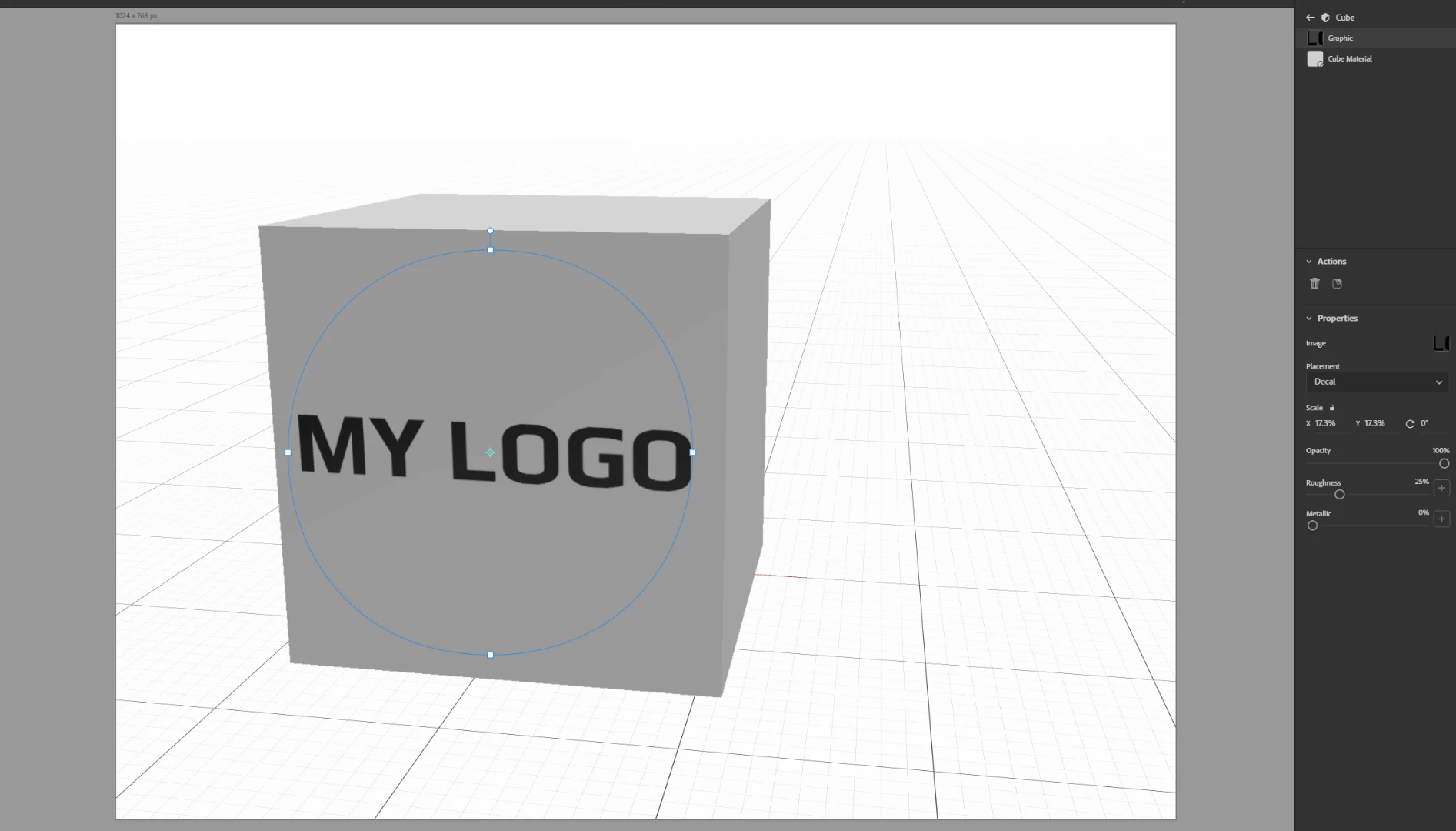
Hi! Just can't find how to place my graphic on model in an exact position. So, if I want to place a logo on this cube and the logo must be exactly 33 cm in width and 5 cm in height and be placed in the centre of the cube while the cube is 60 cm for each side.
This topic has been closed for replies.

1 reply

Ussnorway7605025
Legend
April 24, 2019

максимм4949461  wrote

Hi! Just can't find how to place my graphic on model in an exact position. So, if I want to place a logo on this cube and the logo must be exactly 33 cm in width and 5 cm in height and be placed in the centre of the cube while the cube is 60 cm for each side.

if the overall decal map size is 2048 X 2048 ie, the default size then you want the cube size to be 34.13 [or any amount that / 60 so 68.26 is going to rendor best]... the text needs to be scaled to that size but it wont fix exact because a font jumps in set increments & you will get distortion by forcing odd scales + it depends on the font used as well