


August 14, 2026
Answered

Premium Model won't open in Dimension

  • August 14, 2026
  • 2 replies
  • 48 views

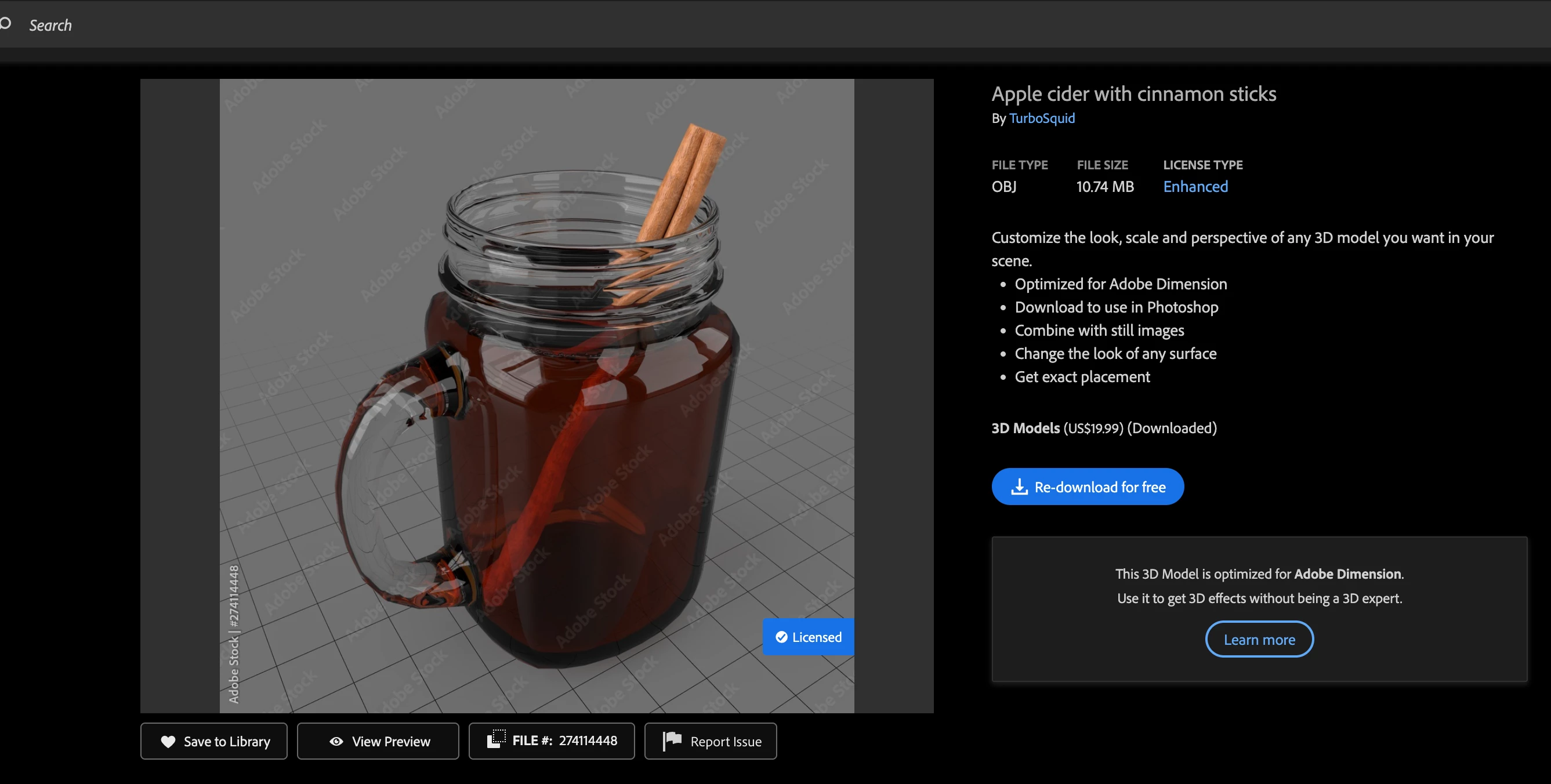
I purchased this Premium Adobe Stock 3D model that says “This 3D Model is optimized for Adobe Dimension.”

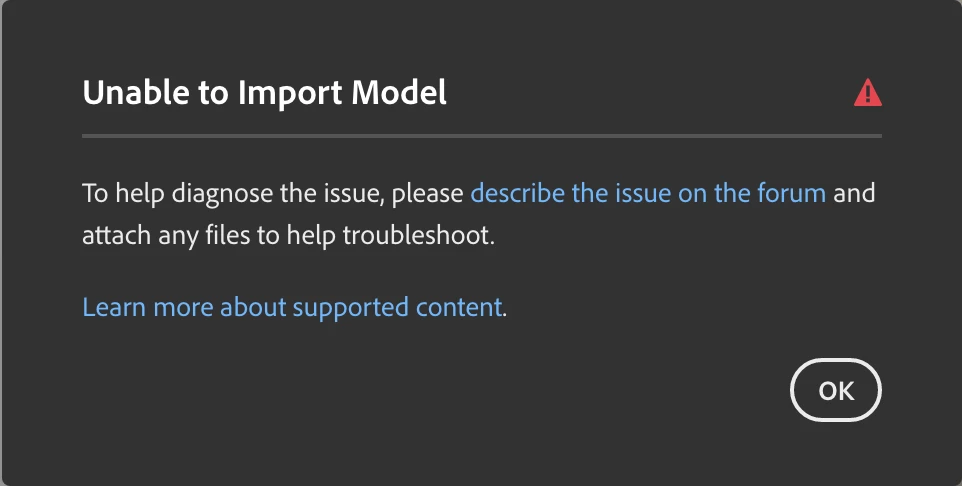
When I try to drop the model / OBJ file into Dimension, it says “Unable to Import Model”. Dimension is updated and other 3D models are opening fine.
 

    Correct answer rayek.elfin

    Usually these OBJ file import issues are resolved by:

    1. open the OBJ file in Blender
    2. re-save the file as OBJ from Blender
    3. open the re-saved OBJ file in Dimension.

    If this still fails, try one of the alternative file formats that Dimension supports: FBX, USD, STL, etc.


    2 replies

    rayek.elfin
    rayek.elfinCorrect answer
    Legend
    September 11, 2026

    Usually these OBJ file import issues are resolved by:

    1. open the OBJ file in Blender
    2. re-save the file as OBJ from Blender
    3. open the re-saved OBJ file in Dimension.

    If this still fails, try one of the alternative file formats that Dimension supports: FBX, USD, STL, etc.


    Ares Hovhannesyan
    Community Expert
    Community Expert
    September 1, 2026

    Get the same error with this model. May be mesh structure complexity is the reason.
