


Participant
June 4, 2020
Question

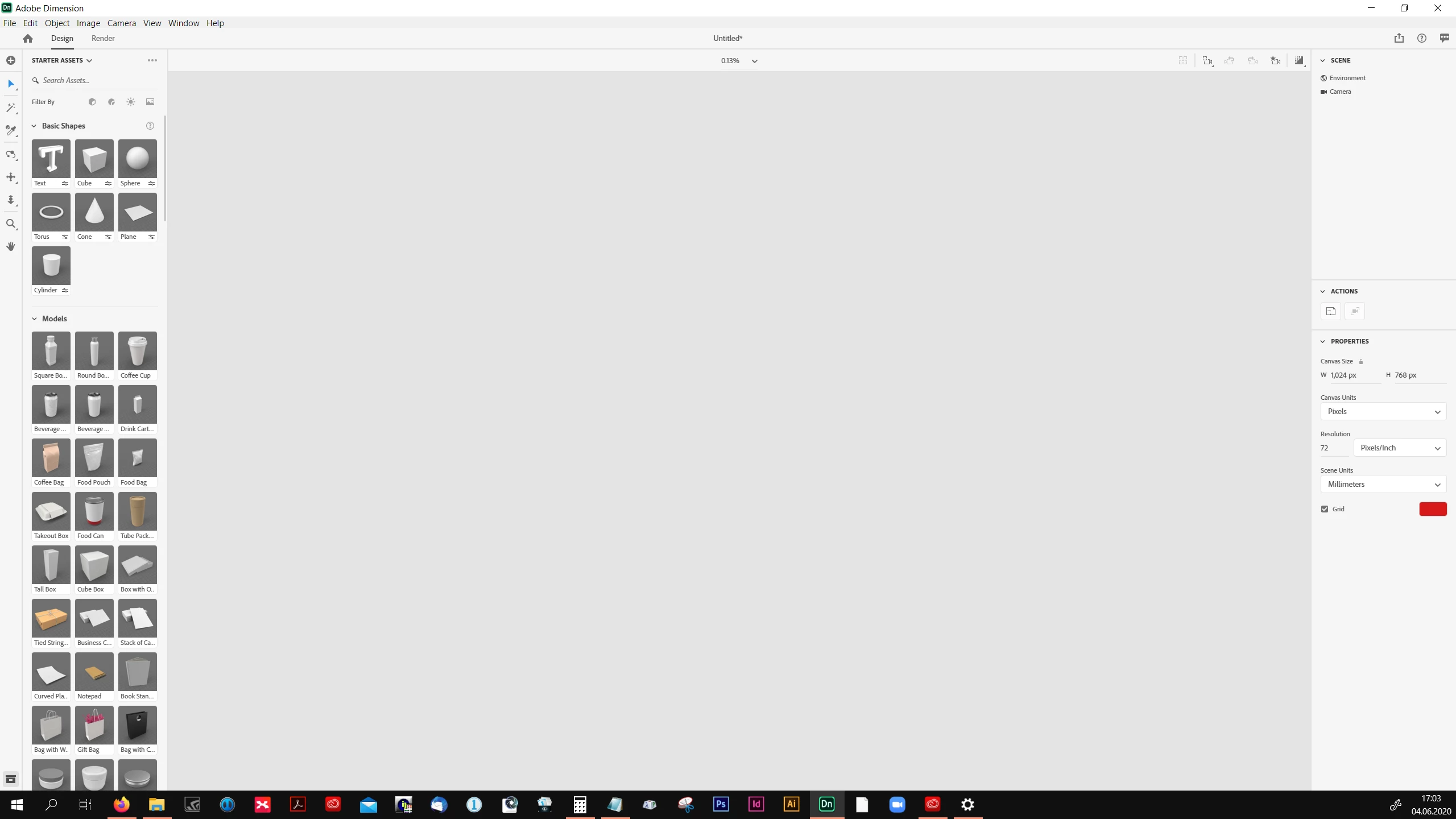
Problem with view

  • June 4, 2020
  • 1 reply
  • 371 views

Hi there! I just wanna start to work with Dn and already have a problem with the view. I don't see anything -grid or wathever i'm puting to the main window. I can't do anything 😞 Can anybody help me?

By the way - i have good computer with nice graphics, working on photoshop, illustrator, indesign and capture one sometimes at the same time so technique problem - shouldn't be.
 

This topic has been closed for replies.

1 reply

Ares Hovhannesyan
Community Expert
Community Expert
June 4, 2020

Try this

(Windows) Set a primary video card if running dual video cards

Note:

You must have a NVIDIA video card with the latest drivers installed on your Windows machine.


To set NVIDIA card as the primary video card for Dimension:

  1. Right-click the Dimension application icon.
  2. In the context menu, click Change Default Graphics Processor.
  3. Set the NVIDIA card as the default GPU for Dimension.exe.


https://helpx.adobe.com/dimension/kb/performance.html#:~:text=Right-click%20the%20Dimension%20application,default%20GPU%20for%20Dimension.exe.