Participant
Jun 6, 2023 11:49 AM UTC
Question

Unable to open file in Adobe Dimension (Mac M1 Pro) fully capable for Dimension

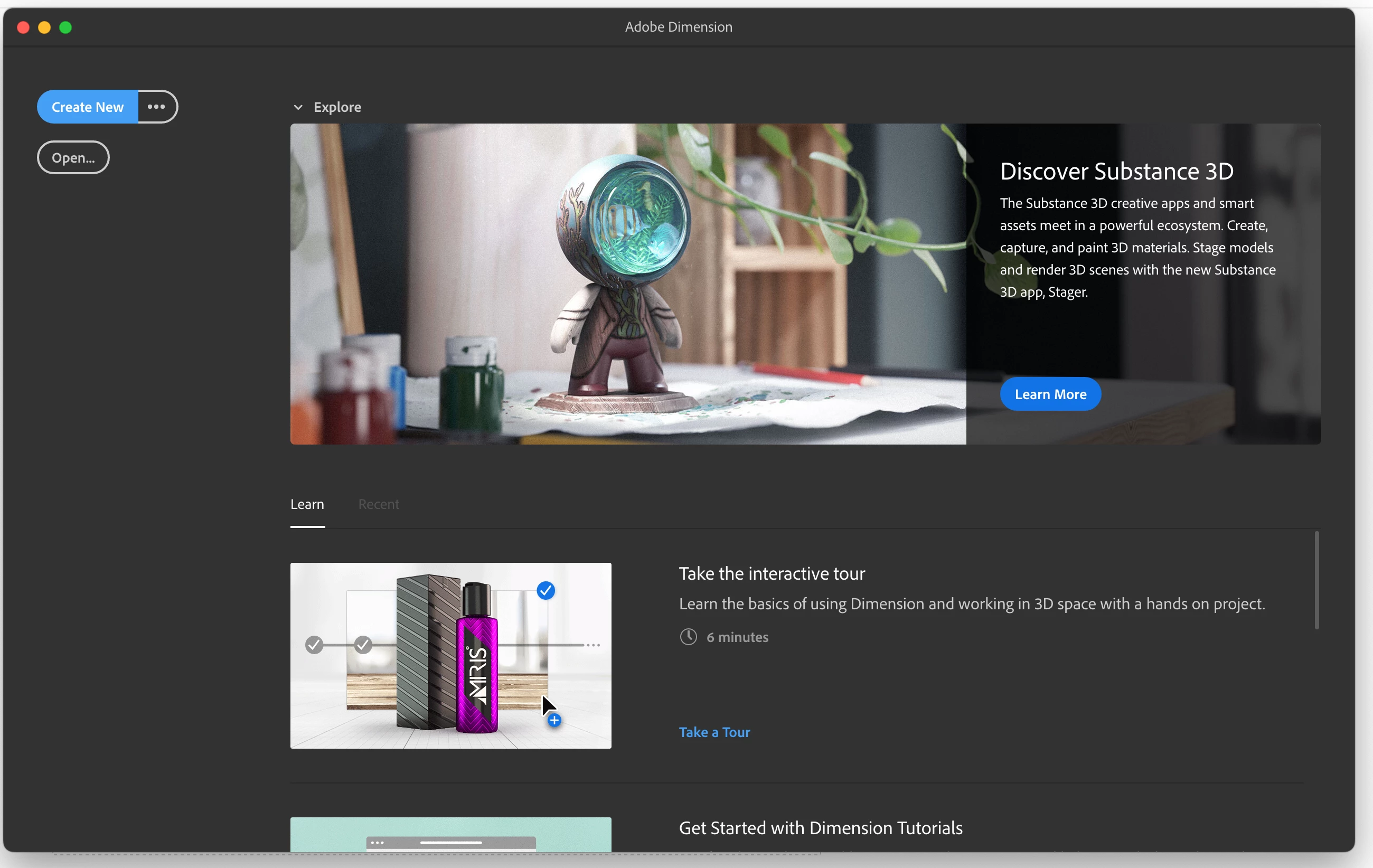
when I open the Adobe Dimension program (MacBook Pro, an initial dialog box opens, and when I want to open a file or create a new one, the panel gets stuck, the wheel spins, and the program does not work.

It works before and on the some moment it stopped working 😞 
Please advise? Thank you very much.
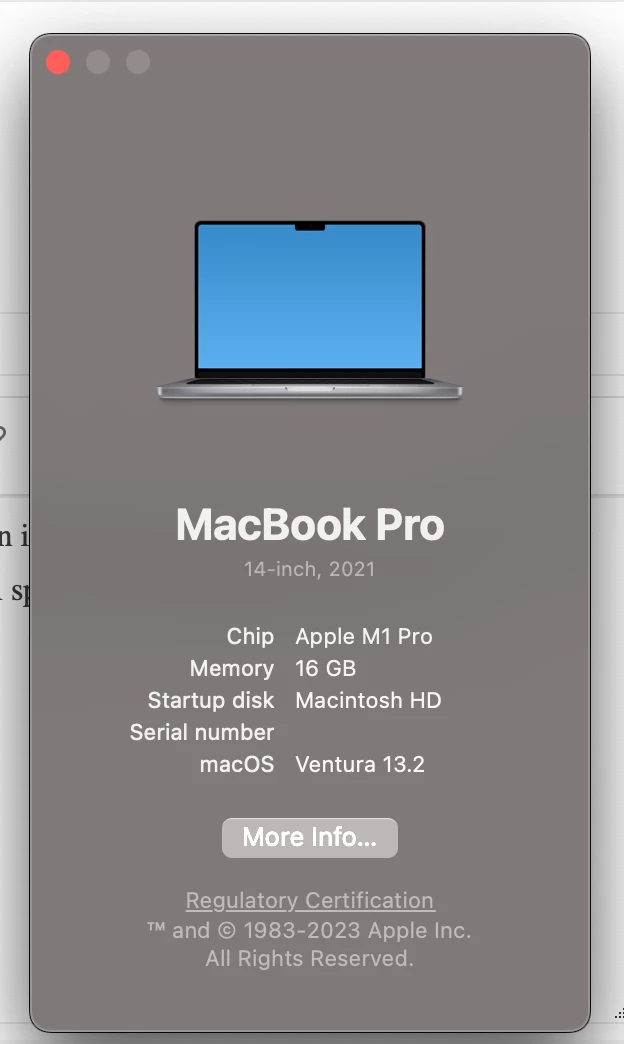
Just stuck 😞

Help please with this

This topic is closed to new replies. Start a new post to keep the conversation going.

10 replies

Participant
Jun 23, 2023 8:52 PM UTC

Same here, waiting for any answer...

Translate
Participant
Jun 23, 2023 8:55 PM UTC

no answer 😞 it's not working

Translate
Participant
Jun 17, 2023 4:41 PM UTC

I have same problem on Macbook Air M1. I downloaded old version but the problem didn't solve.

Translate
Participant
Jun 17, 2023 4:52 PM UTC

yes, older version not works for me either

Translate
Kn3o Milano
Participant
Jun 9, 2023 11:21 AM UTC

Same here with Mac Mini M2 8GB RAM - Ventura 13.4 OS

Translate
Participant
Jun 9, 2023 11:51 AM UTC

Do you have workout for this bug?

Translate
Kn3o Milano
Participant
Jun 9, 2023 1:08 PM UTC

i tried to download older versions but the problem is the same. It doesn't start and it doesn't even open existing files.

Translate
Jun 7, 2023 1:12 PM UTC

same thing here, I will be installing an old version through Creative Cloud. I hope it works

Translate
Participant
Jun 7, 2023 1:17 PM UTC

which old version you want to install. thanks

Translate