



Preran
Legend
June 21, 2016
Question

Welcome all! Dreamweaver beta is now live!
  • June 21, 2016
  • 20 replies
  • 25954 views

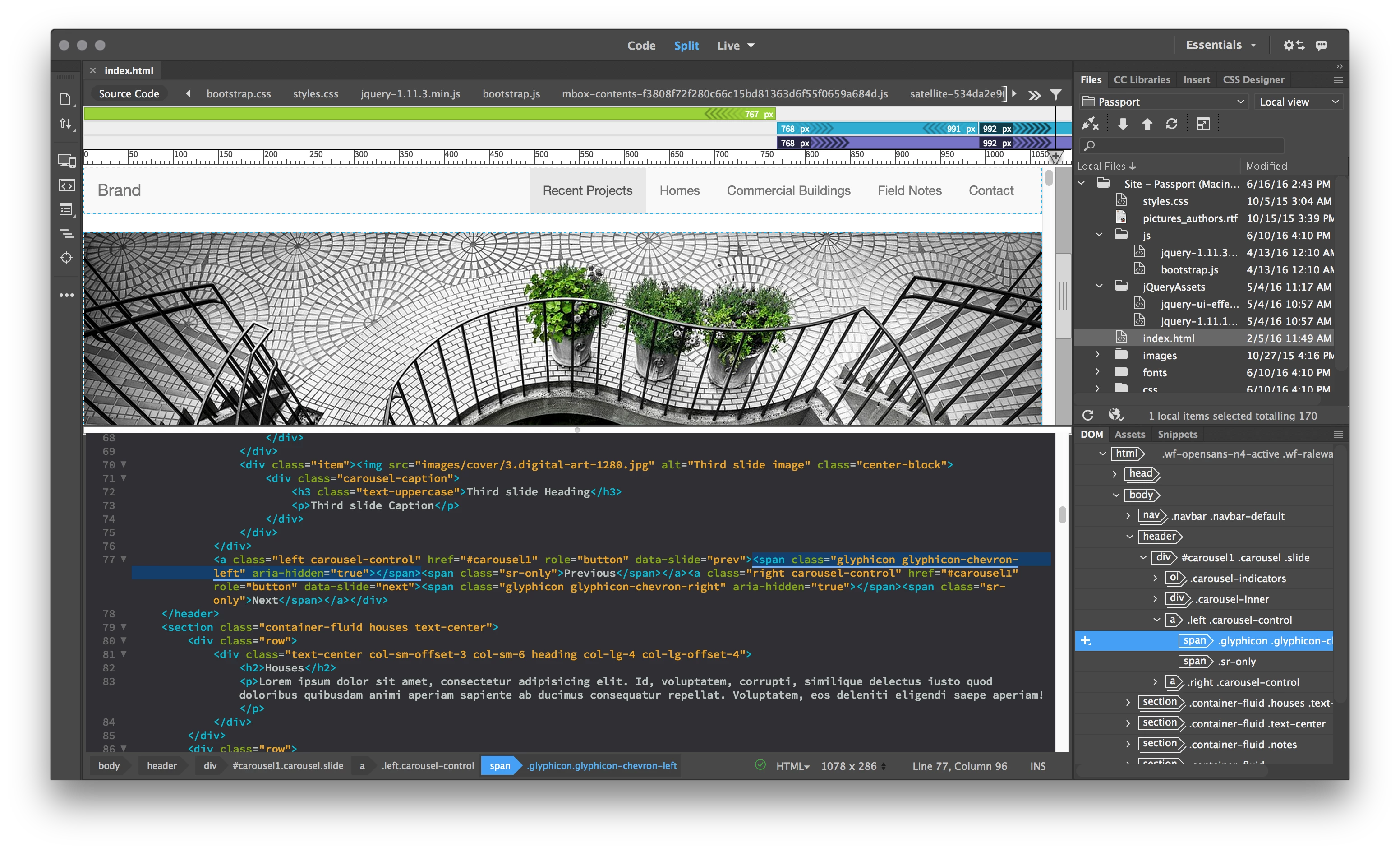
The Dreamweaver Beta is an early look at future developments for Dreamweaver. Dreamweaver is undergoing significant transformations to be faster, leaner, and completely modernized. The Beta is available for Dreamweaver users to give us feedback, in an effort to help us make it better.

Downloads, Bugs, discussions, and feature requests for Dreamweaver Beta

Please use the links in the Beta site (adobe.ly/dw_beta) to download the application. The beta build is not available through the Creative Cloud desktop application.

Dreamweaver beta forum: Use the links within the Dreamweaver Beta site to discuss issues and features related to the beta release.

Bug and feature requests: Use  https://dreamweaver.uservoice.com/

What’s new document: https://helpx.adobe.com/pdf/beta/releasenotes.pdf

Thanks,

Preran

    This topic has been closed for replies.

    20 replies

    magical_Skyline0D4A
    Inspiring
    May 27, 2017

    Hi everyone,

    I'm testing DW Beta and a couple of day ago I got the message for the new update, then I go to the prerelease site and click on download button for Windows 64 bit ... but the downloaded version is 17.9

    there's something wrong in link attached!

    Thanks a lot

    Nancy OShea
    Community Expert
    Community Expert
    May 27, 2017

    @Giordano,

    Can you access the Pre-Release forum? 

    That's where you should report the problem so the DW team can fix it.

    Nancy

    Nancy O'Shea— Product User & Community Expert
    polandh95572754
    Participating Frequently
    November 16, 2016

    How can I roll back to previous version? I had no idea I was installing a "work in progress."

    BenPleysier
    Community Expert
    Community Expert
    November 16, 2016
    Wappler is the DMXzone-made Dreamweaver replacement and includes the best of their powerful extensions, as well as much more!
    Participating Frequently
    October 30, 2016

    Anyone know how to change the syntax colors in latest beta? Can't seem to find the option and default colors are atrocious to me.

    MMeadPond
    Known Participant
    October 21, 2016

    Hi, I'm an Adobe Creative Cloud member. If I download and install the Beta version of Dreamweaver, will it overwrite my existing Dreamweaver CC 2015 version? It may seem like a dumb question, but I thought I'd ask first before trying to potentially dig myself out of a hole.

    Thank you, M. Mead

    Nancy OShea
    Community Expert
    Community Expert
    October 21, 2016

    No, it won't interfere with your other DW.  It installs to a folder on your Desktop.  That said, I don't like to use Beta software on production sites unless I have redundant backup files I can revert to just in case something goes wrong.  

    Nancy O.

    Nancy O'Shea— Product User & Community Expert
    MMeadPond
    Known Participant
    October 21, 2016

    Nancy O.,

    Thank you! I really appreciate the information.

    M. Mead

    Known Participant
    October 8, 2016

    Is there any way to preview different pages in different browser tabs, as usual?

    I'm using DR beta 4 and in the past (or full version), we can make a page change and preview that version of the page and then compare the changes in each tab.

    Now it seems that previewing propagates the new page in all of the open tabs. So, we can't compare the design differences per tab.

    Thanks if this is a simple setting, or not.

    BenPleysier
    Community Expert
    Community Expert
    October 8, 2016

    Short answer: No.

    Long answer: you will need to type the address into the browser, similar to localhost/yoursite

    Wappler is the DMXzone-made Dreamweaver replacement and includes the best of their powerful extensions, as well as much more!
    Known Participant
    October 8, 2016

    OK. Thanks for your reply.

    I hope they address this. It seems an obvious oversight, to me anyway.

    alecw4084600
    Participant
    September 23, 2016

    nice

    EEEEEEEEEE
    Participant
    August 5, 2016

    Is there a way to unlock the Code View Options? These settings are grayed out, and I would like to change them.

    David_Powers
    Inspiring
    August 5, 2016

    Not everything has been enabled in the Beta. It's still a work in progress. As far as I know, Code View Options are currently disabled.

    The best place to discuss the beta is in the dedicated forum: https://forums.adobeprerelease.com/dwalpha/discussions. It's monitored by the engineering team, who are keen to get feedback on features that are important to you. It's a much better place to get definitive answers about the beta and what's planned for the future.

    EEEEEEEEEE
    Participant
    August 5, 2016

    Thank you, sir.

    Participant
    August 4, 2016

    There is no option to change the live code background. How can you change the live code background color in Beta?

    BenPleysier
    Community Expert
    Community Expert
    August 4, 2016

    If you give the body a background colour, you will see the difference as per

    Wappler is the DMXzone-made Dreamweaver replacement and includes the best of their powerful extensions, as well as much more!
    David_Powers
    Inspiring
    August 5, 2016

    BenPleysier wrote:

    If you give the body a background colour, you will see the difference

    I think you have misunderstood the question, Ben. Your solution provides a background colour to the page in Live View. I think that juleskab​ is referring to Live Code, which is now accessed from the View menu in the Dreamweaver Beta.

    There is currently no way to change the background to indicate the difference between the raw code in the file and Live Code as generated by the browser. The options to change the colours in Code View are severely limited in Dreamweaver Beta at the moment because the Preferences panel hasn't yet been updated.

    juleskab​, go to the Dreamweaver Beta forum, and post your question there. The Adobe team will be able to tell you if changing the background colour of Live Code is planned for a future build. You might be asked to file a bug report to get it on the radar for the engineers.

    Ussnorway7605025
    Legend
    July 15, 2016

    it doesn't have to be an extension per-say... Its not rocket science to remember a user id… we already sign in to our Adobe account when ever we use any of the products and automatically get linked to BC when pressing the publish button from Muse but Adobe can’t find a coder able to link-up a BC sync button for Dreamweaver so that people don't need the silly 'web address' / 'email' /'dw' system… that’s too hard?

    Preran
    PreranAuthor
    Legend
    July 15, 2016

    I am not an Engineer, and there were probably other dependencies that weren't conducive to the workflow. I will check with the team when I meet them next. Having said that, I haven't received too many requests on forums or on social media requesting for the extension.

    Ussnorway7605025
    Legend
    July 15, 2016

    Thanks Preran, perhaps the old timers are just happy to put up with it… in any event Adobe can decide for themselves and I’m just putting it forward as my recommendation.

    Ussnorway7605025
    Legend
    July 15, 2016

    Is there any word on if Adobe will bring back the Business catalyst extension?

    the loss really hurts Dreamweaver as a tool people are willing to learn ime.

    pziecina
    Legend
    July 15, 2016

    Hi

    The BC extension was developed and maintained by the BC team, so it would be better to ask this question in the BC forum, as it is them that dropped development and not the Dw team.