

Inspiring
August 16, 2026
Answered

add datas to master page title

  • August 16, 2026
  • 15 replies
  • 90 views

Hello,

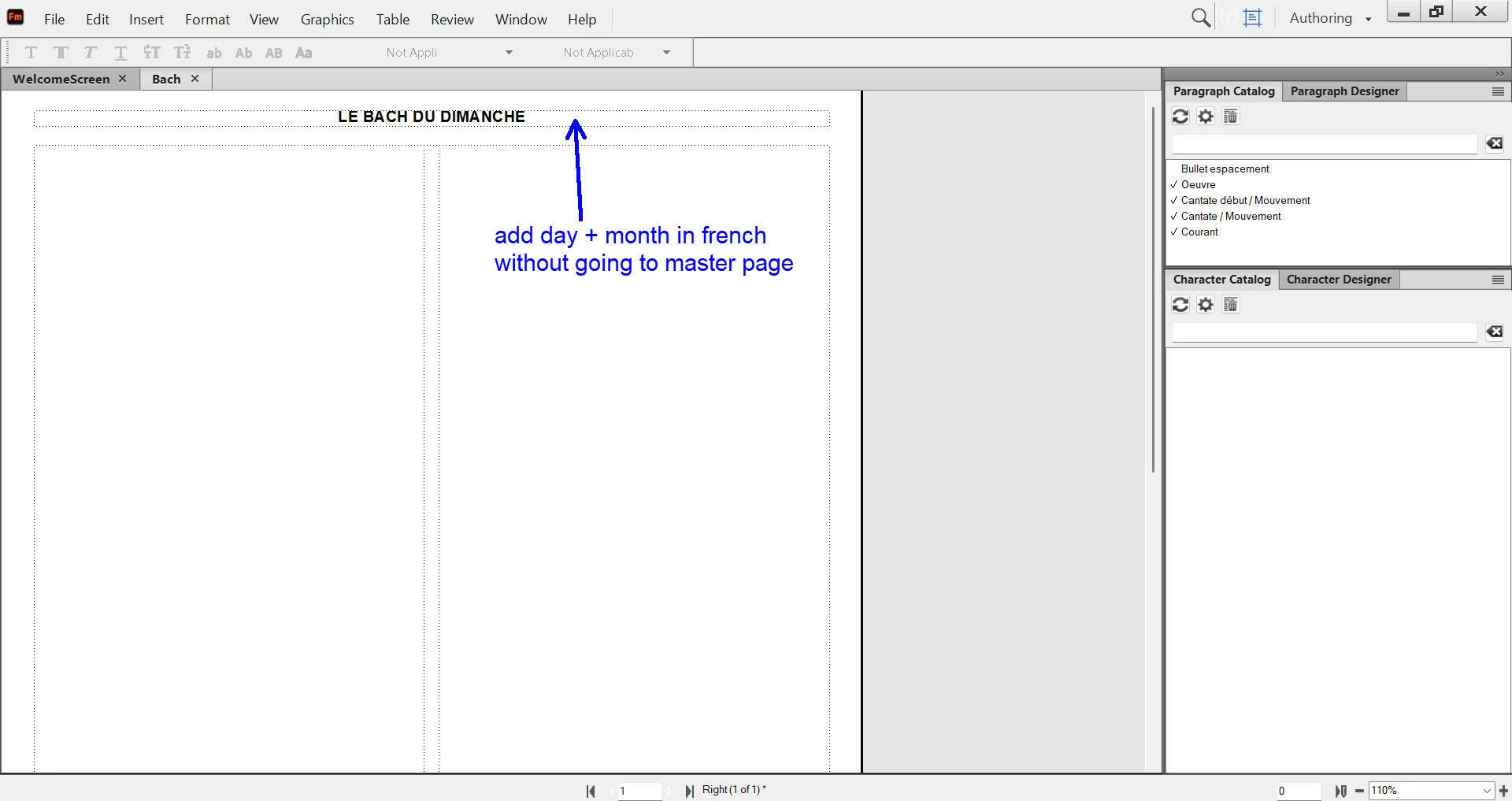
I am in the master page of my FM document and would like to add a date (day+month in french) to the master page title, but without going to master page. What is the best way to do it ?



    Correct answer Dave Creamer of IDEAS

    I would use a user variable.  You would have to add it to the master page at first, but then you could update it anytime you want without going to the master page. 

    15 replies

    Matt-Tech Comm Tools
    Community Expert
    Community Expert
    August 17, 2026

    Thanks for asking!

    I do plan on updating FrameMaker - Working with Content but have been working on the structured books first.

    I’ve updated the EDD Development book, and have an advanced book on Reading/Writing Structure with FrameMaker ready to go. The prerelease is available for purchase (techcommtools.com) and will release the final version after I finish recording the online courseware.

    I’m also part-way through the Structured Authoring workbook.

    Oh, and I’m delivering a free Adobe webinar on structured templates tomorrow at 9 Pacific!
    https://from-structure-to-style-custom-docbook-dita-templates.meetus.adobeevents.com/?utm_source=matt&utm_campaign=email

    I’ll be talking about DITA and xDocBook customizations.


    -Matt Sullivan, FrameMaker Course Creator, Author, Trainer, Consultant
    Dave Creamer of IDEAS
    Community Expert
    Community Expert
    August 17, 2026

    Waiting for your DITA book!

    David Creamer: Community Expert (ACI and ACE 1995-2023)
    Matt-Tech Comm Tools
    Community Expert
    Community Expert
    August 18, 2026

     I think anything of that magnitude would need underwriting by Adobe; as I’m sure you’ve noticed, course and book sales are, shall we say, not a growth industry!

    -Matt Sullivan, FrameMaker Course Creator, Author, Trainer, Consultant
    Bob_Niland
    Community Expert
    Community Expert
    August 17, 2026

    a date” or “the date”?
    If you want the date to automatically be the document Create date, Modification date or Current date, you need to use a system Variable for that, and may need to edit its building blocks to regional or entity conventions.

    I routinely insert the Modification date in Master Page footers, in ISO 8601 format
    2026-08-17T12:59
    using either Color Views or Conditional Text to hide it as needed.

    Inspiring
    August 17, 2026

    @Bob_Niland 

    Hi Bob,

    you said : “using either Color Views or Conditional Text to hide it as needed”.

    How do you precisely use the conditional text in that case ?

    Dave Creamer of IDEAS
    Community Expert
    Community Expert
    August 17, 2026

    One would create a condition that one could hide when it isn’t needed. 
    For example: a condition called “NoPrint” could be applied to the modified date variable.

    Show it during the proofing cycle and hide it for the final, distributed version. 

    David Creamer: Community Expert (ACI and ACE 1995-2023)
    Dave Creamer of IDEAS
    Community Expert
    Dave Creamer of IDEASCommunity ExpertCorrect answer
    Community Expert
    August 16, 2026

    I would use a user variable.  You would have to add it to the master page at first, but then you could update it anytime you want without going to the master page. 

    David Creamer: Community Expert (ACI and ACE 1995-2023)
    Inspiring
    August 16, 2026

    @Dave Creamer of IDEAS 

    Hi Dave,

    I succeeded to use the “user variable”, and I have created a variable “Title Date”.

    What are all the other variables that I can see in the variable panel ? Is it possible to filter them in order to keep only the variable “Title Date” in the variable panel ?


    Dave Creamer of IDEAS
    Community Expert
    Community Expert
    August 16, 2026

    I just put a 1_ in front of all my variables so they stay at the top of the list. 

    David Creamer: Community Expert (ACI and ACE 1995-2023)
