Participating Frequently
September 14, 2021
Answered

Add images only to top of table (not every page with the table)

  • September 14, 2021
  • 3 replies
  • 859 views

Hello friends,

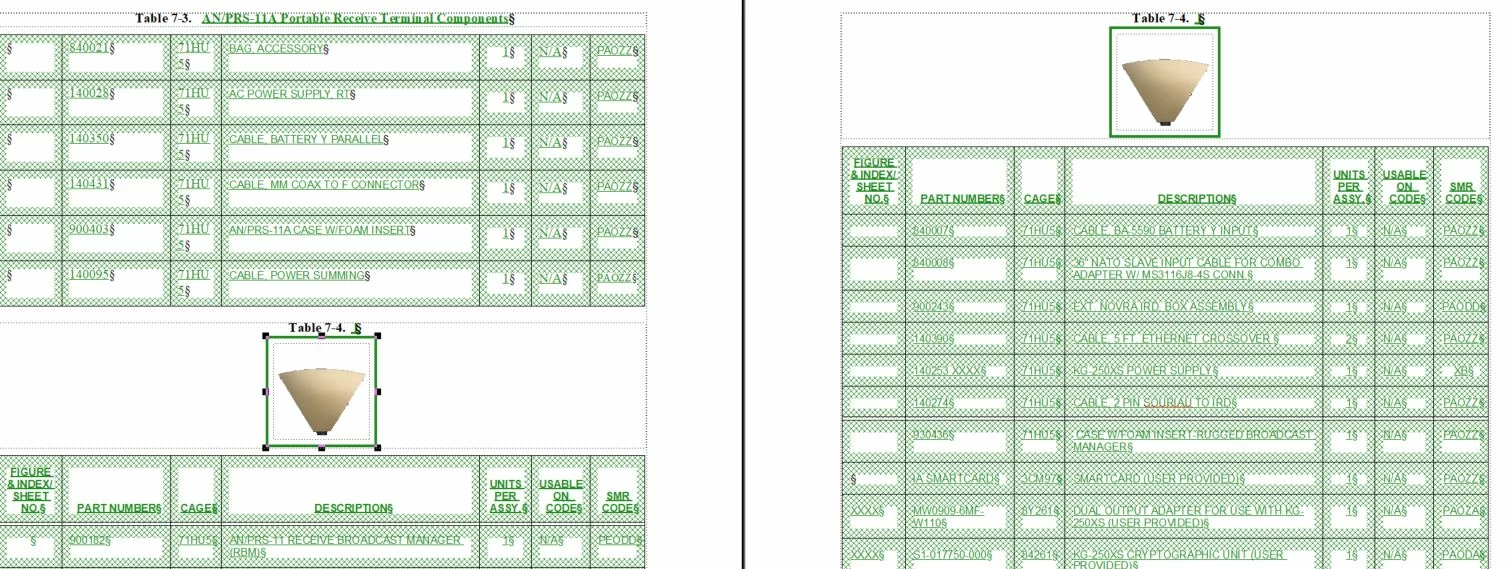
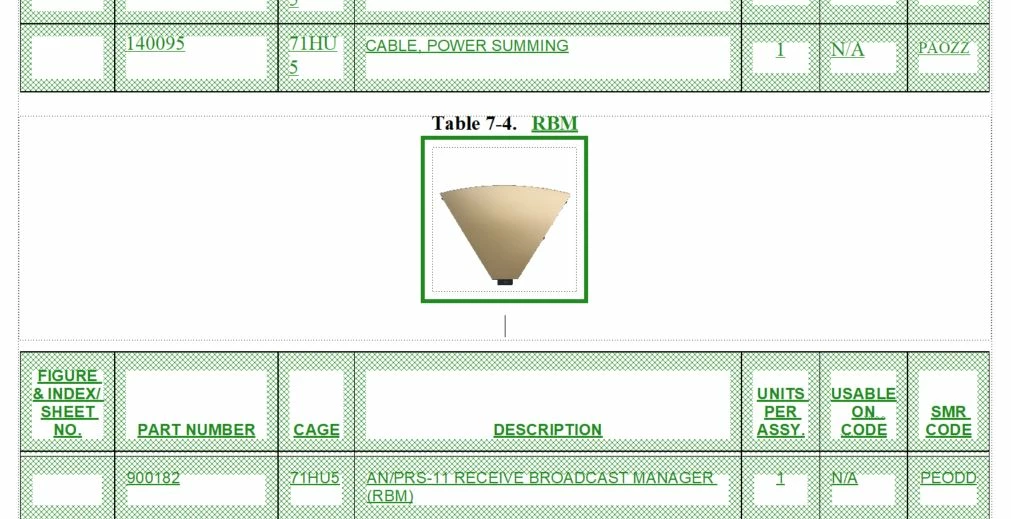
I'm not an expert with framemaker by any means but need expert help. I'm trying to add images in a document. I created two tables in an exisiting document. I then wanted to add several images above a single table. The problem is that the only area I can add the image is in the table title. The table title appears on several pages because the table continues on several pages. Thats fine but I dont want the images to appear below the title on several pages. I just want them to appear above the first title. Theres no space between the previous table and the new table to add images. I cant figure out how add a new area for the images. I appreaciate any and all help. 
    This topic has been closed for replies.
    Correct answer LinSims

    Thanks, this looked good and I was hopeful but I could not find an anchor showing up in the box. It appears that the box that is available is connected to the table. I can add images in the box and a new anchor point fo the image shows up but its still attached to the table. Thats probably confusing. I'll attach a few screen shots that maybe can help. You might be able to see how the image appears to only be able to be attached to the table title?

    Thanks again for your help.


    The anchor for the figure is a few space to the right of the words Table 7-4. Put the cursor next to the table number and press End, then press the spacebar a few times. That will reveal the anchor, which is sort of hidden in the silcrow at the moment. Double click on the anchor and you should see the figure selected. At that point you can cut and paste it elsewhere in the document that ISN'T in the table title.


    It also looks as if your table anchors are still in the same line. If you can locate the anchor, put the cursor on it, press space a few times, press the right-arrow cursor once, press space a few times, repeat as necessary until you see more than one anchor. You have to get them separated. At that point, you can insert a return or two to separate the tables and give you room to insert the picture in between them.


    3 replies

    Community Expert
    September 15, 2021

    When you cannot select the anchor, just select the anchored frame and cut it (copy into clipboard and delete from the page).

    Then put the insertion mark, where you want and paste.


    My impression is that you need this image before the table on each of the pages of this table.

    If this is the case, then add another header row (before the existing one), straddle all cells of this row and paste the image in this row. Of course you can remove the lines around this header row and remove any background colour.

    (Bob had already mentioned this.)


    I also use a special paragraph for the anchors of tables and figures (as Lin had said).

    And I use the -x pt above/below the table, as Bob had mentioned.

    I put all my images into tables with a single cell, and I use a dedicated table format. This way I can control the position and the spacing and the figure title more thoroughly.

    Bruce5EC9Author
    Participating Frequently
    September 15, 2021

    Thank you so much for the suppoting information. I'm learning a lot with the comunities help.

    Jeff_Coatsworth
    Community Expert
    Community Expert
    September 14, 2021
    Bruce5EC9Author
    Participating Frequently
    September 14, 2021

    Thanks for providing that information. It did not work. I was only able to use it to push a row from the table on one page to the next.

    Jeff_Coatsworth
    Community Expert
    Community Expert
    September 14, 2021

    That appears like you've inserted the image inside the table - hard to tell without the text symbols turned on.

    Bruce5EC9Author
    Participating Frequently
    September 14, 2021

    I'm sure your right. I just cant figure out how to create a new area that is between the two tables.

    Bruce5EC9Author
    Participating Frequently
    September 14, 2021

    sorry. Image got planted inside my reply. I dont know how to add a new paragraph thats betwwen the two tables.