



Answered
Adobe FrameMaker (Version 17): Replacing Missing Fonts
Hi!
I got a message from our translations vendor that my FrameMaker files have several missing fonts.
Based on my research, I should be able to deselect the Remember Missing Font Names check box under Preferences, and this warning will go away in future FrameMaker sessions:
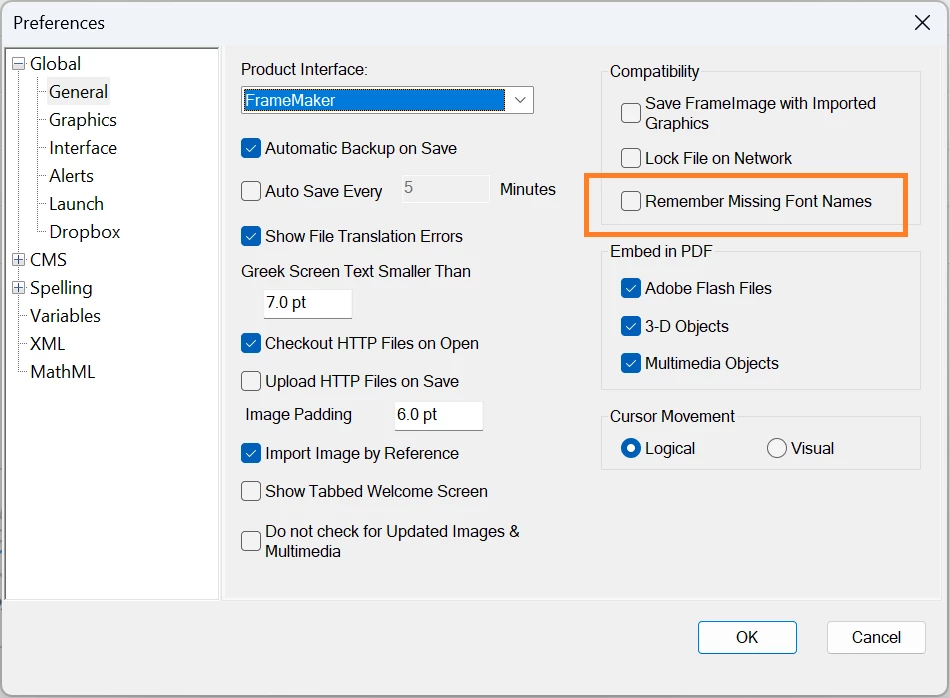
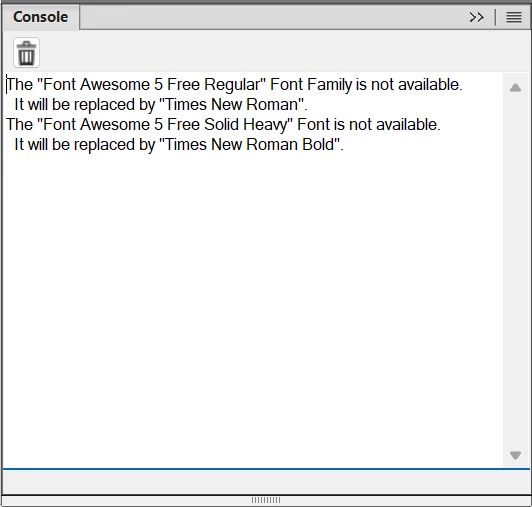
However, after I close FrameMaker and re-open the book, I’m still seeing messages about missing fonts under the Console panel:
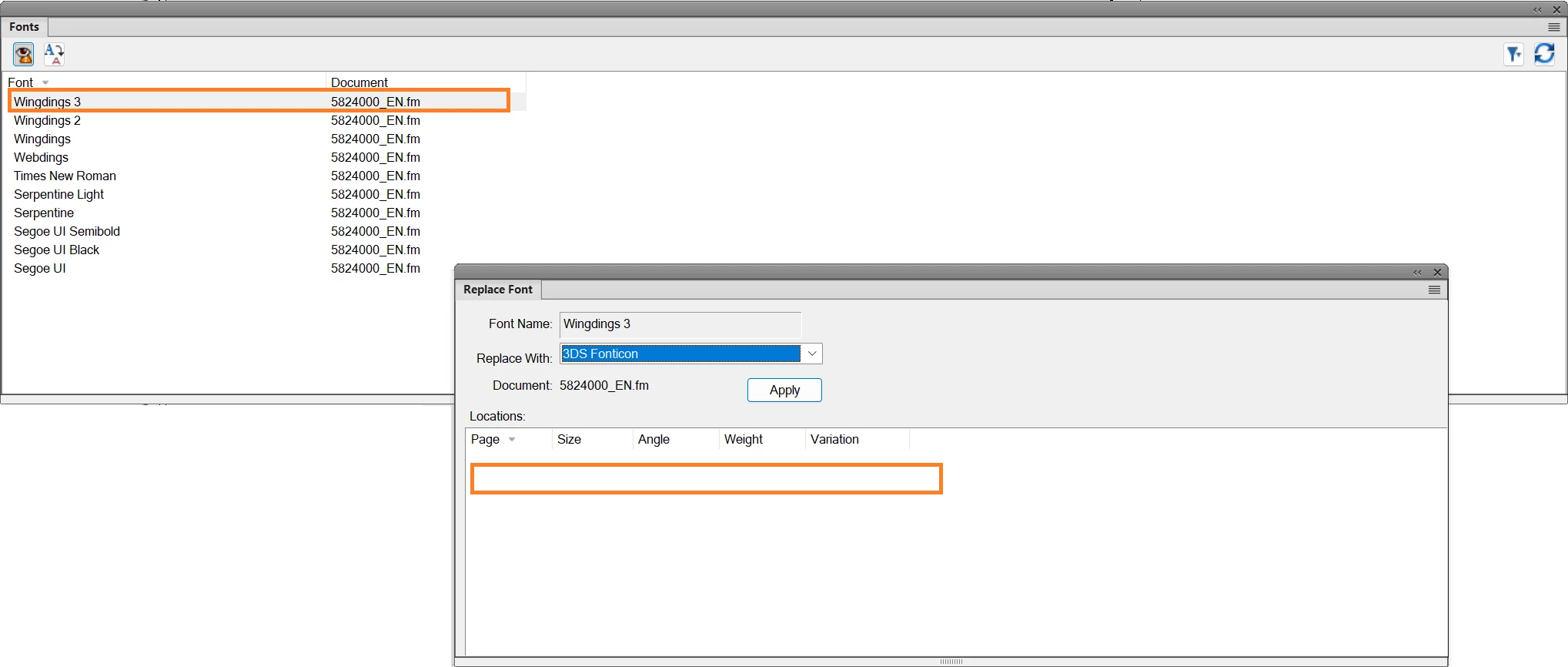
I went to the Fonts panel, selected one of the missing fonts, but the Replace Font panel does not show me where the font is missing is and I’ve never heard of the font that it wants to use as a replacement:
Any help would be appreciated.
Thank you!

 AdChoices