
Question
After docking or undocking the "Acrolinx" app, the text boxes no longer appear.
When I perform a check in FrameMaker 2019 (OS: Windows 10 Pro) with the 'Acrolinx' app and then move the mouse over the elements (green rectangle,FM_start_visible.png), corresponding information is displayed (see FM_start_visible.png).
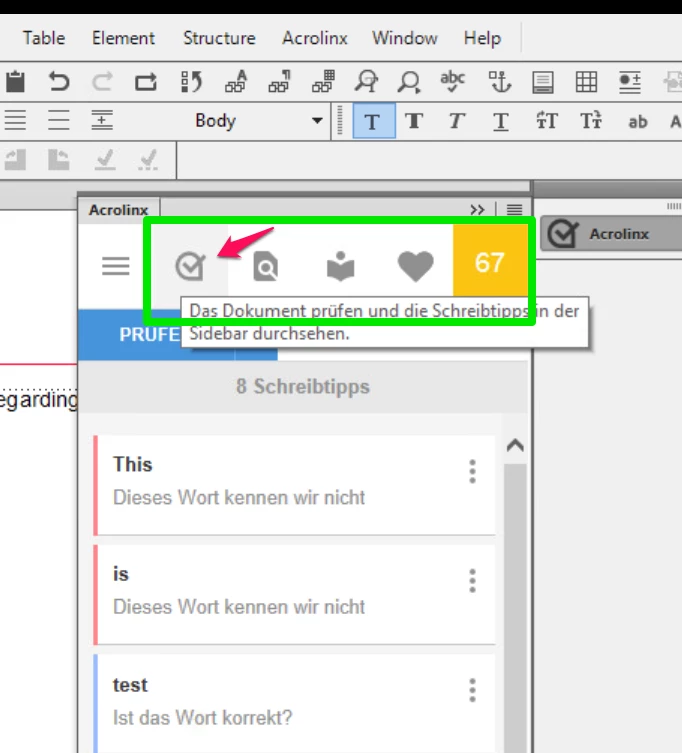
As soon as I remove or dock this app from the other Pods, the previously mentioned text boxes are no longer displayed (see . Only closing and restarting FrameMaker helps (FM_undocked_not_visible).
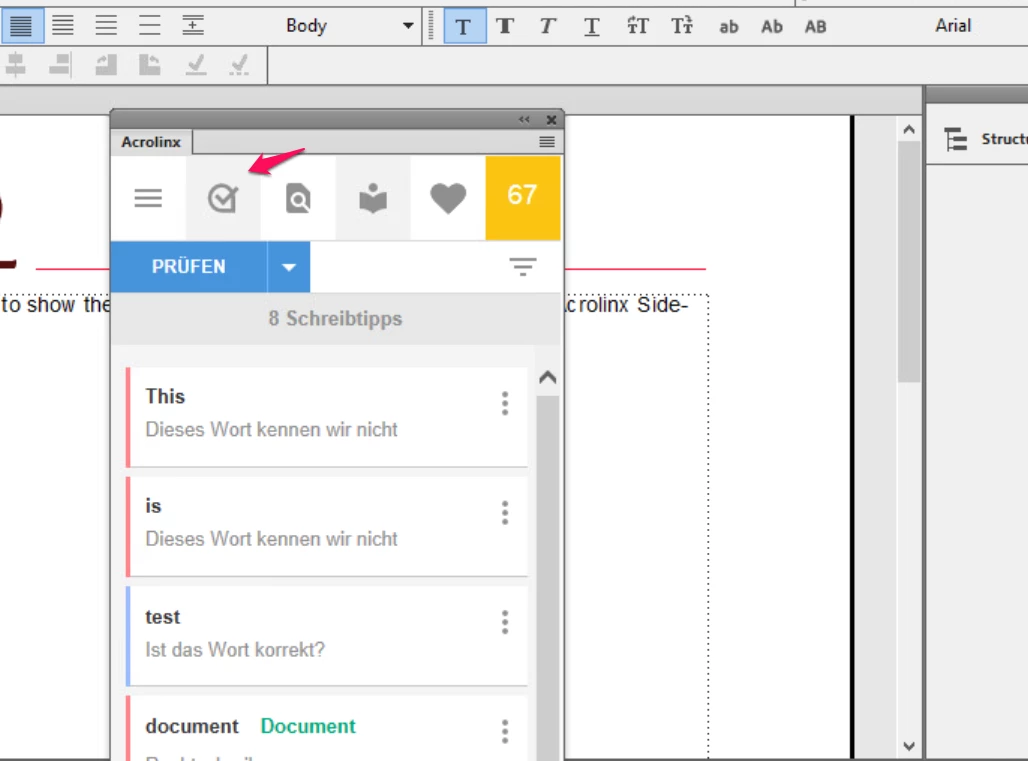
What must be done so that docking and undocking the app does not lead to this error behavior?
Thank you!


 AdChoices