
Question
Alignment of anchored frames
Issue: In a one column text frame with a side head, I'd like to align an anchored frame at the top of (and within!) the column
- Create a blank document.
- On the body page, change the text frame properties: Add a side head.
- Type some lines.
- Insert an anchored frame.
- Anchoring Position: Below Current Line
- Alignment: Left
- No Cropping, no Floating
Everything works as expected:
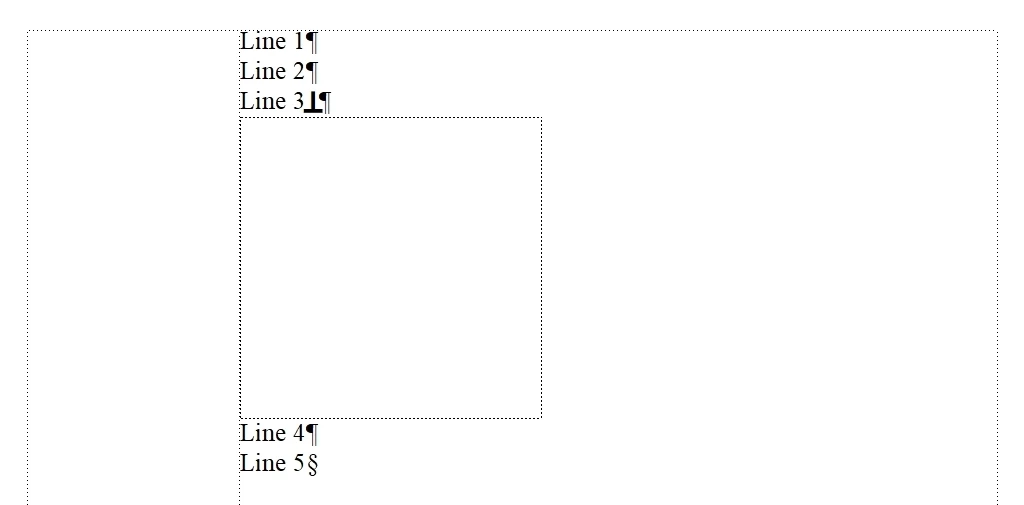
Now change the Anchoring Position of the frame to At Top of Column:
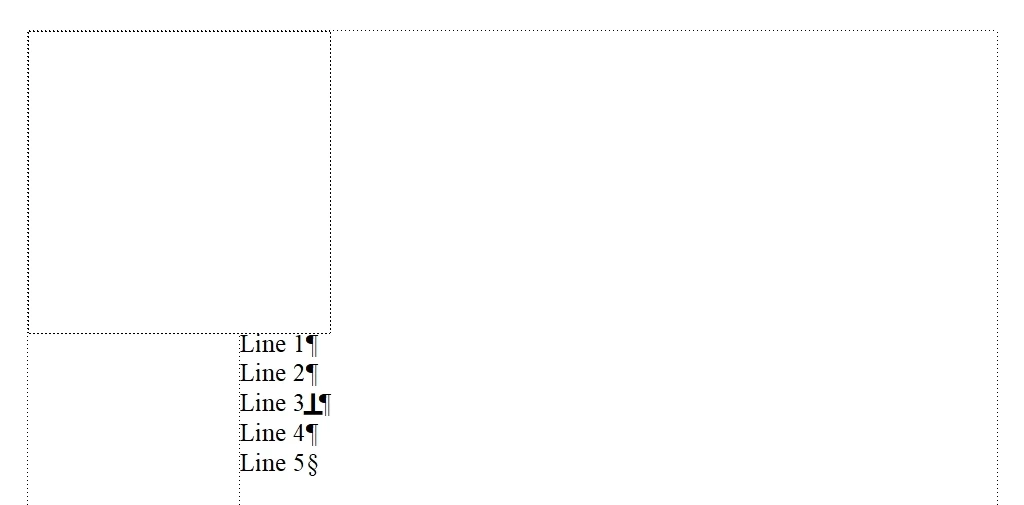
The frame is placed at the top. That's fine.
But the frame spans the column and the side head. That's not what I want and, btw, not what I expected.
Now change the Number of Columns to 2:
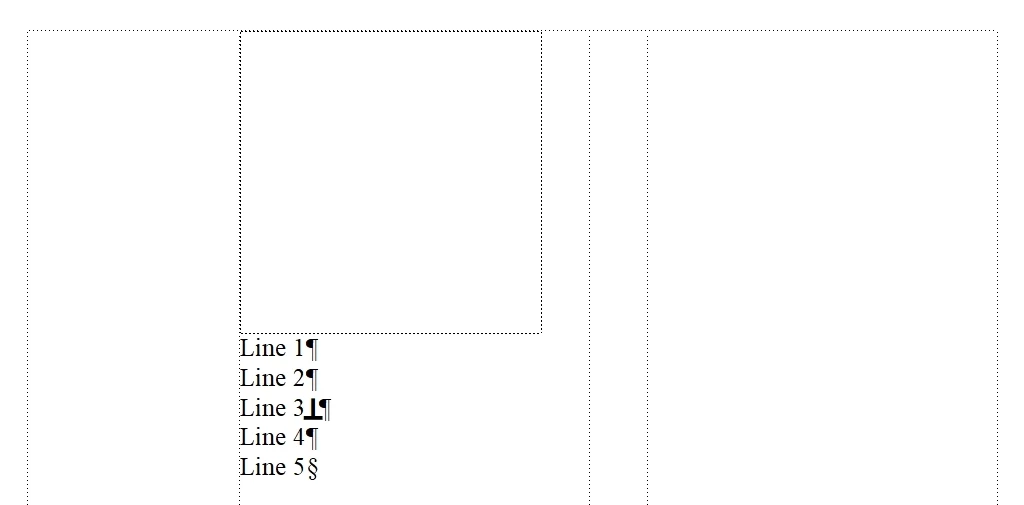
Again, everything works as expected: The frame is at the top of the column and it is within the column only.
I'd like to have this (The image below is created using a graphics tool.😞
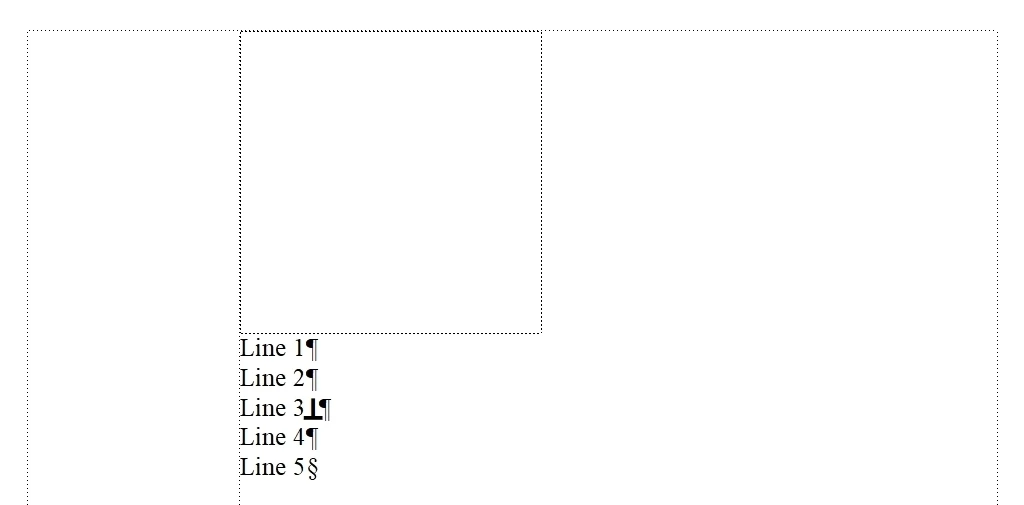
- One column
- A side head
- Anchored frame at the top of the column
- Anchored frame within the column only
How do I get it in FM?


 AdChoices