

Anchored Frame conversion settings for publishing to HTML Help
Hi, all.
We are using FM 15 in a Windows 10 environment.
We use a narrow text column with wide left margin for headings, and try to fit our graphics into the text column. However, sometimes a screenshot needs to extend into the left-hand column. Example:
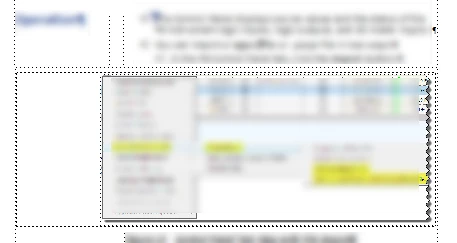
It would be very desirable to be able to set up the file like this:
- Anchored frame is sized to the figure (not extended on the left as you see above. That is done as part of our compromise with the problem I am describing.)
- Correctly sized anchored frame is right-aligned when saved to PDF.
- Anchored frame is left-aligned when published to HTML Help, because we eliminate the header column and put everything flush left.
However, the FM 15 Publish conversion settings do not let you change the anchored frame alignment.
What you see in the figure above is our middle ground: the figure is right-aligned for PDF output, and when the topic is published to HTML Help, the anchored frame alignment does not change and the resulting topic looks like this:
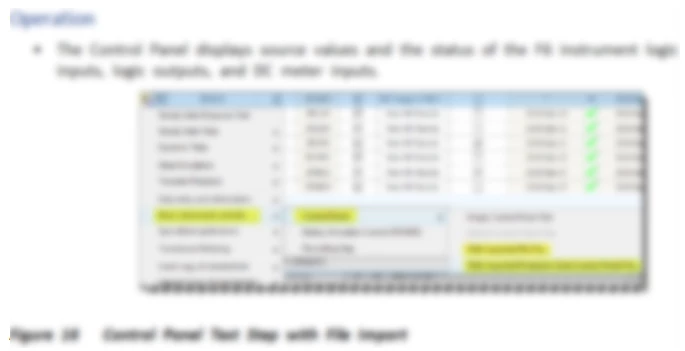
We sometimes place a figure in the middle of the anchored frame so that it won't be indented so far to the right in the help output, thus causing our output to look strange in both forms.
I'm about to explain this to a team of translators and I'd love to tell them that there actually IS a way to solve this problem in FM 15, which we are not going to upgrade, because we are moving to Flare (partly because of kludgy issues like this). Have I missed the solution?
Thanks.


 AdChoices