
Question
Assignment of master pages
Simple Issue: Put a side head on the body pages
- Create a new (blank) document.
- Switch to the master pages.
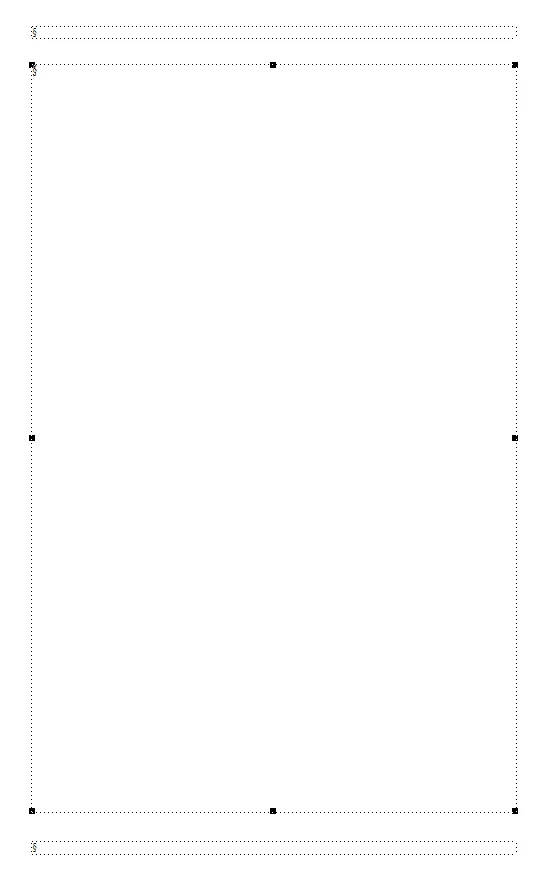
- Select the main text area:
- Open the text frame properties.
- Check 'Room for Side Heads'.
- Click 'Apply'.
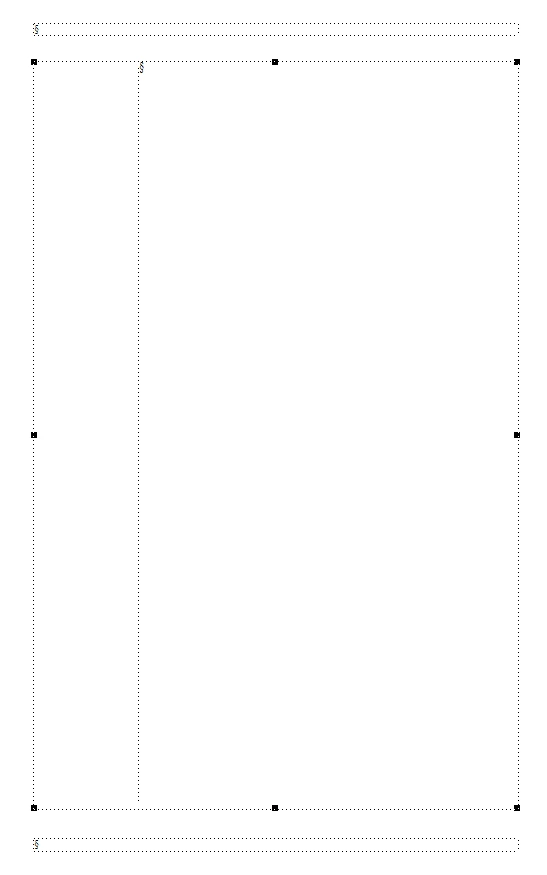
The master page looks like this:
- Switch back to the body page.
- Assign the master page to the body page.
It still looks like this:

Grrrrrrrrrrrrrrrrrrrrrrrrrrrrrrrrrrrrrrrrrrrrrrrrrrrrrrrrrrrrr.
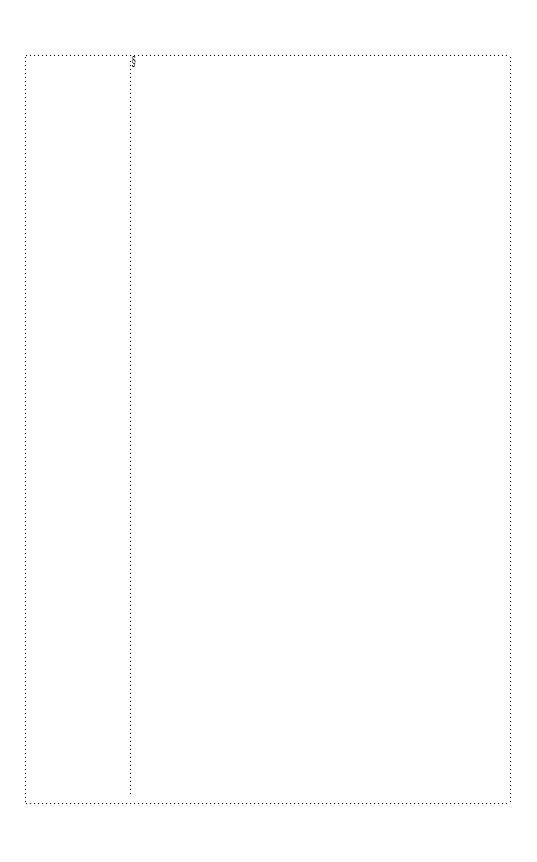
Additionally, one has to switch to the Column Layout and check again 'Room for Side Heads':
Why this double work? Is it a bug?
Btw:
Changing the sequence will do it in one step: 1. Check 'Room for Side Heads' in the Column Layout. 2. The master page has been changed automatically!
What did I miss?


 AdChoices