

Answered
Attempting a pseudo-automated List of Effective Pages (LOEP)
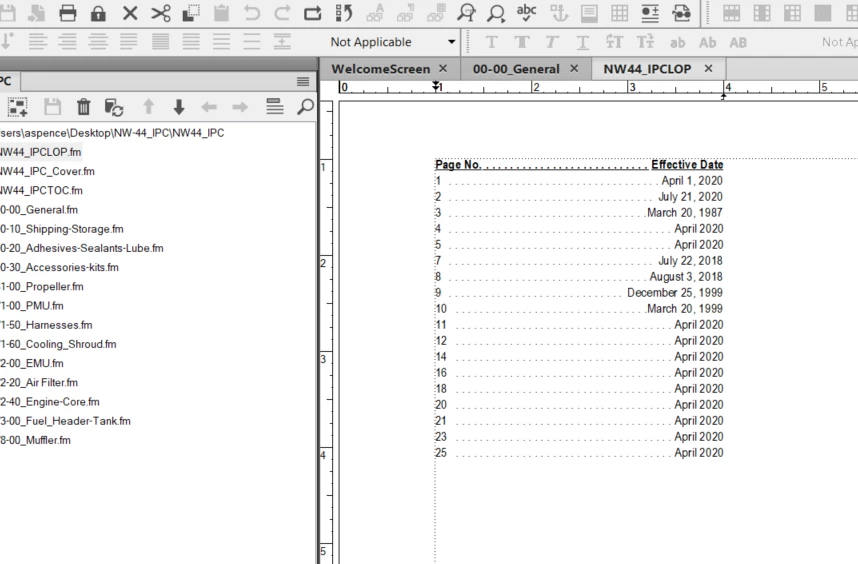
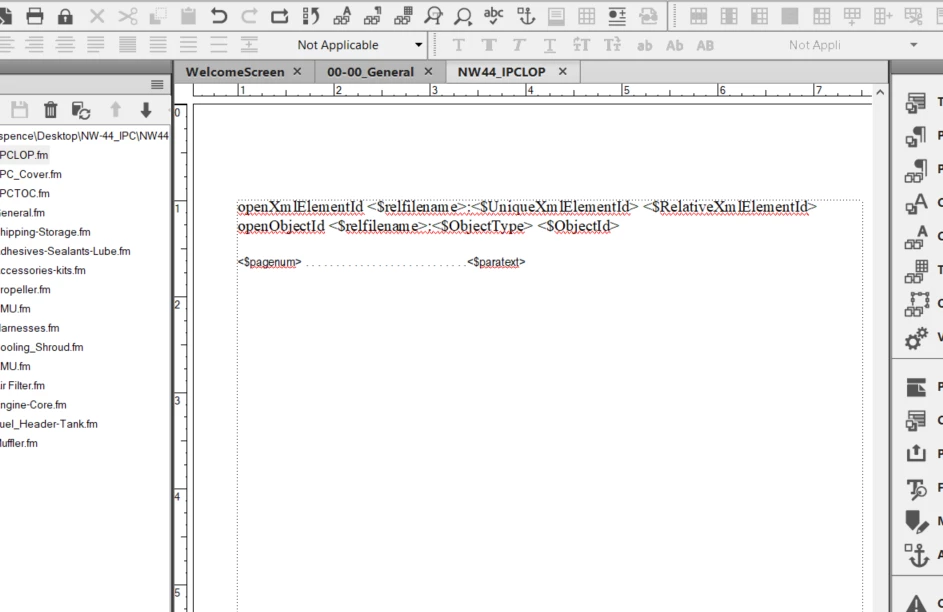
After reviewing Barb's instructions for creating an LOEP, I’ve successfully produced a list-of-paragraphs that display the page number and it’s date (see snippets below). I have a couple of questions though, that I haven’t been able to answer online – maybe I’m not searching the right things.
- On an automatically generated list like this, can I format it to populate a table (in this instance with 2 columns: Page No and Effective Date)
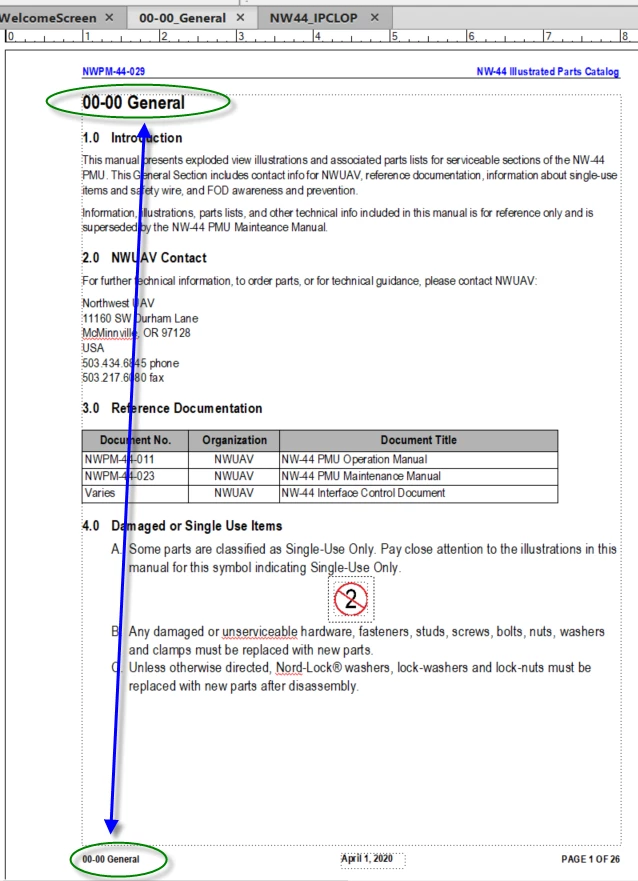
- Is there a way to include the ChapterTitle of the page being listed (similar to how I have my Running footer)? I can add ‘ChapterTitle’ to the list of included paragraphs, but it only includes it once.
- Note on this: The number’s shown in ChapterTitle are just text and part of the paragraph – that works for aviation manuals where I have a *.fm file for each chapter, and they are specific numbers based on subject matter – not sequential.
- Ideally what I would like to display is: Page No…….Chapter Title……..Effective Date (Each chapter title would be listed on every page listing of that chapter)
I tried adding <$paratext[ChapterTitle]> like my running footer to the reference page, but it just listed the date a second time.


 AdChoices