

Automatically sizing images to fit in a page
Greeting to the FM community users,
Does Framemaker 16 have a feature to automatically resize images on a page to avoid blank spaces?
I am currently working on a FM document that has a large number of images, to be delivered as a PDF.
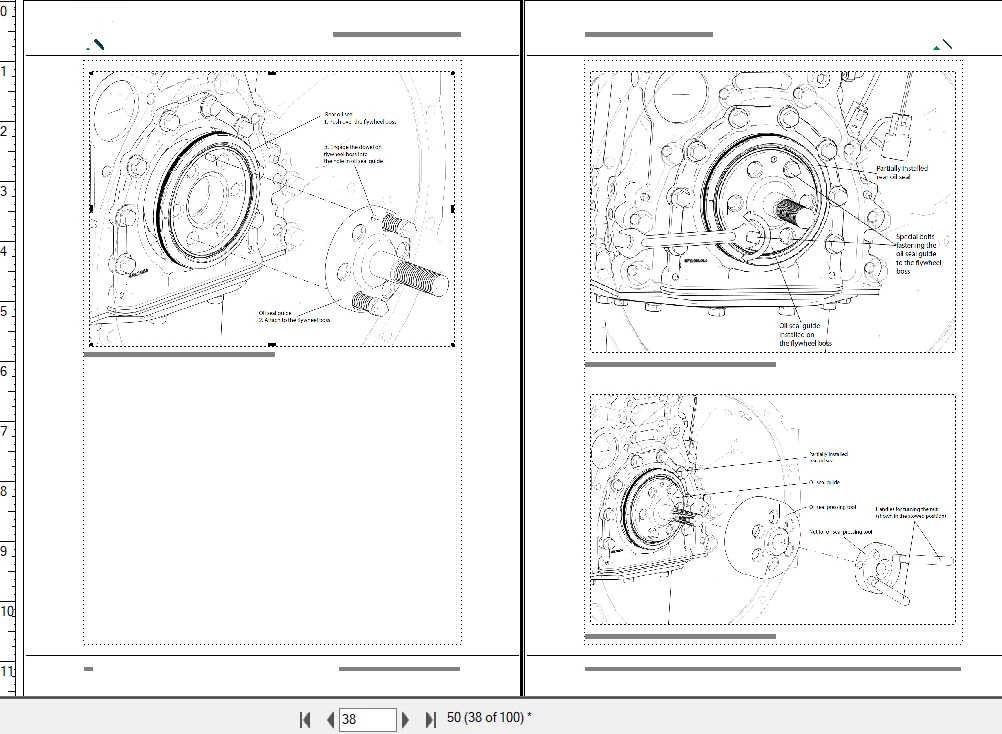
I would like to use the largest size of images that fit on the default left/right portrait layout page. However, the document also has text and tables, which often creates the blanks spaces as seen in the attached screenshot.
Trying to manually adjust the size of the image is taking a lot of time and slowing down the authoring process. I can already foresee that any additional text or images will need readjustment of image size to fill the white spaces.
Is there a feature that I could use to guide me about automatically fitting the image in the page as per the available white space?
Thanks in advance for your help and suggestion,
Regards,
Apurva


 AdChoices