

Almtuna
Inspiring
June 28, 2022
Question

Big pdf fails

  • June 28, 2022
  • 2 replies
  • 684 views

My FM19 book has about 50 fm files. Total of 1550 pages. Perhaps 200 images, lots of cross references etc.


After adding one more fm file (a small one, just a few pages), FM has serious problems creating the pdf.


The "Postprocessing PDF document" takes very long time, and at the end either FM crashes, or a "done" message box is shown. (Not the regular one, with view log, show output etc.)
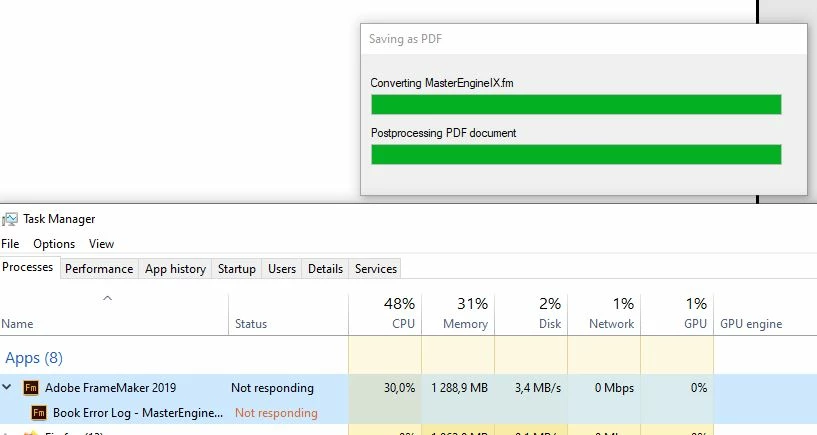
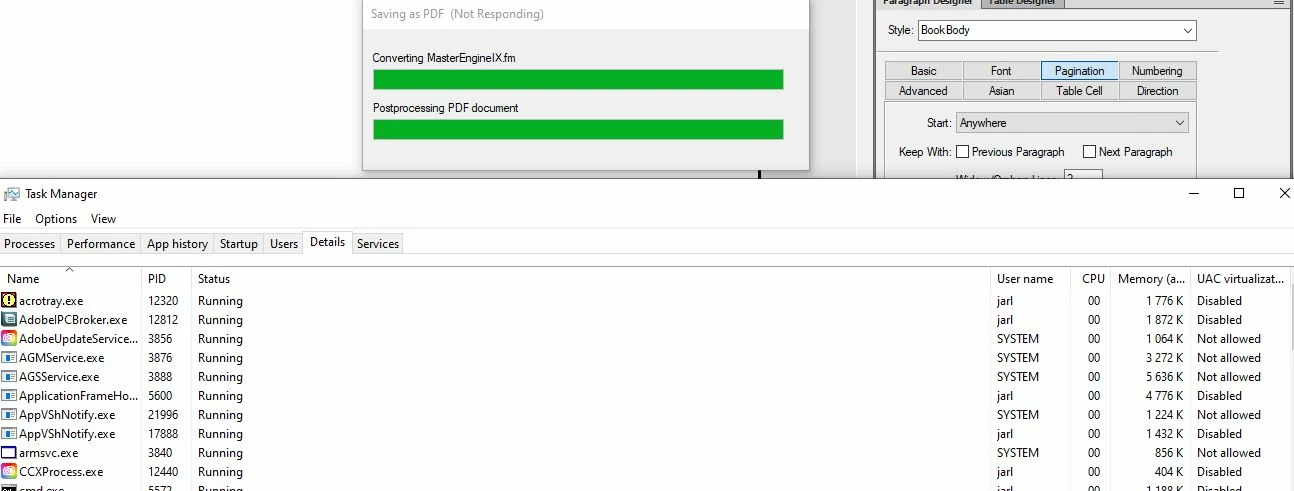
 

As you can see above, the computer has lots of CPU and RAM available.


If a pdf is created, it looks fine. However, its filesize is suddenly 384 MB instead of the normal 12.5 MB.


Running on a i7 desktop, 32 GB RAM. Windows 10.

    This topic has been closed for replies.

    2 replies

    pulkitn
    Adobe Employee
    Adobe Employee
    June 29, 2022

    Hey @Almtuna  ,

    Is this issue occurring every time?

    Is it occurring for a particular file or other book files as well?

    Further,
    I can test/debug this for you quickly if you can send me your culprit file set. (email id messaged privately to you)


    -Pulkit 

    Almtuna
    AlmtunaAuthor
    Inspiring
    August 31, 2022

    Two months later the pdf size suddenly is back to normal 12.5 MB.

    I have no idea why, but can I complain?

    Bob_Niland
    Community Expert
    Community Expert
    August 31, 2022

    Another way that I exploded PDF sizes all by myself was using an output setting that caused the black text to be rendered as RGB text.

    Bob_Niland
    Community Expert
    Community Expert
    June 28, 2022

    re: However, its filesize is suddenly 384 MB instead of the normal 12.5 MB.

    That new component file obviously needs a ponder.

    One degenerate situation that should be quick to rule out is recursive Text Inset. Is anything anywhere in the .book performing a Text Inset from something that now exists in the .book?

    FM cannot check for this sort of not-quite-infinite-loop situation, and will re-import for every render. In the old 32-bit days, the clue was that things would mysteriously roll over and die when the .ps or .tps file hit 2GB (or 4GB, depending on platform).

    Community Expert
    June 29, 2022

    Hi,


    I would also test, if you can add a copy of one of your good files to the book and see, if this makes a difference now.

    Then you see, if there is a general limit, or if there is anything special with your new problem file.


    Best regards


    Winfried

    Almtuna
    AlmtunaAuthor
    Inspiring
    June 29, 2022

    I will try that later - when I have some time. Release this week, so I'm too busy now.


    I found a compress pdf online tool at the Adobe Acrobat site that reduced the size almost back to normal. A temporary solution, but it saved me this time.