
Participant
March 7, 2025
Answered

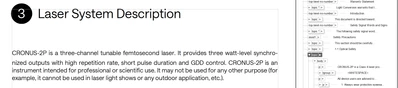
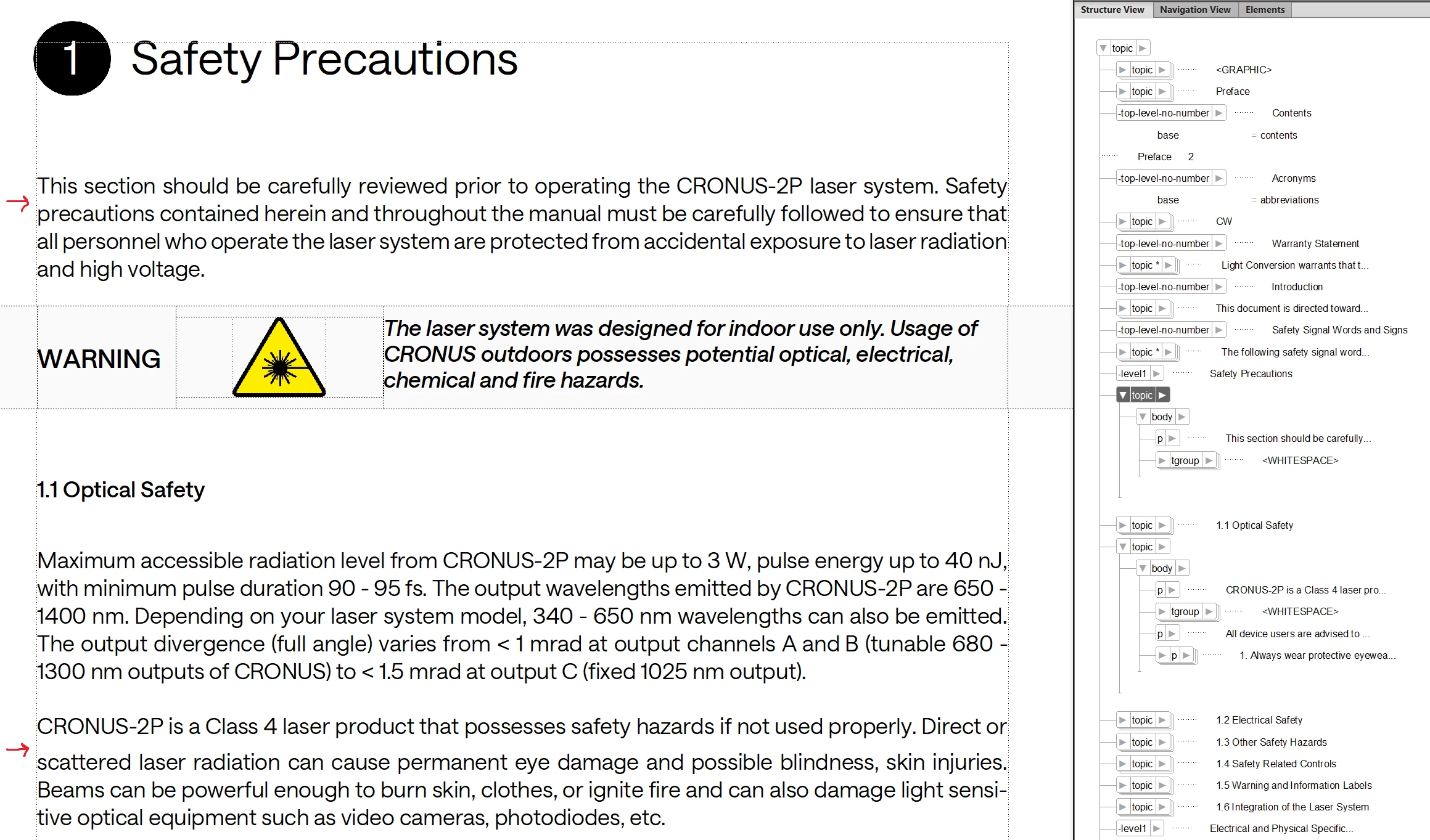
Bigger line spacing for the first line of a paragraph

  • March 7, 2025
  • 1 reply
  • 275 views

I have a structured framemaker document which is comprised of several other documents (source files). In my main document under the name of the chapter the spacing after the first line of the first paragraph is bigger than set by the formatting style. This problem seems to be recurring for the first paragraph of each highest level chapter. Inside of the source file the lines are spaced correctly. I check the formatting of my main document and the source file and they seem to be matching, so I assume it is a problem with the main document, but I cannot figure what could be wrong. See the attached pictures for more clarity. Moreover, there are cases when this spacing issue does not occur, this is also shown in an attached picture.

Correct answer frameexpert

Temporarily delete the tgroup element and see if the spacing is fixed.  Or, are there any user variables in those paragraphs? The variables may have character formats applied that use a larger font than the containing paragraph. Try setting the paragraph's Line Space to Fixed (Paragraph Designer > Basic tab).


You are welcome to send me the document offlist and I will be glad to look at it. I don't need any of the graphics. rick at frameexpert dot com

1 reply

frameexpert
Community Expert
frameexpertCommunity ExpertCorrect answer
Community Expert
March 7, 2025

Temporarily delete the tgroup element and see if the spacing is fixed.  Or, are there any user variables in those paragraphs? The variables may have character formats applied that use a larger font than the containing paragraph. Try setting the paragraph's Line Space to Fixed (Paragraph Designer > Basic tab).


You are welcome to send me the document offlist and I will be glad to look at it. I don't need any of the graphics. rick at frameexpert dot com

Participant
March 7, 2025

Setting line spacing as "fixed" solved the problem. Thank you.

frameexpert
Community Expert
Community Expert
March 7, 2025

Here is a way to find out what caused the line spacing to increase:

  1. Put your cursor at the beginning of the paragraph.
  2. Open the Character Designer and note the font size.
  3. Press the right arrow key continually while watching the Character Designer.

When you see the font size increase, that will show you what is making the line spacing increase.
