
Question
Bug: "Save As PDF" ignores image downsampling and quality settings from the chosen PDF preset
After so many years, we are still forced to print to .ps, then use Distiller when making PDF files from FrameMaker. That should not be the go-to in 2023. I would prefer to use Save As PDF, but unfortunately this option ignores the image compression settings chosen in the PDF-preset (and instead uses some fixed hidden settings that are not good).
To reproduce the problem/bug:
- Insert a raster image (in my case an Ai-file containing a raster image) that is 330 PPI and some illustration-style graphics (to make JPEG compression artifacts extra visible).
- Create a PDF preset with the image compression settings set to JPEG, Maximum Quality, and to downsample images above 450 PPI to 300 PPI. (These are common defaults).
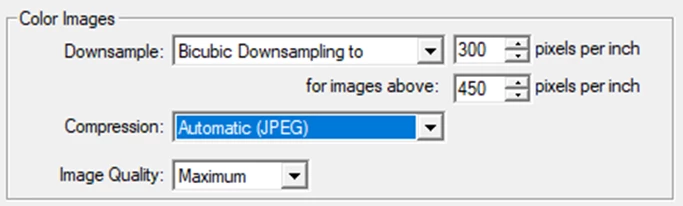
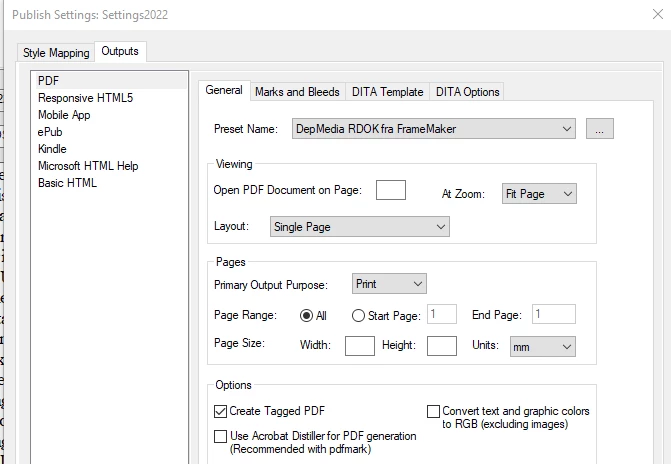
- Choose this preset in the Publish settings, and Save As PDF.
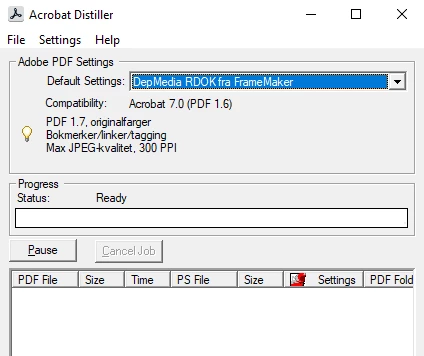
- Print to postscript (.ps), and use Distiller to create a PDF (same PDF preset as before).
- Open both PDF files in Acrobat and compare.
Expected result: Both PDF files should contain a 330 PPI image of "Maximum" JPEG-quality. (Honoring the settings in the PDF preset).
Actual result: Only the distilled PDF is as expected. The FrameMaker-PDF has been downsampled to 300 PPI and stored with something similar to only Medium JPEG-quality. I find no way to override this. (It ignores the chosen PDF preset).


 AdChoices