
January 25, 2019
Answered

Can´t change Logo in Azure_blue sts setting

  • January 25, 2019
  • 2 replies
  • 457 views

Hello

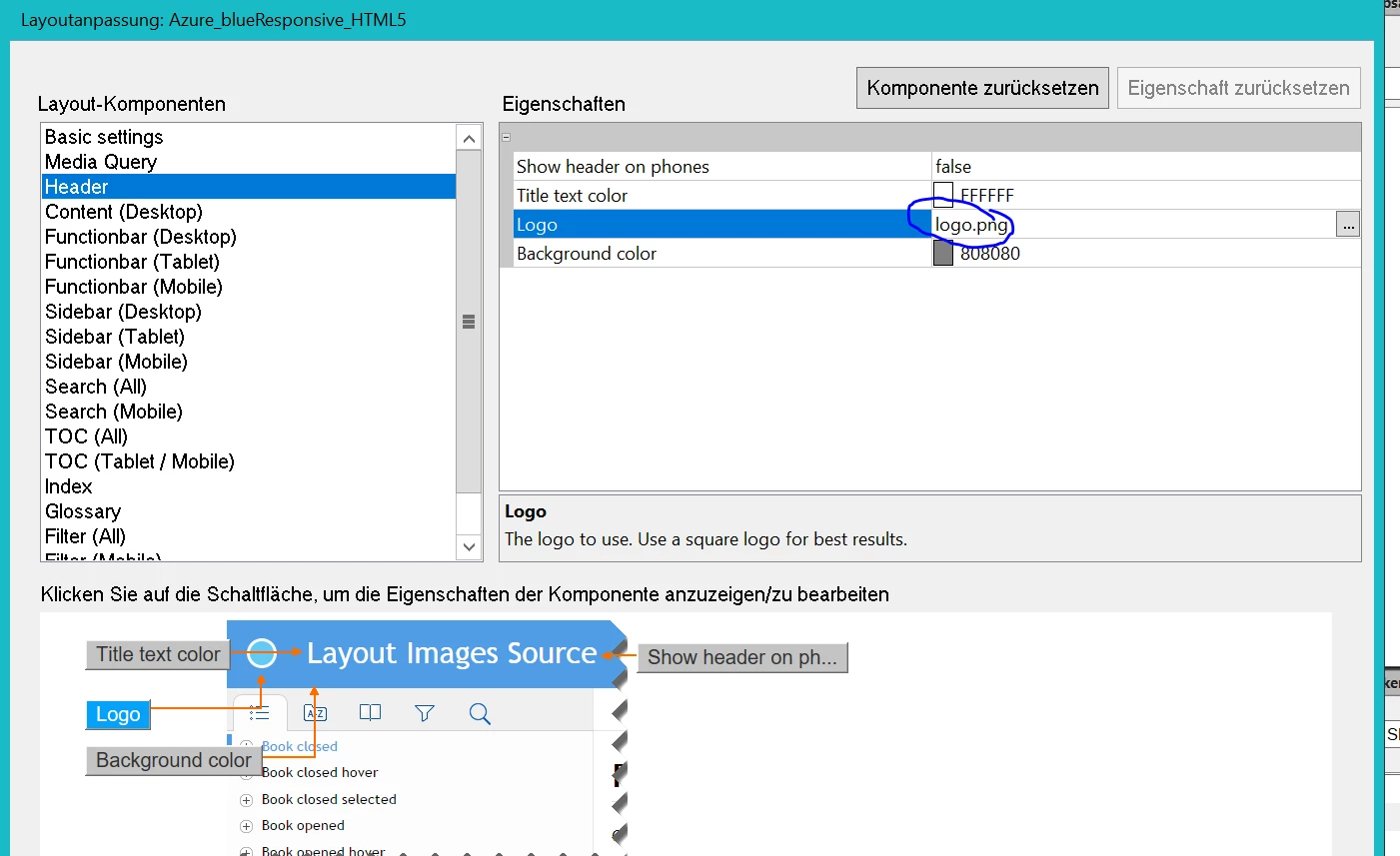
I am trying to change the standard logo of the azure blue html 5 design to a different icon. I can select my png file, but FM will not change it. Logo.png will remain.

I am using FM 2019 with latest patches.

Any idea?

Andreas
This topic has been closed for replies.
Correct answer Jeff_Coatsworth

IIRC the trick is to rename FM's logo.png and then sub in your png & call it logo.png to trick FM into using it.

2 replies

doug1120
Known Participant
January 25, 2019

When I've used it in 2017, it takes my image and renames it to logo.png.  It doesn't matter to me what the name of it is, as long as it uses the correct image.  And it does.

Jeff_Coatsworth
Community Expert
Community Expert
January 25, 2019

If that's the way it worked in FM2017, then it's a bit strange - I would expect to browse to my image & for it to preserve the filename in the layout. But since it seems to like to flip it back to "logo.png" I suspect my trick would work in FM2019 (maybe that FM2017 logic got busted in FM2019).

doug1120
Known Participant
January 25, 2019

Oh, you can browse for any given PNG file, and it uses it, but in my experience it's given the new image the same LOGO.PNG filename.

Jeff_Coatsworth
Community Expert
Jeff_CoatsworthCommunity ExpertCorrect answer
Community Expert
January 25, 2019

IIRC the trick is to rename FM's logo.png and then sub in your png & call it logo.png to trick FM into using it.