

Can't Save Master Pages in Structured Document
I am new to Framemaker, but I have read the framemaker help.pdf, searched the web and these forums, and I can't see what I am doing wrong.
I am trying to create a book using structured authoring. My ditamap currently looks like this:
<?xml version="1.0" encoding="UTF-8"?>
<!DOCTYPE bookmap PUBLIC "-//OASIS//DTD DITA BookMap//EN" "bookmap/dtd/bookmap.dtd" [
]>
<bookmap
xmlns:ditaarch="http://dita.oasis-open.org/architecture/2005/">
<booktitle><mainbooktitle>Practical PRoject Management</mainbooktitle></booktitle>
<chapter href="Introduction.xml" type="concept"></chapter>
<chapter href="Chapter1.xml" type="concept">
<topicref href="ch1_quote.xml" type="topic"></topicref>
<topicref href="ch1_setkas_story.xml" type="topic"></topicref>
</chapter>
</bookmap>
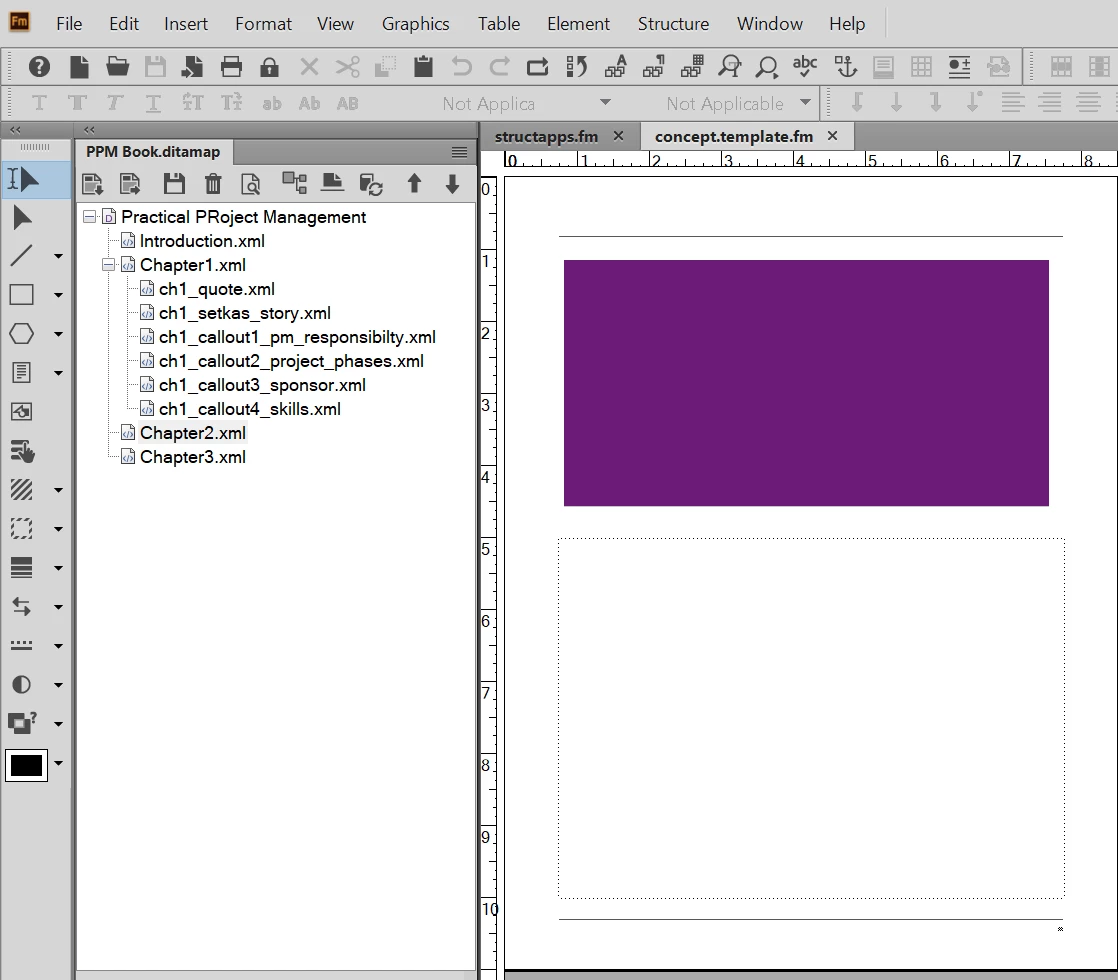
I open 'Chapter1.xml' in the editor and I want to do what all the tutorials on master pages do, which is give it a unique layout. I navigate to the master page, add a new one and make my modifications. Then I go back to my body doc and select my new master page and everything looks good. I save (using CTRL+S or the File > Save menu), but when I close and reopen chapter1.xml, my custom master page is gone.
I don't see anywhere that says I can't do this with xml based documentation, so what am I missing? Please help a n00b Framemaker user!


 AdChoices