
mattw74414575
Participating Frequently
April 13, 2018
Answered

Change Page Size?

  • April 13, 2018
  • 2 replies
  • 1915 views

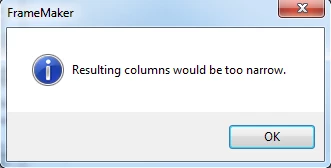
I have a 25 x 19.5" size document, and I'm attempting to scale down the width to 10" (to 10 x 19.5"), but every time I do, I receive the "Resulting columns would be too narrow" error below:
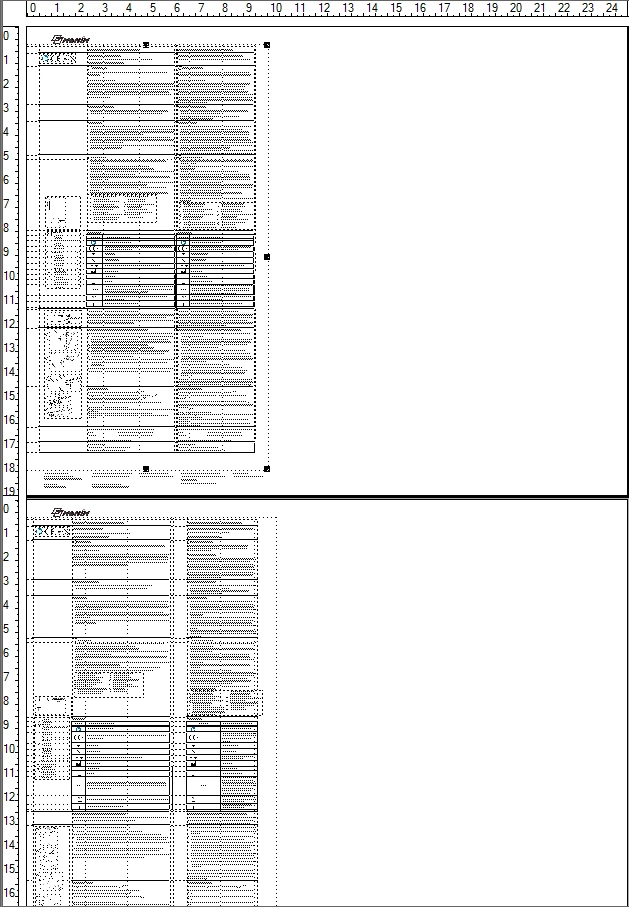
I'm sure I need to adjust column layout settings, but I don't know what I need to do to get the desired result.  The document is two pages, with page 2 being the backside of page 1:
Anyone know how to fix this?

Thank you!

    This topic has been closed for replies.
    Correct answer Barb Binder

    Hi MattW:

    It's hard to see the details because you are so zoomed out—is your layout two equal columns with a side head or do you have three connected frames on the master, or something else altogether?

    I agree with Matt that you need to address the frame sizes prior to changing the paper size, but I suspect you will get an error message at that point too. I'd suggest resizing the anchored frames and tables on the body pages first, then the master page frames and then you will be able to resize the page.

    I think it would be quicker just to create a new file with the correct page and column specifications, copy the content over, and import any formats that you need (not page layout) via File > Import > Formats.

    ~Barb

    2 replies

    Barb Binder
    Community Expert
    Barb BinderCommunity ExpertCorrect answer
    Community Expert
    April 15, 2018

    Hi MattW:

    It's hard to see the details because you are so zoomed out—is your layout two equal columns with a side head or do you have three connected frames on the master, or something else altogether?

    I agree with Matt that you need to address the frame sizes prior to changing the paper size, but I suspect you will get an error message at that point too. I'd suggest resizing the anchored frames and tables on the body pages first, then the master page frames and then you will be able to resize the page.

    I think it would be quicker just to create a new file with the correct page and column specifications, copy the content over, and import any formats that you need (not page layout) via File > Import > Formats.

    ~Barb

    ~Barb at Rocky Mountain Training
    mattw74414575
    Participating Frequently
    April 16, 2018

    Thanks Matt and Barb!  I created a new document with the required sizes, but had another question... Since I can adjust the outer anchored frame in the body pages, what does the the same frame do in the master page view?  I know I have to adjust the footer in the master page to get the results on the body page, but how does the main frame act differently in the master page view opposed to the body page view?  Also, should I keep or remove the overrides when making changes?

    Thanks

    Barb Binder
    Community Expert
    Community Expert
    April 16, 2018

    Hi MattW:

    When you change the frames on the master pages, you are changing them for the entire flow, but if you change frames on the body pages you are overriding the master page frames for that specific page. That's why you are seeing messages about removing overrides when you move from a master back to a body page.

    I'm a "no overrides" girl, and I drill that in when I'm teaching FrameMaker. There are exceptions to every rule in FrameMaker, but generally speaking, make your frame adjustments on the master pages, and pick Remove Overrides when you get the message there, or anywhere else.

    ~Barb

    ~Barb at Rocky Mountain Training
    Matt-Tech Comm Tools
    Community Expert
    Community Expert
    April 13, 2018

    Have you resized all the frames on your master pages and reference pages?

    -Matt

    -Matt Sullivan, FrameMaker Course Creator, Author, Trainer, Consultant
    mattw74414575
    Participating Frequently
    April 13, 2018

    I will try that Monday and respond.  Thank you for your response!