


Nathan_Anderson
Participating Frequently
September 17, 2013
Answered

Crazy Font Issue Saving Book as PDF (Standard Setting in Distiller)

  • September 17, 2013
  • 2 replies
  • 1379 views

I've been trying to track down a crazy font issue all day when exporting my book as a PDF.

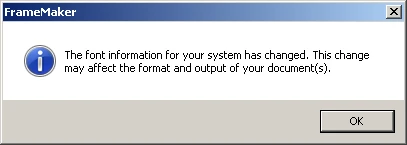
When I open FrameMaker, I see the following error each time:
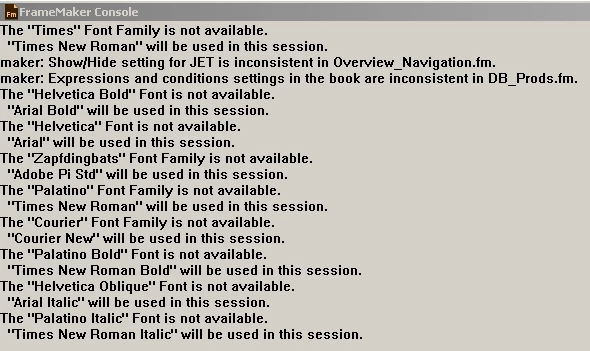
I also see missing font errors in the FrameMaker Console:
And the framemaker book files are not missing fonts:
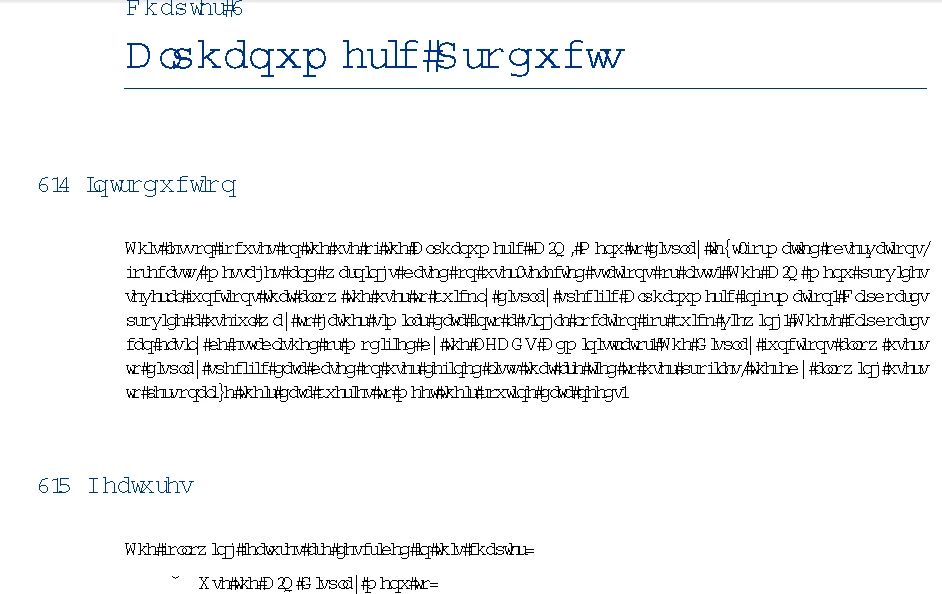
This is the output I see when I view the PDF:
Please help, as this is running me in to the ground.

Thanks,

Nathan

    This topic has been closed for replies.
    Correct answer Arnis Gubins

    It looks like you've used Printer fonts.

    In FM, you need to set your default printer to the AdobePDF printer instance (get Sundorne's SetPrint freebie utility for this).

    http://sundorne.com/FrameMaker/Freeware/setPrint.htm

    2 replies

    Bob_Niland
    Community Expert
    Community Expert
    September 18, 2013

    I concur with Arnis. On the Windows platform, Frame constrains itself to the capabilities of the currently configured printer.

    For full access to typography, you need to have a real or virtual PostScript printer configured, and if real, at least a Level 2 color PostScript printer.

    I'm a bit surprised it's apparently possible to Save-As or Print-To PDF with a non-Ps printer currently configured. This would simply fail (or worse) in older versions of FM.

    For more see: Generic / Text Only printer crashes FM10

    Arnis Gubins
    Arnis GubinsCorrect answer
    Inspiring
    September 17, 2013

    It looks like you've used Printer fonts.

    In FM, you need to set your default printer to the AdobePDF printer instance (get Sundorne's SetPrint freebie utility for this).

    http://sundorne.com/FrameMaker/Freeware/setPrint.htm

    Nathan_Anderson
    Participating Frequently
    September 18, 2013

    Thank you. I am not sure what or how the "Printer Fonts" were set. I ended up just making "AdobePDF" the default printer. I appreciate the help on this one. You saved the day.

    Nathan