
Cross reference formatting issue on updating the book in FM19
Hi everyone,
I am using Framemaker 2019 (Version: 15.0.6.956). During the book update, a cross-reference doesn’t retain the formats applied to it and goes back to the original Character format of the source.
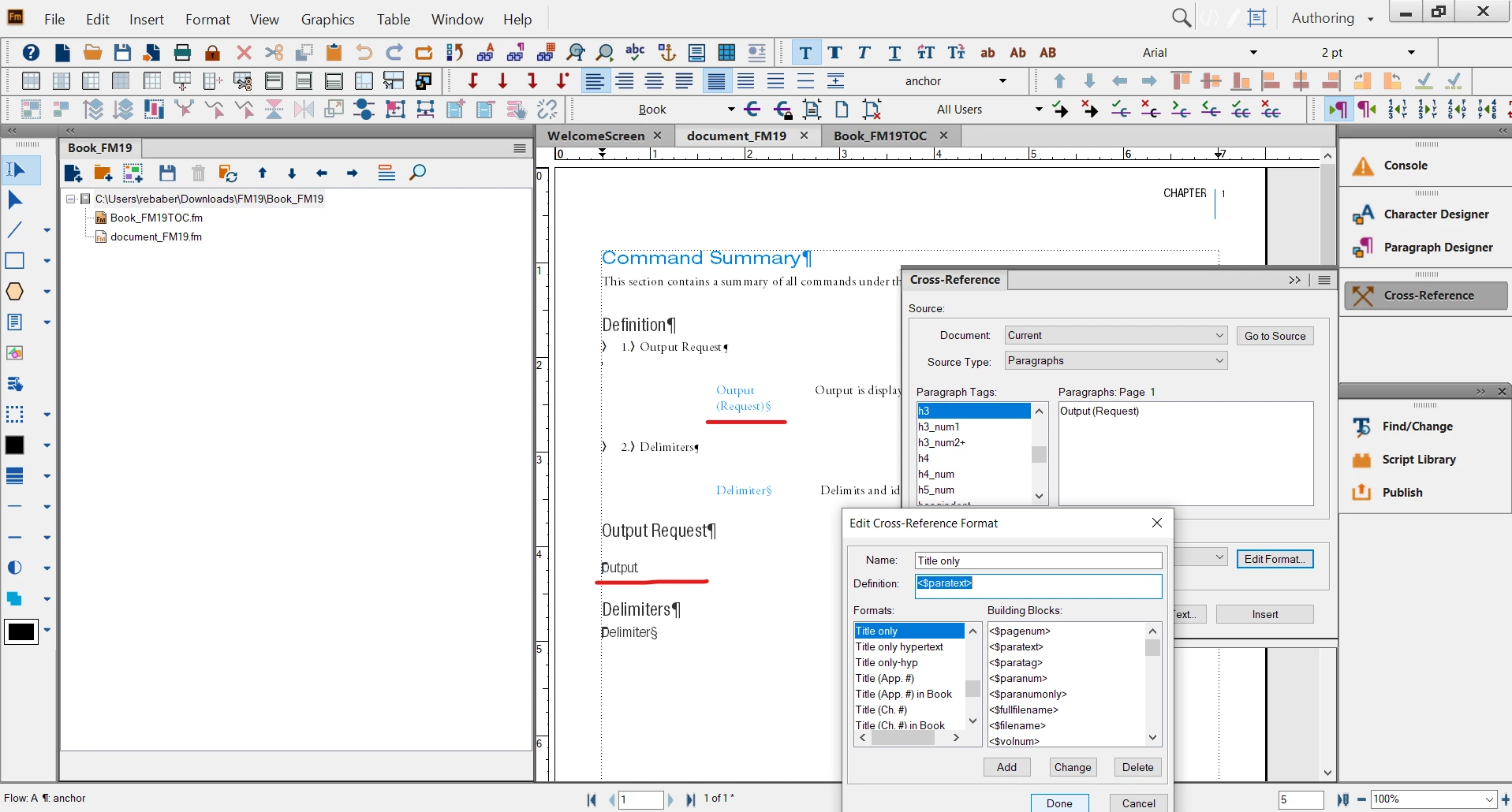
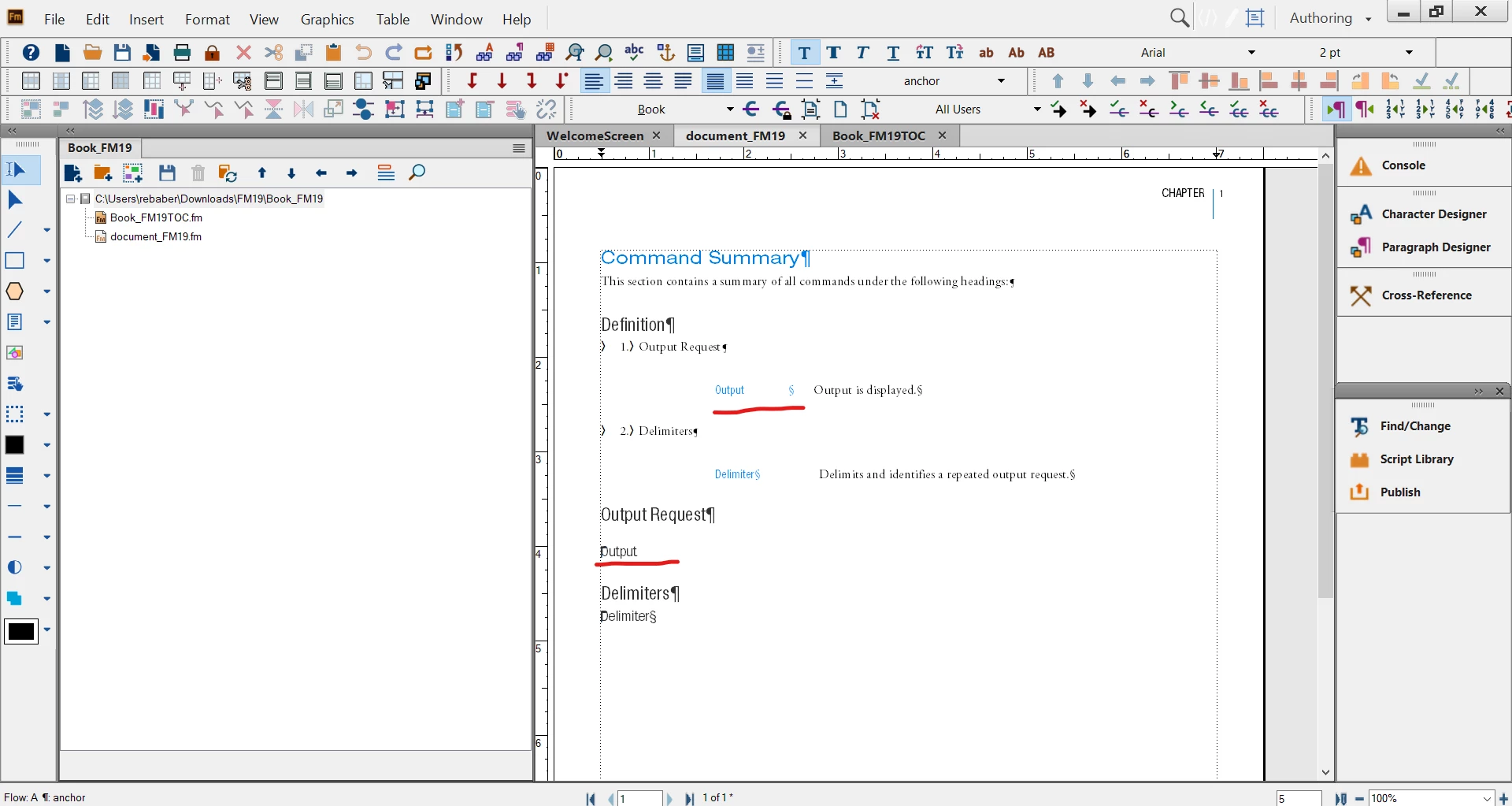
For example, a text with Paragraph format ‘h3’ and Character format ‘white’ applied to part of it, is cross-referenced. Initially, the cross-reference appears fine but as soon as the book is updated, it reverts to the source format (part white) irrespective of the attributes (<Default Font> , <hypertext>, or <newblue>) assigned to it. The results are the same even with other templates, cross-references, and character formats. This issue was not there in FM 10.
Before Book update:
After Book update:
Any suggestions to resolve this issue are greatly appreciated.


 AdChoices