
Cross Reference Links across manuals do not work after creating PDFs
Adobe Framemaker
Version: 2022(17.0.2.431)
Client has shared multiple FM Books (Manuals) for localization. These manuals have cross reference links within the manuals and also across manuals. When we create PDFs after localization and DTP one by one, the internal Cross-References links remain intact, but the links to other manuals do not work.
To reset these cross-manual links, we had to re-create the Cross-Reference links in Adobe Acrobat again.
Is there any way we can create all pdfs in a batch instead of one by one such that the cross-reference links within and across files remain intact?
We do not want a single PDF for all books, client wants individual PDFs for each FM book.
Client’s Cross-references FrameMaker Editing Instructions for manuals
Method for generating PDFs after completing DTP in FrameMaker (including setting all cross-reference links):
(1) Open all manual FM books.
(2) Open all the files in each book.
(3) Generate PDF (Export to PDF format).
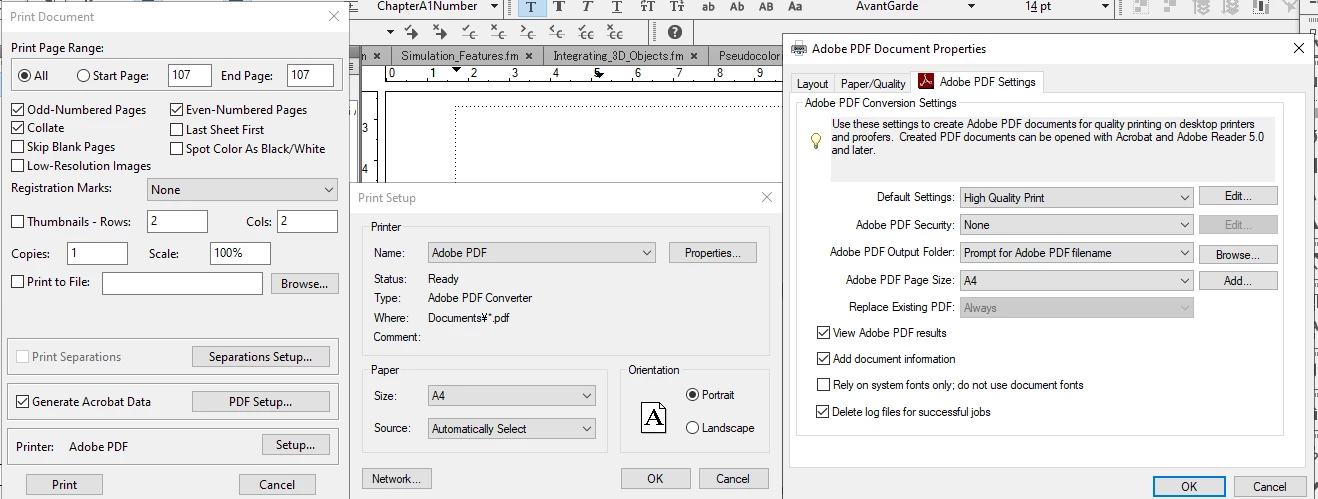
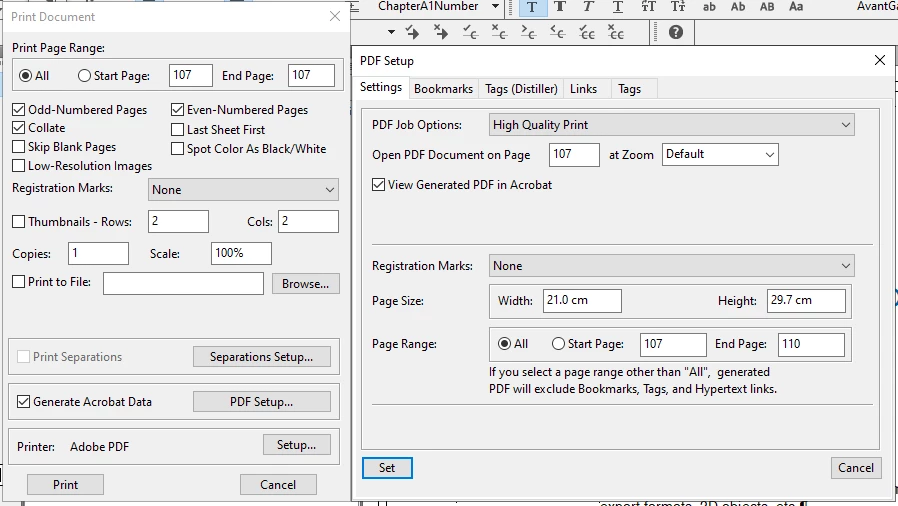
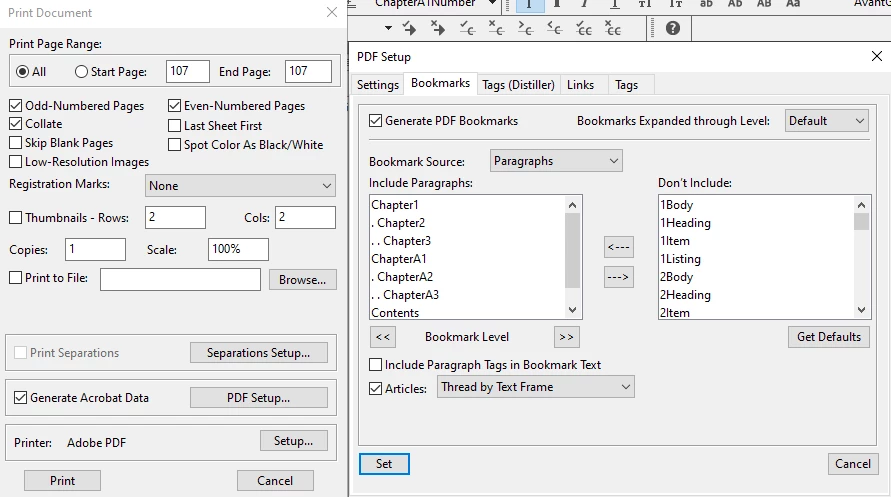
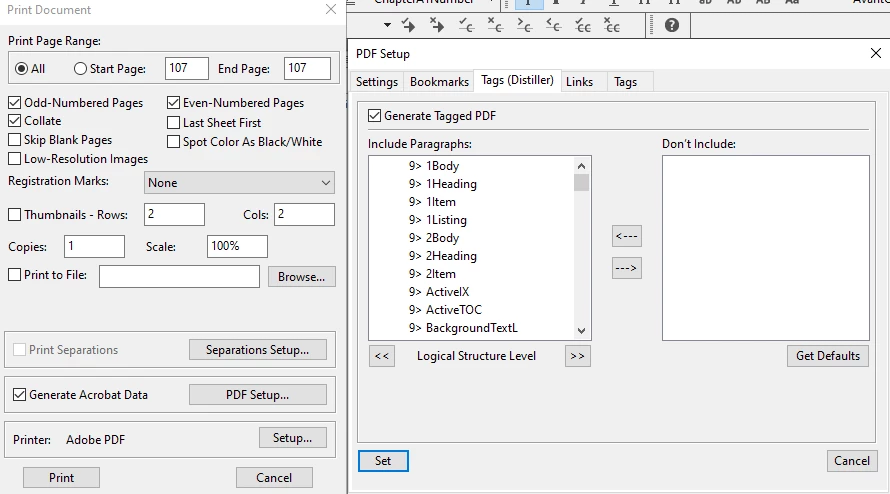
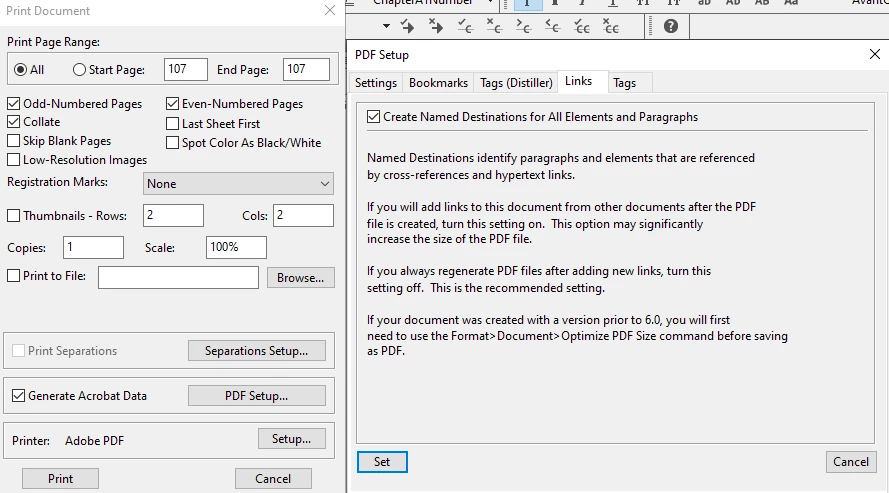
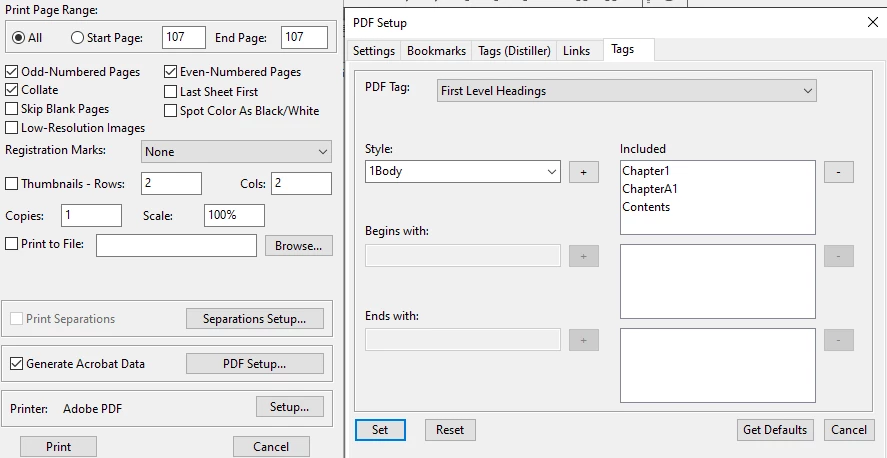
Re-creating Links in Adobe Acrobat:
Adjustment procedure for external links when all PDFs are combined in one folder.
(1) Opened the PDF file.
(2) Select "Add or Edit Links" from the PDF's tools.
(3) Select the link location, open "Link Properties" and press Action.
(4) Click the "Edit" button. Click on Browse, select the path of the PDF for the external link, and press "OK" to change the file path.
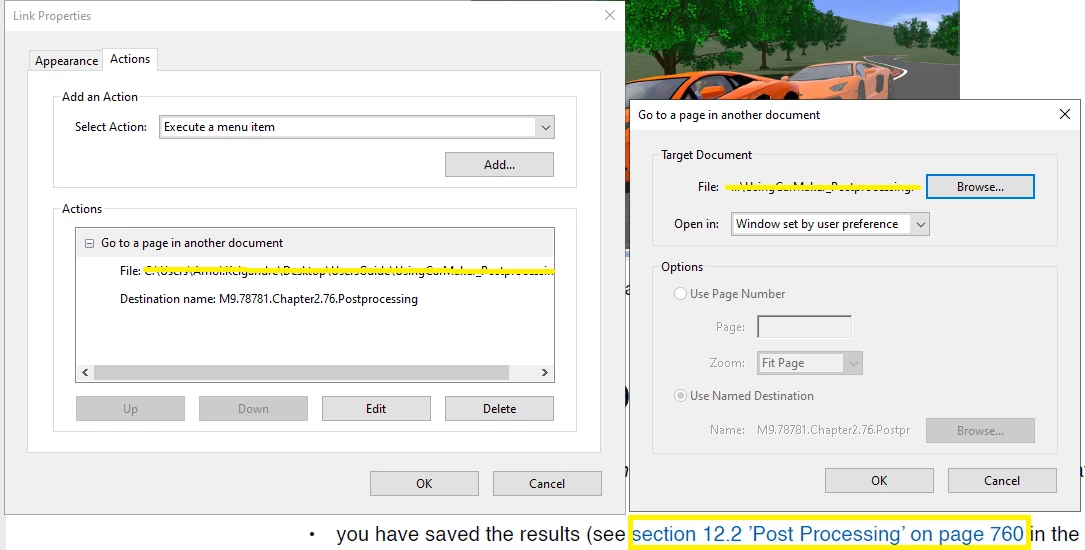
Please guide us on the above.
Thank You!



 AdChoices