
vpratap_tw
Known Participant
December 18, 2017
Question

DITAVAL file missing. How to fix this error?

  • December 18, 2017
  • 3 replies
  • 577 views

For FM 2017.

This is the screenshot of error log. I am not sure how it happened. What could be possible reasons of getting such error?
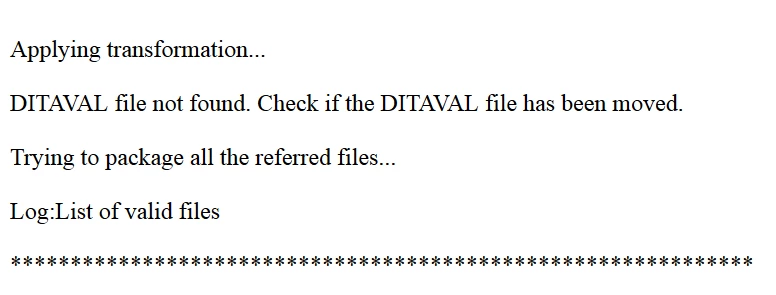
I have not manually moved any DITAVAL file. Not sure if that is moved automatically.

This topic has been closed for replies.

3 replies

Inspiring
July 4, 2023

I'm having the same issue, in FM 2019... Did anyone ever solve this?

Legend
June 3, 2020

I had/have the same problem with FM19, in https://community.adobe.com/t5/framemaker/why-is-fm19-looking-for-a-ditaval-file/m-p/11157439?page=1#M66173 

I'd seen Publish as an available option, and this asked for a ditaval file I wasn't using and hadn't specified. Someone from Adobe helpfully suggested I try Structure > DITA > Generate DITA-OT output instead of the obvious File > Publish, but this just gave me a more detailed error message and a log file :-{

Participant
June 3, 2020

Hi, were  you able to get this sorted? What did you do?