Jacob_AA
Known Participant
January 8, 2019
Question

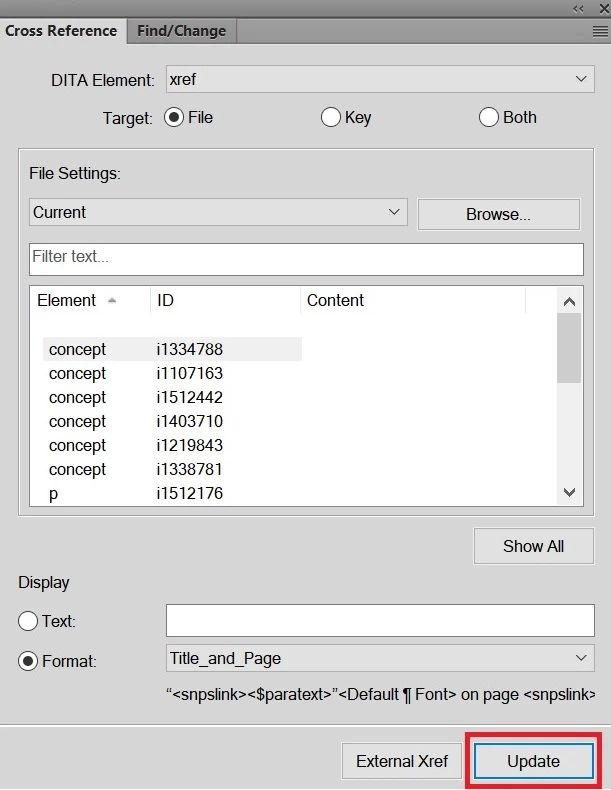
Does anybody know how to update cross-references with ExtendScript

  • January 8, 2019
  • 3 replies
  • 748 views

Does anybody know how to update ?

This topic has been closed for replies.

3 replies

Jacob_AA
Jacob_AAAuthor
Known Participant
January 8, 2019

Thanks, but it didn't help me. Maybe, I will need to go through each cross reference and update individually as I do it manually ? 

4everJang
Legend
January 8, 2019

Updating everything does not make a difference here, and may cause serious delays as FM opens and closes all kinds of files in the background.

I have found the UpdateXRefs method to be tricky. You could try the FCodes - try to get the FCode for the manual command and then call it. I do not have time to figure out the code at this point but others are sure to reply.

Ciao

Jacob_AA
Jacob_AAAuthor
Known Participant
January 18, 2019

Can you please say what is FCodes ?

Jacob_AA
Jacob_AAAuthor
Known Participant
January 8, 2019

I'm able to update manually. But it doesn't work with the script.

var doc = app.ActiveDoc;

doc .UpdateXRefs(Constants.FF_XRUI_INTERNAL);

4everJang
Legend
January 8, 2019

Try adding this line:

oDoc.Redisplay( );

4everJang
Legend
January 8, 2019

Hello Jacob,

Try this code:

var oDoc = app.ActiveDoc;

oDoc.UpdateXRefs( Constants.FF_XRUI_INTERNAL );

I would not update all XRefs from a script, as it may cause a lot of waiting when FM tries to open all files, process them and then update the XRefs. Check the Scripting Guide. Find the UpdateXRefs method of the Doc object to find other switches you can use (updating only XRefs to currently opened docs, for instance).

Good luck

4everJang