


Figure captions (titles) disappear after converting DITA XML Bookmap files to FrameMaker (.fm) files.
I’m using a local installation of FrameMaker Version: 17.0.7.842 on my laptop.
I have a DITA Bookmap that needs to be converted to a FrameMaker book. My DITA Bookmap conversion to FM results in a 542 page pdf book.
The book has 7 chapters (seven ditamaps making up the bookmap). In chapters that have less than 50 images, all figure captions are visible.
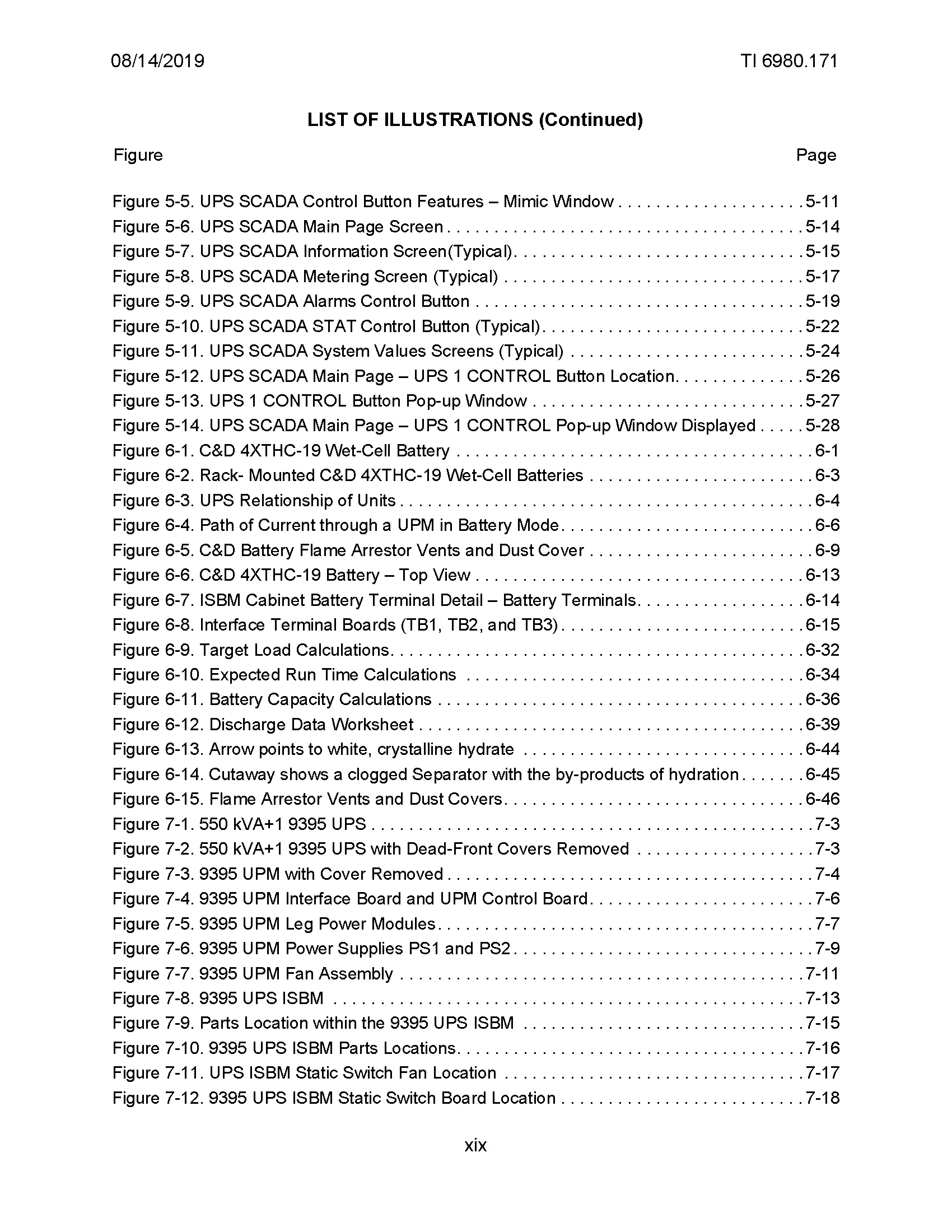
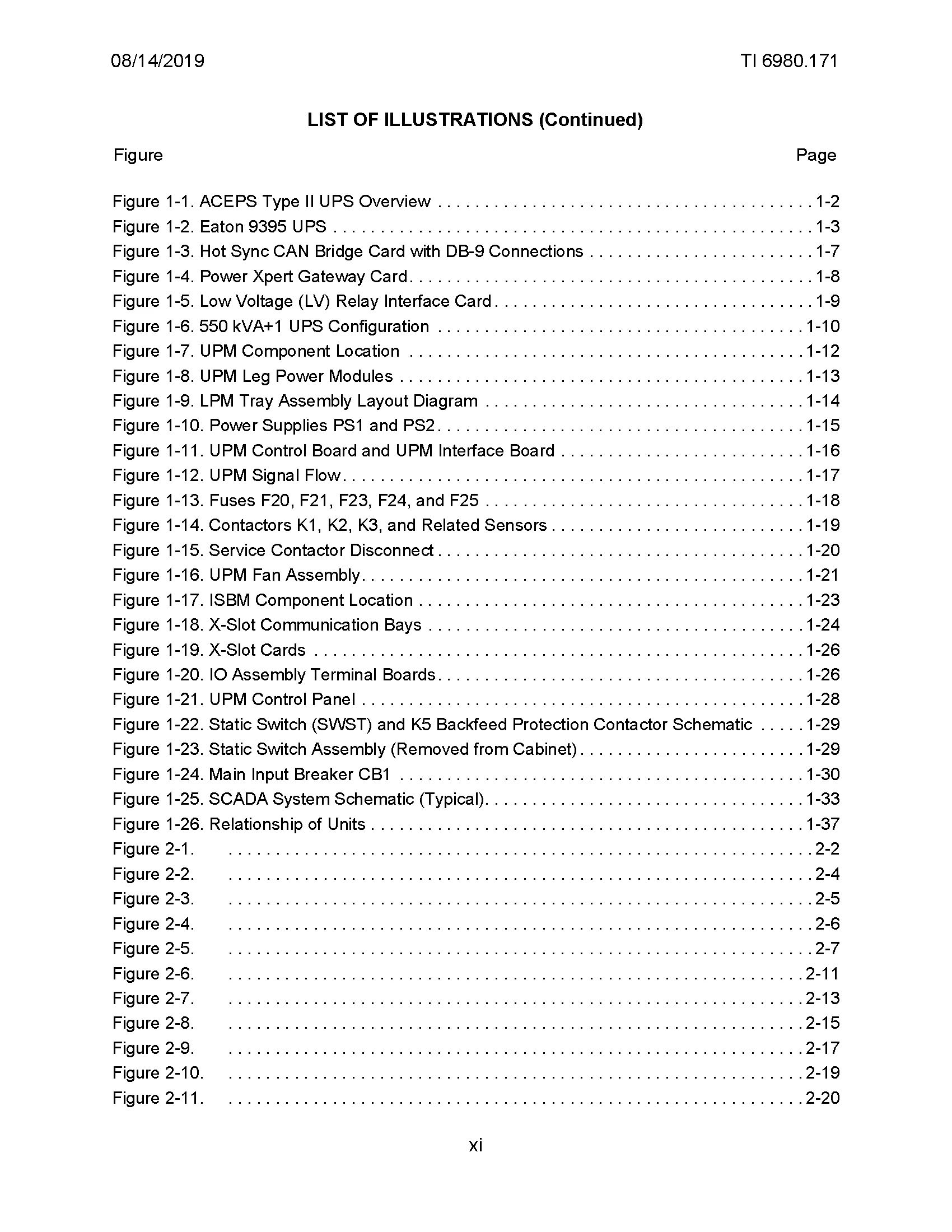
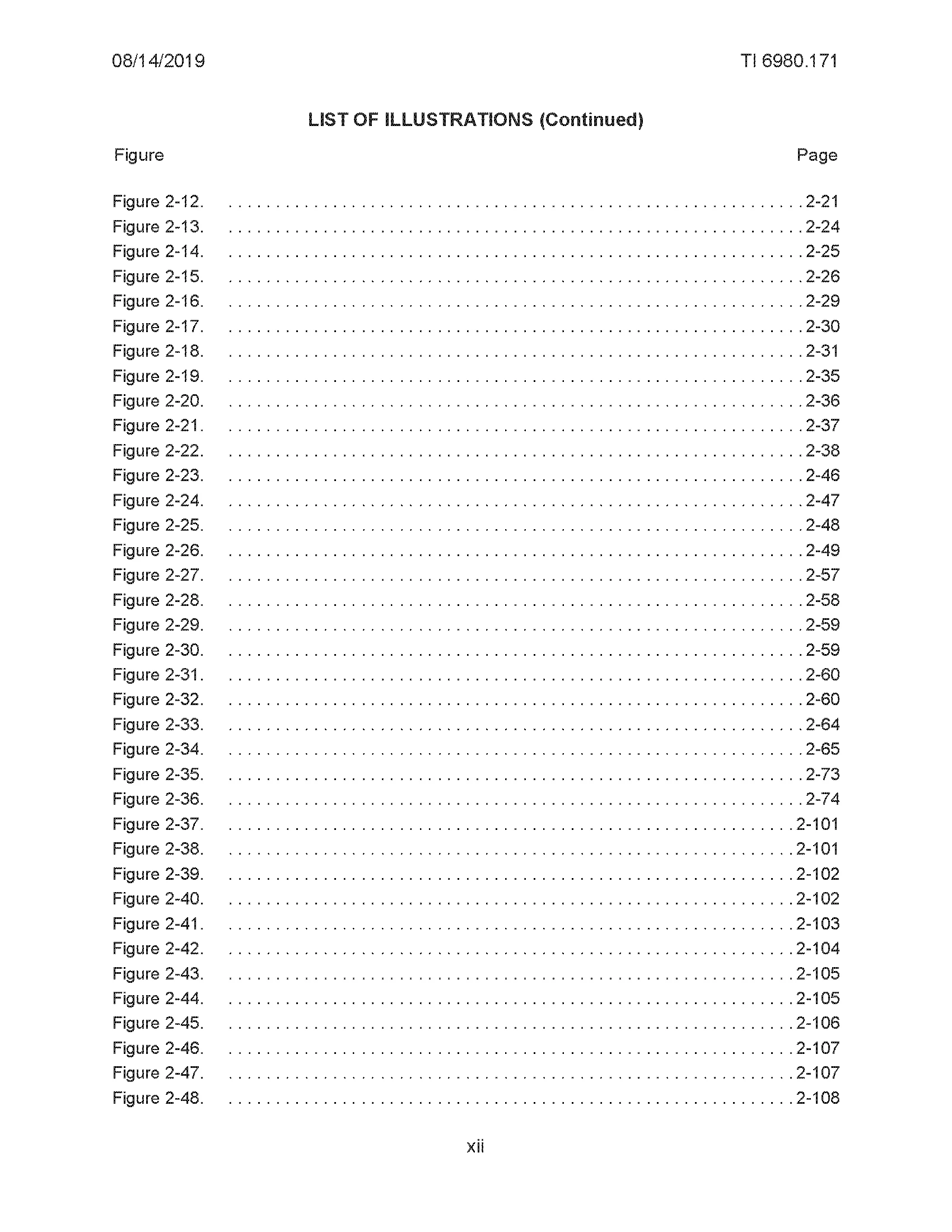
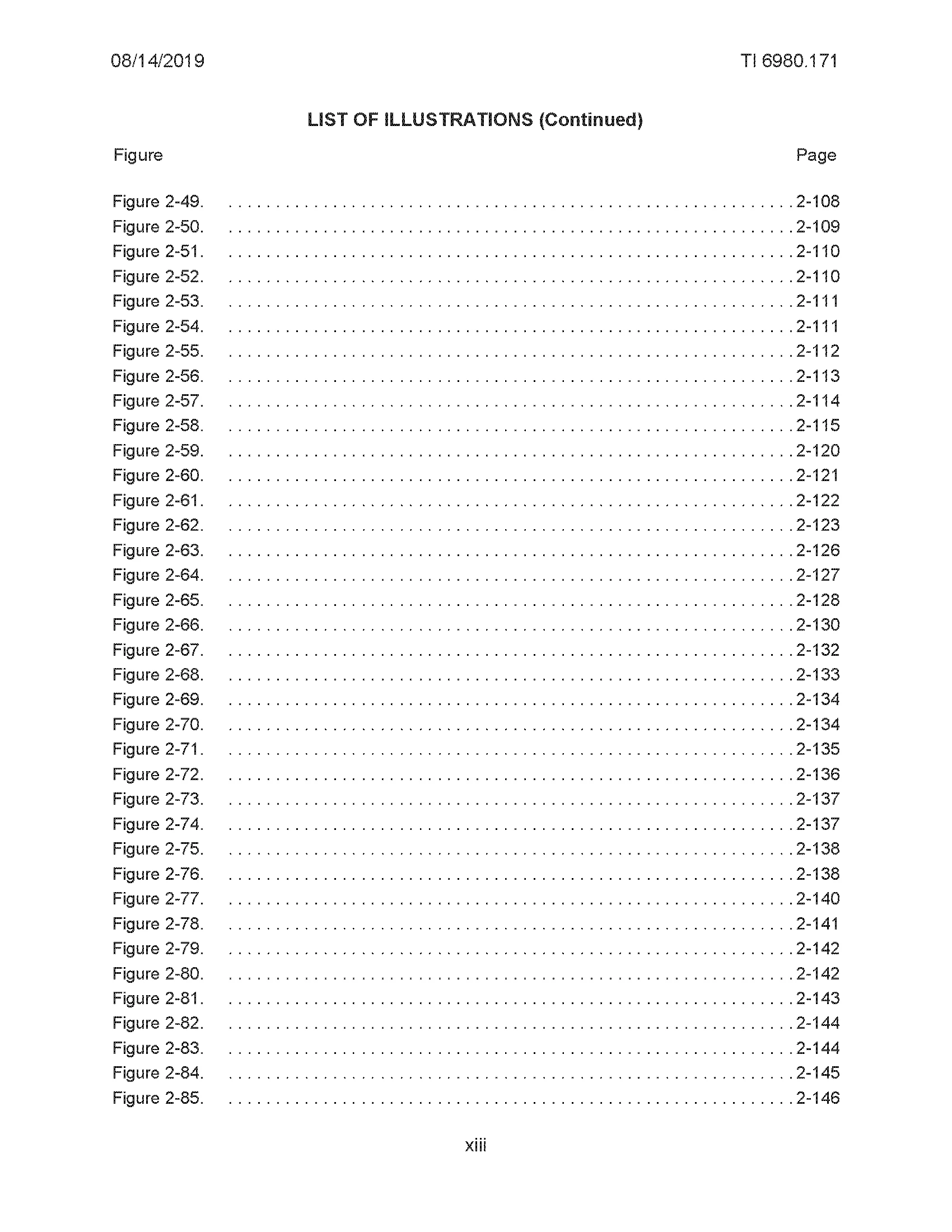
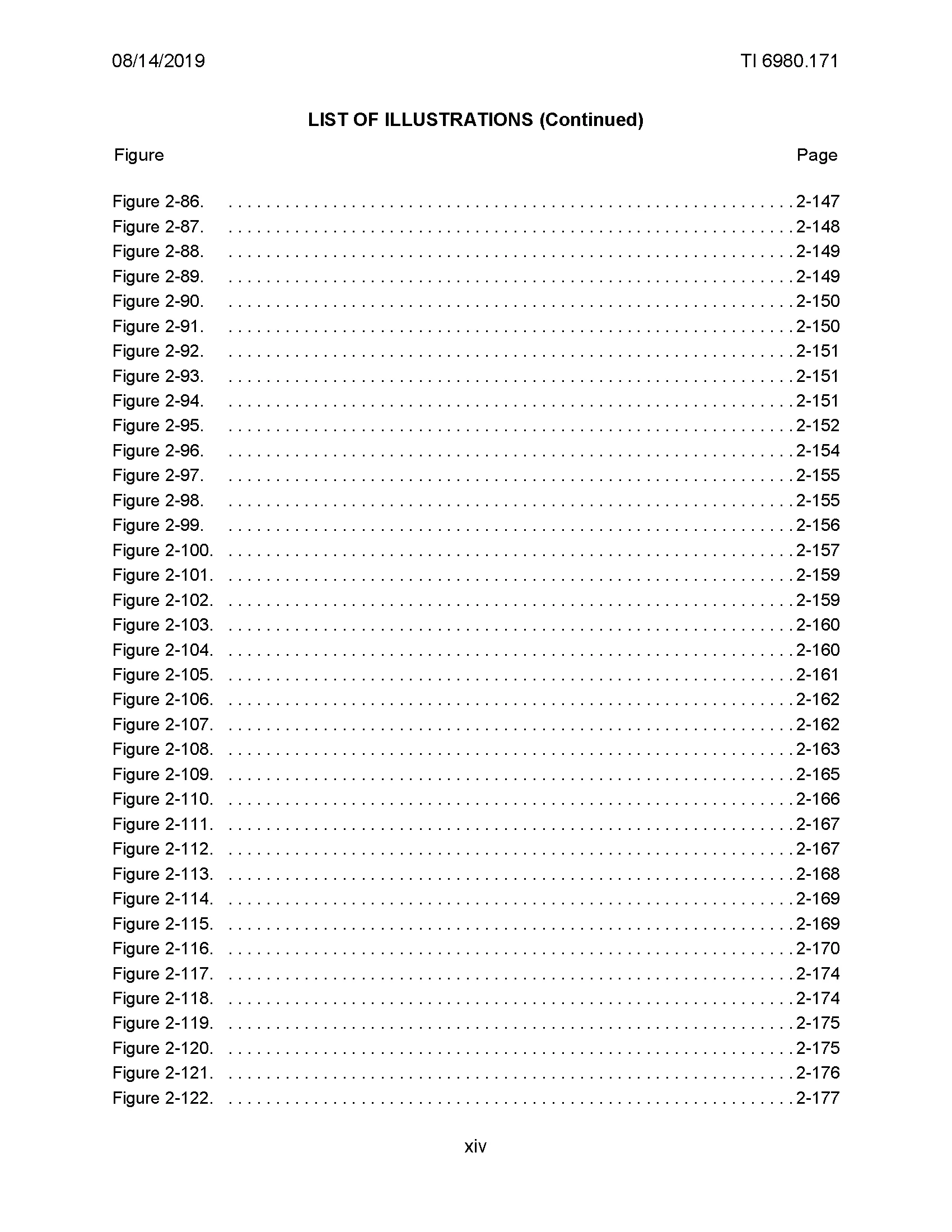
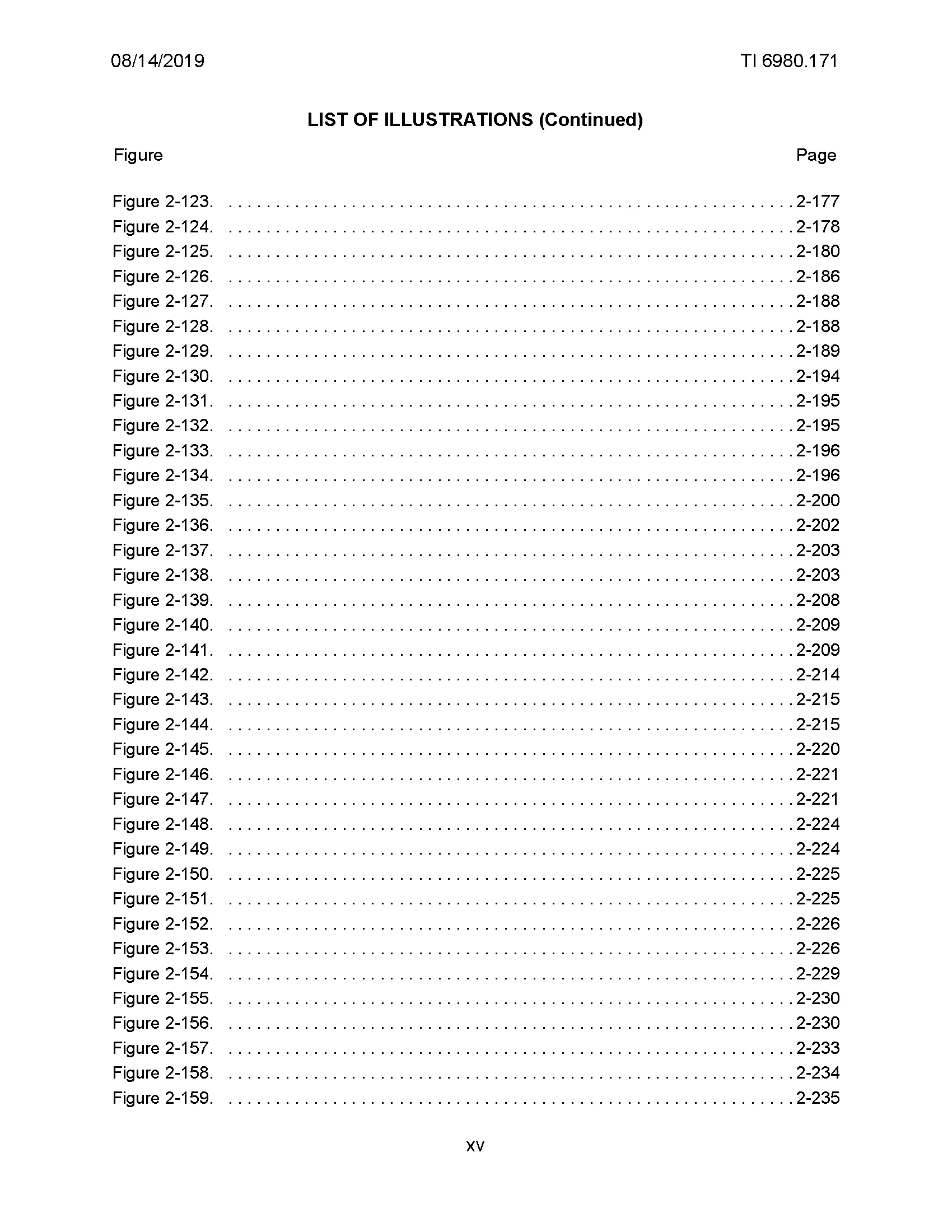
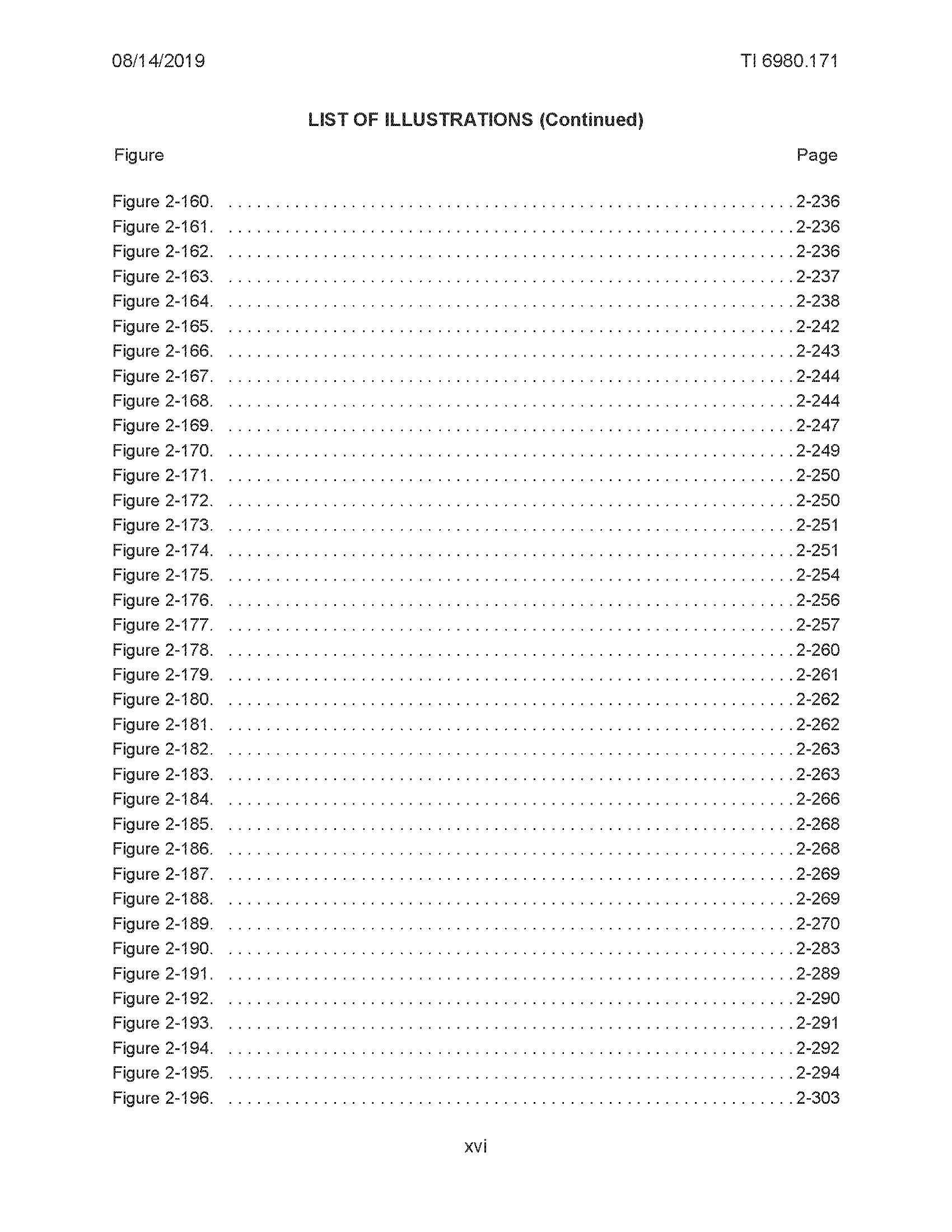
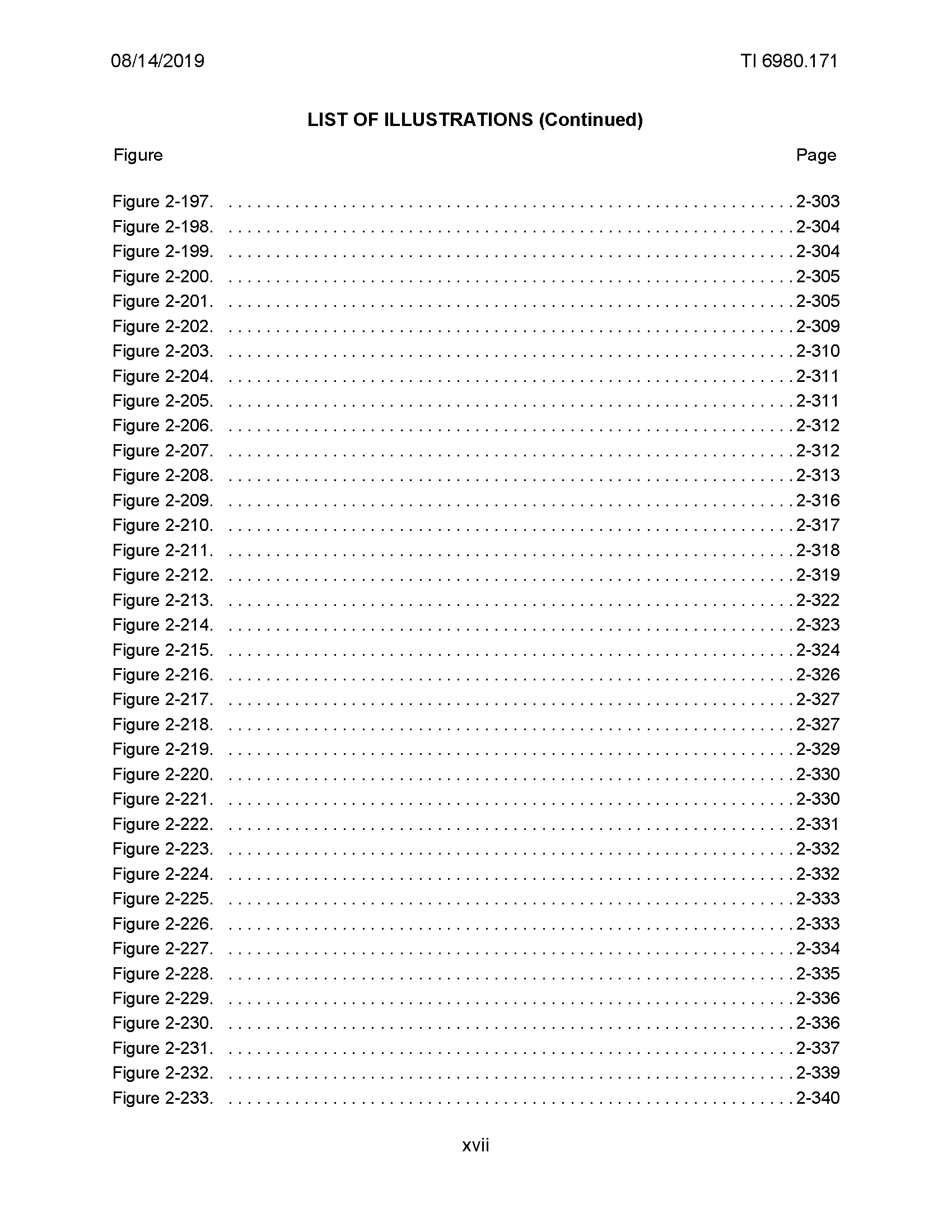
My issue is I have a chapter (chapter 2) that has 250 images. The figures are converted properly and have the expected Figure numbers below each figure. But no captions.
When I edit the DITA in chapter 2 and remove enough topics from the ditamap to leave only 50 images, chapter 2 is published with all figure captions.
My take from this is that FrameMaker cannot convert ditamaps that have topics with more than 50 image elements without removing the figure captions.
I could add more chapters (ditamaps) to the bookmap, each ditamap only have having topics with 50 images max. However, because of document standards, I cannot increase the number of chapters in this book to solve the issue that way.
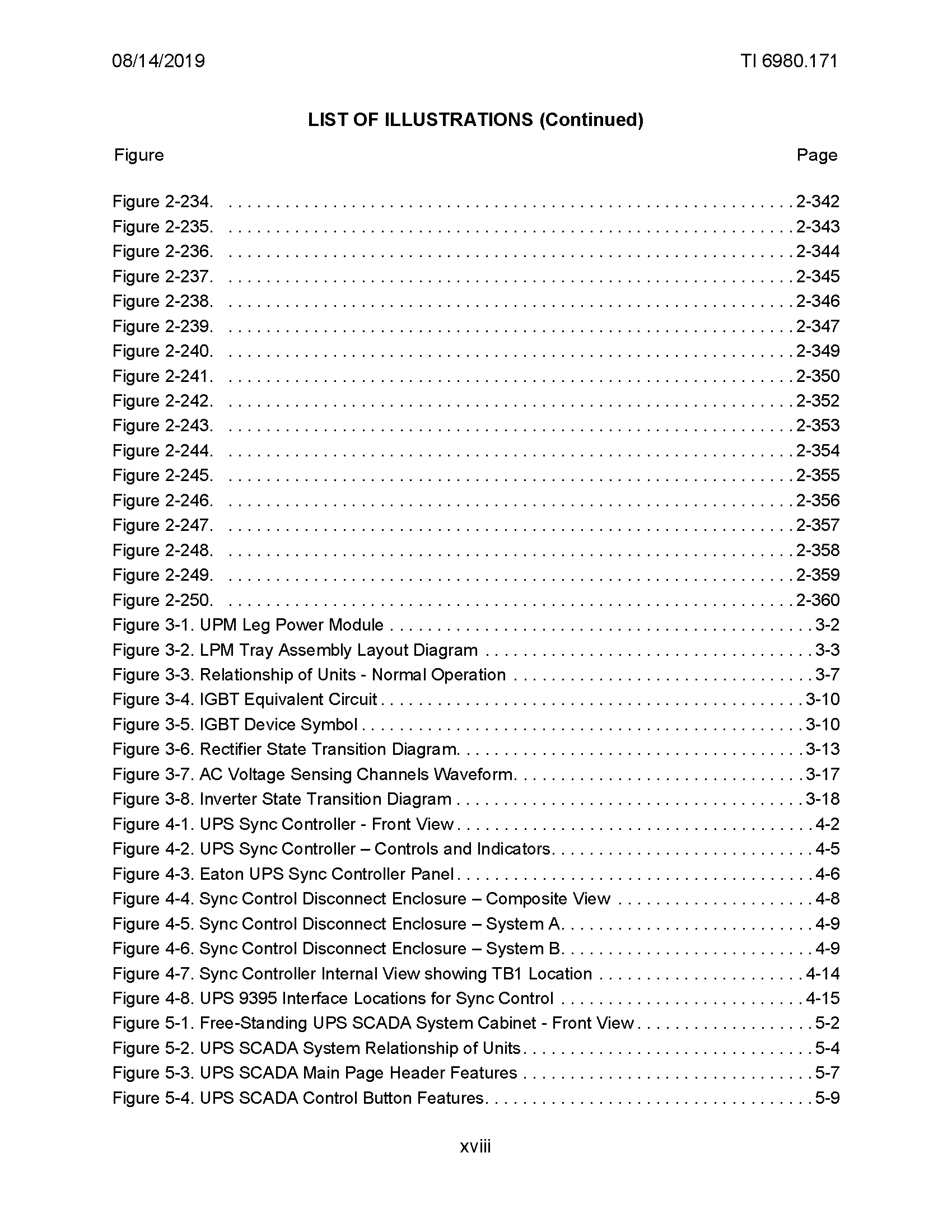
Manually entering 250 captions after conversion from DITA to FM is my only option at this point and of course, very time consuming. I’ve manually entered a few captions, and after updating the book the List of Figures does successfully update with all of the figure captions.
My question - is there some way - through scripting maybe - that I can get FrameMaker to populate those empty Figure captions AFTER conversion?
Any ideas on how to solve this would be greatly appreciated!

 AdChoices