

K.Daube
Community Expert
Community Expert
May 15, 2020
Answered

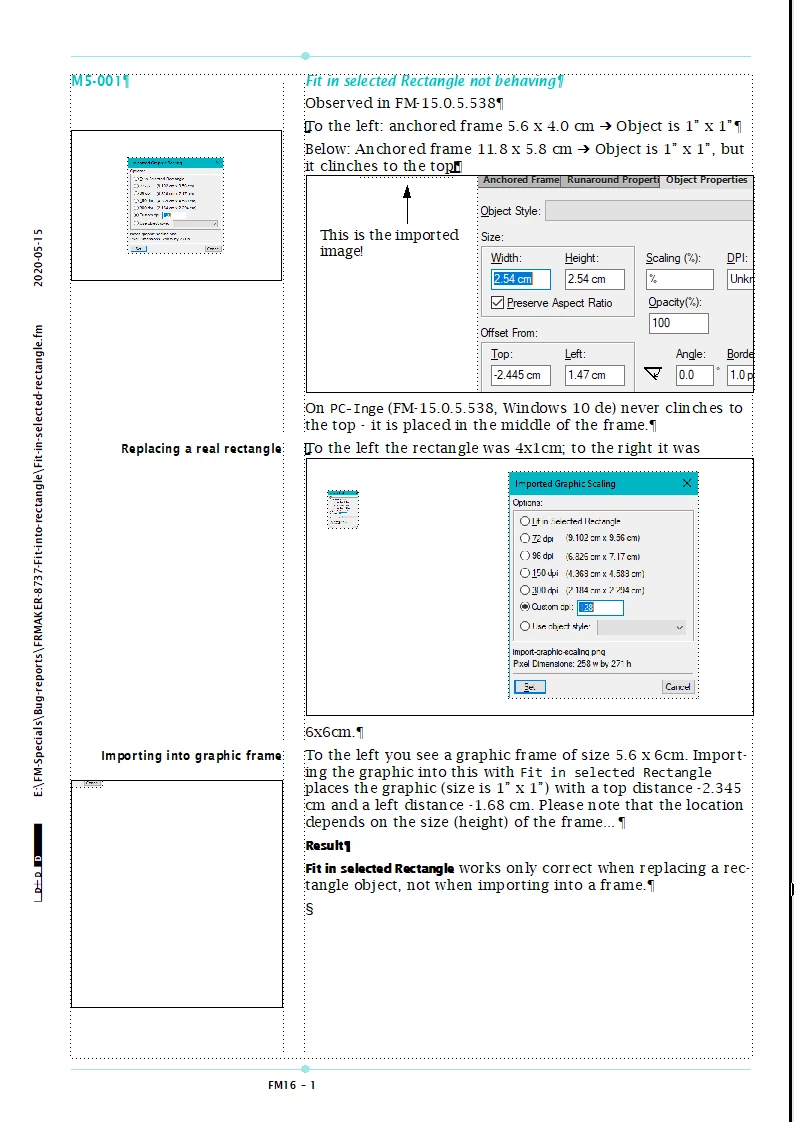
Fit in selected Rectangle not behaving

  • May 15, 2020
  • 1 reply
  • 772 views

I have just filed FRMAKER-8737

Replacing a rectangle object works as expected

Importing into an anchored frame or a graphic frame scales the image to 1" x 1" independently of frame size. Location within the frame depends on frame size...
This topic has been closed for replies.
Correct answer K.Daube

Oh no, this definitely is a misconception! Help says clearly:

To use a drawn rectangle to define the size of the imported bitmap graphic, select an existing rectangle or draw one (do not select an anchored or unanchored frame). The graphic replaces the rectangle if the Fit in Selected Rectangle option is selected when you import; however, the aspect ratio of the graphic remains unchanged.

1 reply

K.Daube
Community Expert
K.DaubeCommunity ExpertAuthorCorrect answer
Community Expert
May 15, 2020

Oh no, this definitely is a misconception! Help says clearly:

To use a drawn rectangle to define the size of the imported bitmap graphic, select an existing rectangle or draw one (do not select an anchored or unanchored frame). The graphic replaces the rectangle if the Fit in Selected Rectangle option is selected when you import; however, the aspect ratio of the graphic remains unchanged.