Inspiring
October 7, 2019
Question

FM 2019: Problem with inserted mp4 files when publishing to HTML5 output and chm output

  • October 7, 2019
  • 8 replies
  • 928 views

Hi,

we inserted in FM 12 videos by hypertext link. Now we are switching to FM 2019 and we try to simplify our working methods.

Now we insert mp4 files by reference and  generate output.

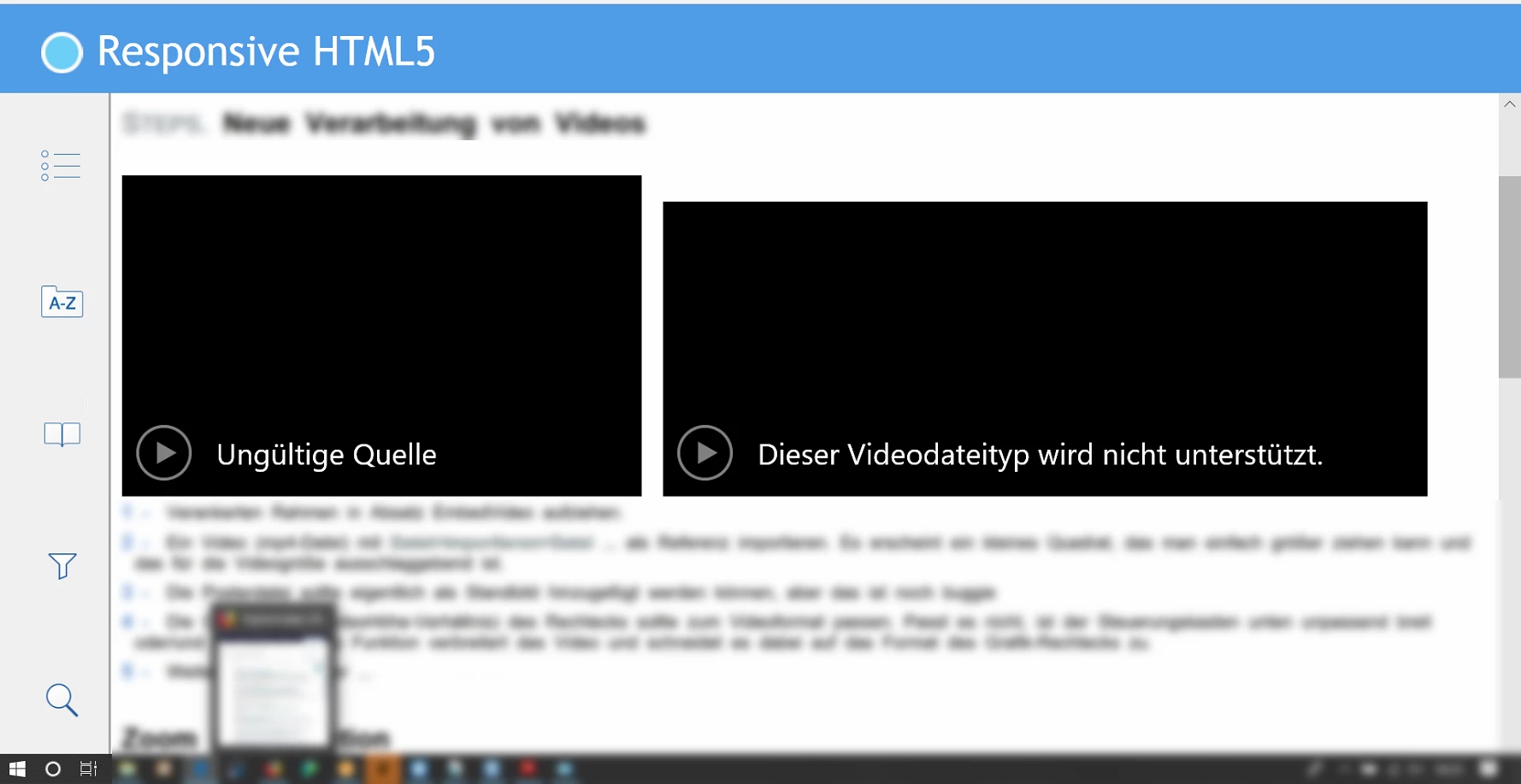
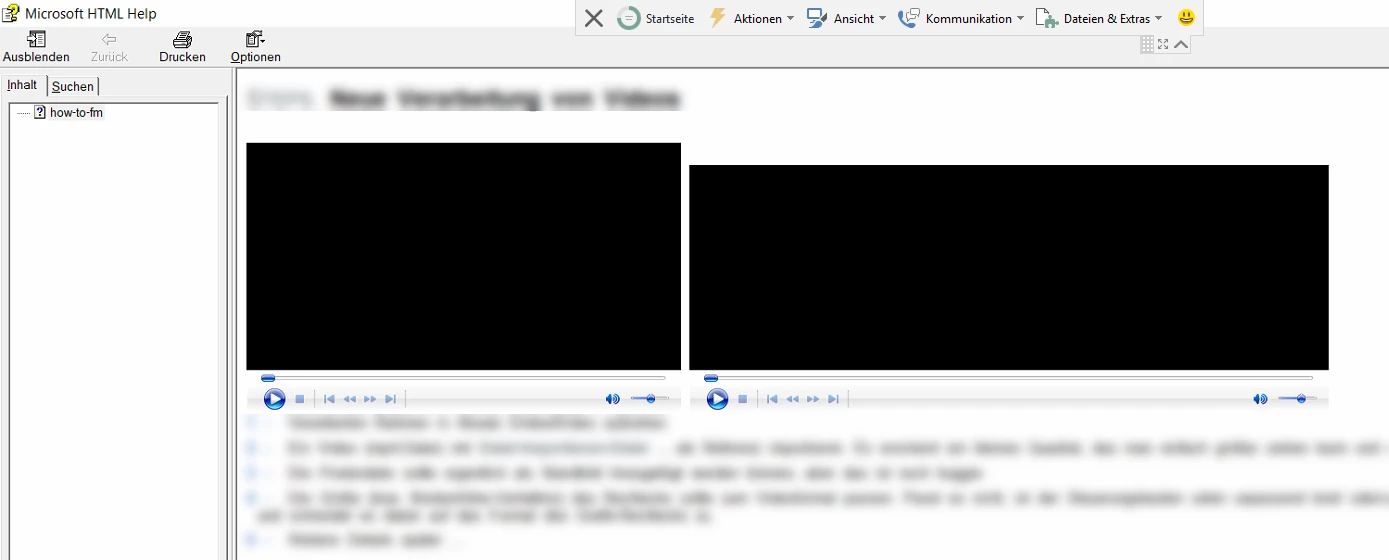
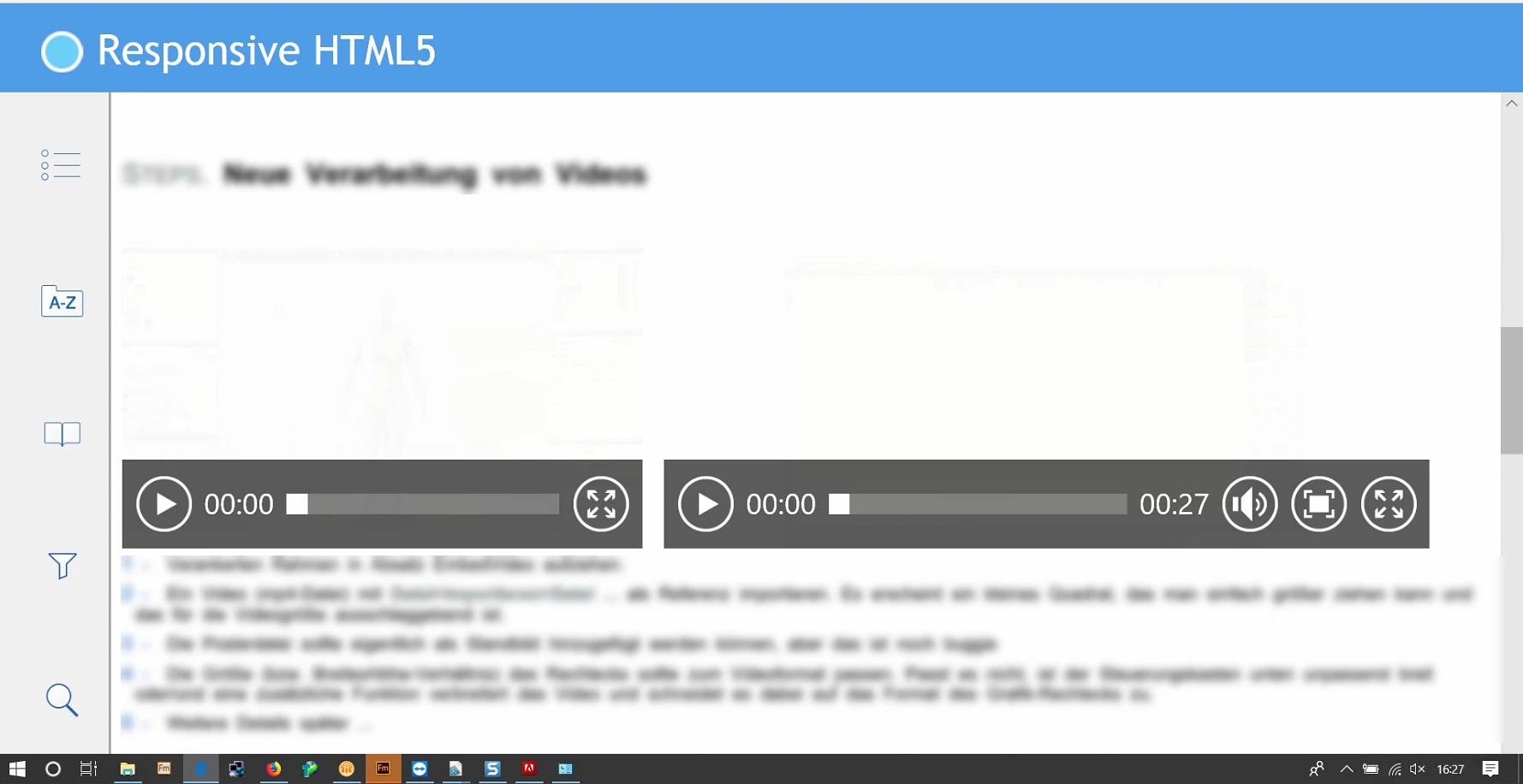
The next images illustrate the problems with HTML5 and chm output.

  • HTML 5 output: the mp4 videos get unreadable after blend out some conditions and/or work with the output filter.
  • chm output: mp4 videos don't start.


Did anyone knows the 2problems? do you know a workaround? 


    This topic has been closed for replies.

    8 replies

    Jeff_Coatsworth
    Community Expert
    Community Expert
    October 22, 2019

    Not sure what you mean - you can Publish HTML5 output in FM12; you haven't mentioning anything about PDF output before. And what do you mean by "filtering"? Conditional text? 

    A-BelAuthor
    Inspiring
    October 22, 2019

    Hope you can support me or simply vote 🙂 
    https://tracker.adobe.com/#/view/FRMAKER-7374

    Adobe Employee
    October 23, 2019

    Thanks for sharing the bug details. We will look into this and see if this might be a break or some additional enhancement required. 

    For next release of FrameMaker, we are improving the multimedia experience and planning to bring in online videos as well as  new HTML engine.


    Thanks

    Amitoj Singh

    Adobe Inc.

    Jeff_Coatsworth
    Community Expert
    Community Expert
    October 22, 2019

    So try embedding in FM12 to see if it's working there - if so, then you've got a bug in FM2019; if not, then you may just have a feature suggestion for Adobe.

    A-BelAuthor
    Inspiring
    October 22, 2019

    The problem can`t be checked in FM12:

    - PDF output (which I did not mentioned yet) I do not have PDF output via the publish function in FM 12 (PDF output is working).

    - And there is no filter function. So I can't check that for FM12 neither.

    A-BelAuthor
    Inspiring
    October 22, 2019

    The FM 12 method is working in FM 2019.  This is no problem.

    The reason why we want to change the old method (-> hyperlinks to anchored frames within the frame an image of the video and no panel ...) is that we need too much time and effort and ... we want the videos to be embedded. (-> There are very simple videos and some text to explain beneath - the concept is for embedded videos!)

    The new (for me new) import function for videos would be a perfect solution. If it is not working, this should be the object of  a bug ticket. Do you agree?  

    Jeff_Coatsworth
    Community Expert
    Community Expert
    October 22, 2019

    I don't have any experience with embedding videos in FM - I still use links to YouTube in my content. If embedding was working for you in FM12 & now not working in FM2019, then I would create a bug ticket using the Tracker to get it on Adobe's radar. 

    A-BelAuthor
    Inspiring
    October 22, 2019

    Yes, the anchored frame is automatically created when importing the mp4 file.

    chm output is secondary.

    The main problem is to get perfect embedded mp4s in my html5 output. At the moment I have no poster file, somehow the video is missing when conditional text is turned off and I wonder why the video is scaled in different sizes in the  outputs.

    I worked several years with FM12. Maybe I did not see the proper function to embedd videos perfectly in FM2019? If so, feel free to give me another idea to deal with embedded videos.

    Jeff_Coatsworth
    Community Expert
    Community Expert
    October 22, 2019

    Are they contained within an anchored frame?

    [Edit - I wouldn't hope for much from the CHM help - that's super-old technology & isn't being worked on by MS anymore]

    A-BelAuthor
    Inspiring
    October 22, 2019

    Could someone give me a hint? Should I pass this issue better as software change request?