cw_cooltext
Participating Frequently
January 23, 2013
Question

FM11 Variables pane does not display contents with book file open

  • January 23, 2013
  • 1 reply
  • 1350 views

This has happened several times now working in Structured FM11. When I go to insert a variable, the Variables pane doesn't display any contents, just a gray area.
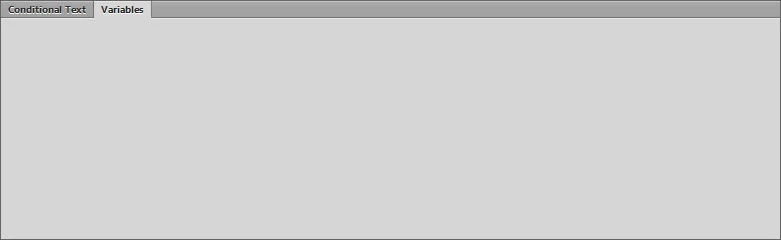
It seems to happen more if I open the book file first, and then open a file from within the book file. In fact, closing the book file causes the Variables pane to display its contents within the open chapter file. Now that I'm playing with it more: I opened the book file when I already have a chapter file open and variables showing in the Variables pane, the Variables pane immediately goes blank. It must have something to do with the book file.

Closing and starting the application seems to make it remember, but when I'm working with a 20 chapter book, and all the chapters are open, that's a bit of a pain.

Is this a bug?

This topic has been closed for replies.

1 reply

Arnis Gubins
Inspiring
January 23, 2013

This looks like a graphics display issue. Have you tried a ctrl+L screen refresh?

cw_cooltext
Participating Frequently
January 24, 2013

Thanks for your response, Arnis. But no, a screen refresh does not make variables visible in the Variables pane.

Again, as soon as I close the book file, presto! The variables all appear in the Variables pane. And if I reopen the book file, the Variables pane goes gray again. And, it doesn't refresh if I close the application and restart it. It's all about the book file. 

This is definitely a bug.

Inspiring
January 24, 2013

Select an open document file with the book file open. The pane is showing the variables in the file. When you select the book file (after you open the book file, it is selected), the pane empties. I am guessing that it does this because variables are store in files, not books.

So, it is the selecting of the book, not its opening, that is causing the pane to empty.