Participating Frequently
January 29, 2014
Question

FrameMaker 11: Internal Error 11004, 17075188, 14420806, 14421392

  • January 29, 2014
  • 1 reply
  • 1874 views

To whom it may concern,

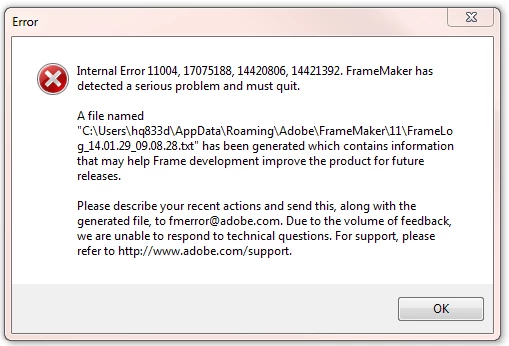
Recently I keep having a problem with FrameMaker 11 and the application would crush and close. The error message I got is like this: 
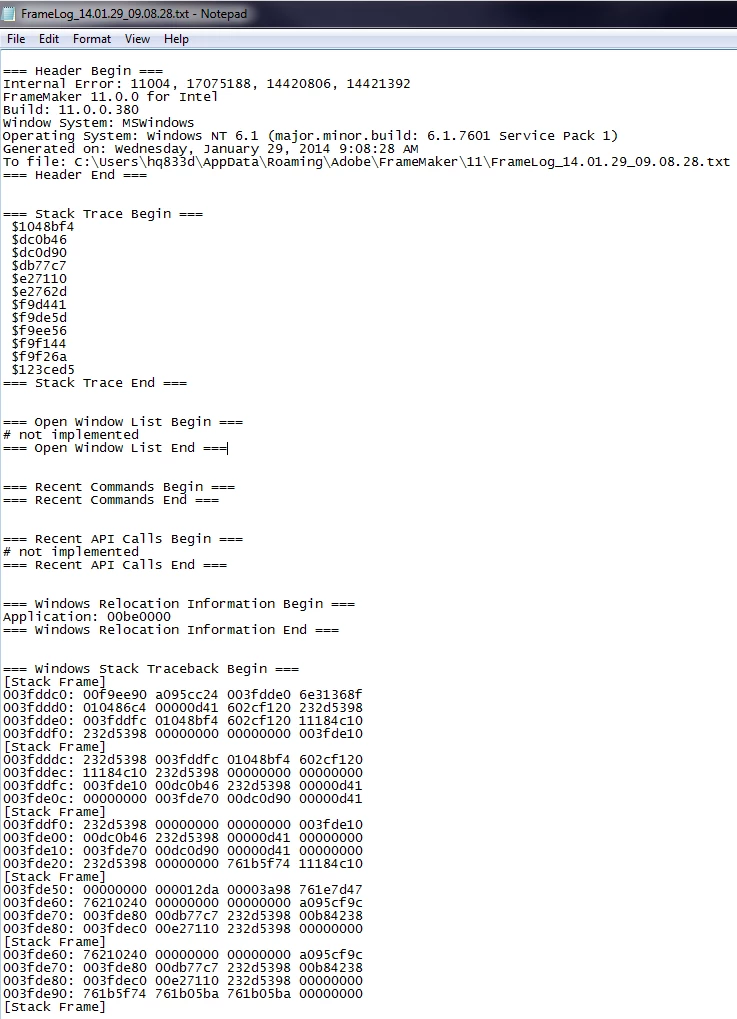
Here is the txt file FrameMaker generated:
I searched in your website and could not find an answer. Please help me solving this problem,

Thank you so much,

Lisa

This topic has been closed for replies.

1 reply

Arnis Gubins
Inspiring
January 29, 2014

From your screen captures, it shows that you are using an unpatched version of FM11. There have been two updates released that you need to install in release order. You can download the patches from here:

http://www.adobe.com/support/downloads/product.jsp?product=22&platform=Windows

If these do not help resolve your issue, then please describe what you were doing at the time of the crash and provide some info about the file that you were working on (is it an older FM file, were the contents imported from Word or other application, is it graphics rich, were the graphics imported by copy or reference, etc.)

PingjingAuthor
Participating Frequently
January 30, 2014

To whom it may concern,

I download those two patches from the link you gave me. However, I got an error message when I tried to install the patch even though I have gotten the Administrator right to install them on my laptop. See a snapshot below. Please let me know how I can install these two patches.

Thank you,

Lisa

Arnis Gubins
Inspiring
January 30, 2014

Did you use the "Run As Administrator" option for installing vs. double-clicking or using the "Run" option on the patch file?