Known Participant
July 6, 2016
Answered

FrameMaker 12: Book files not opening within application

  • July 6, 2016
  • 1 reply
  • 1460 views

When I perform the following functions, the files open as separate files instead of opening in the application itself.

1) Open FrameMaker Book.

2) Select all the files listed in the book

3) Right click and select Open

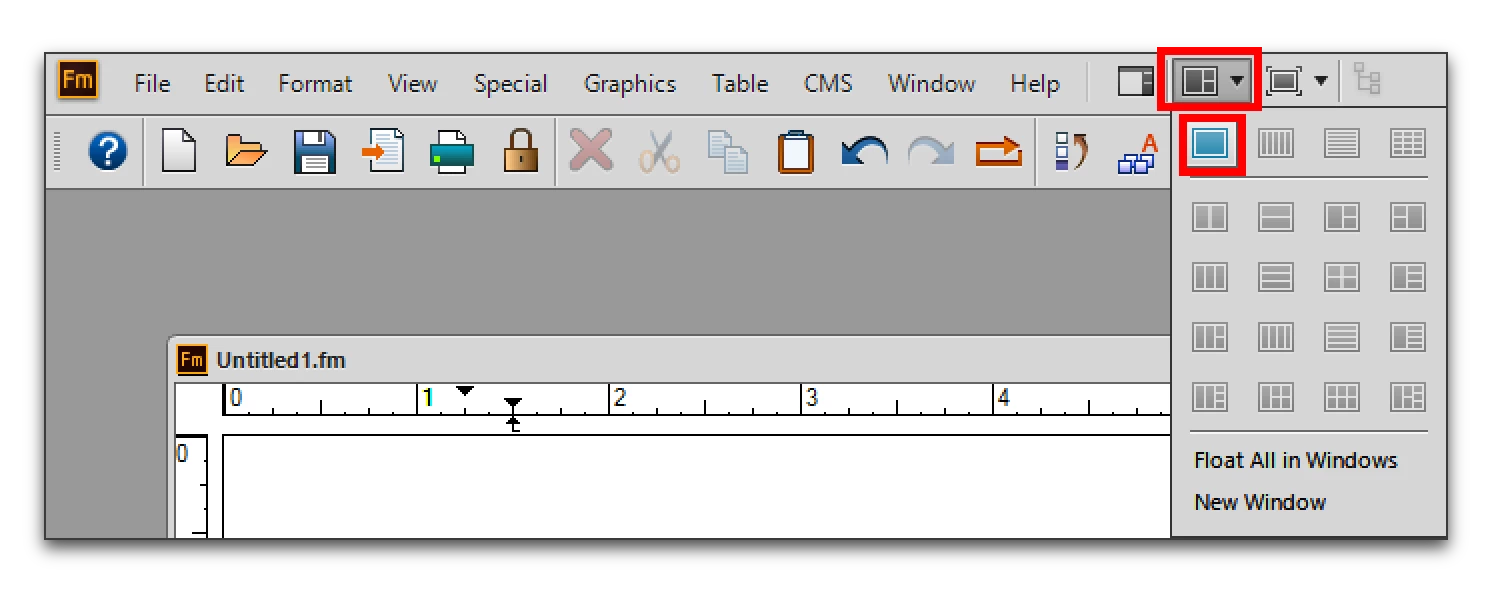
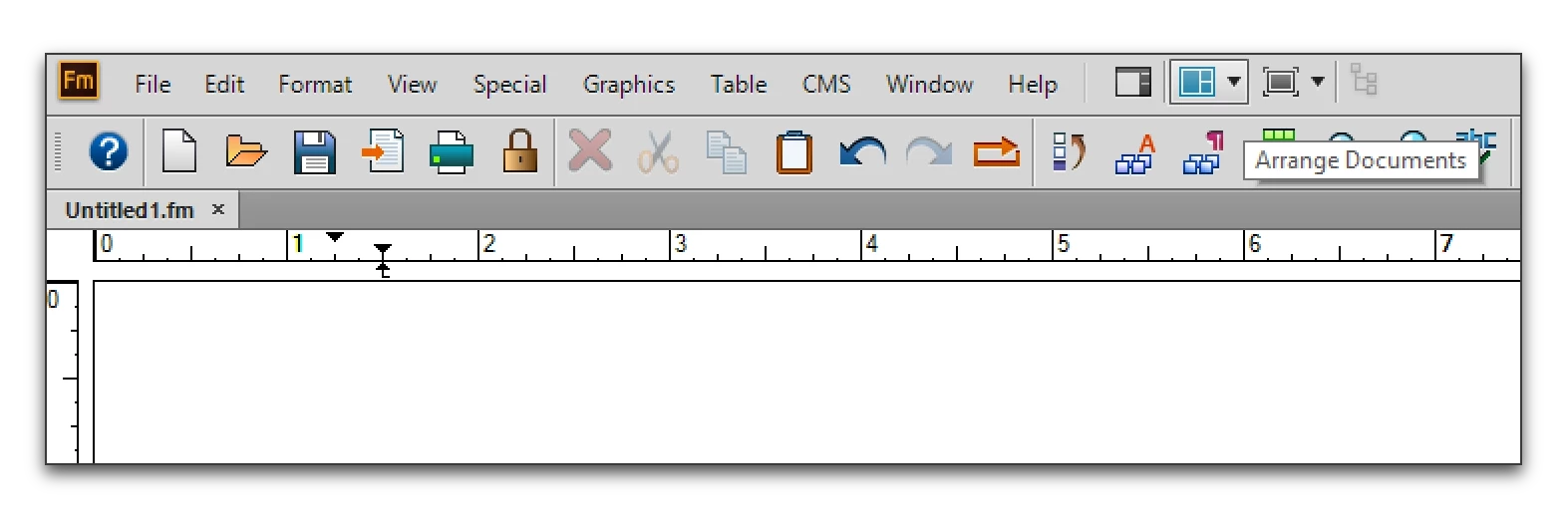
The files open but instead of appearing neatly in the Document Tab (), they open as individual files. When I hover over the application in my desktop taskbar, there are several documents open.

Why is this happening? How can I fix this?

Thank you!

This topic has been closed for replies.
Correct answer Barb Binder

No. That's the weird thing. It's very random and doesn't happen often. I will try deselecting the auto-expand and see if that makes a difference.


Does Arrange Documents > Consolidate All to Tabs re-dock them on the Tab bar?

1 reply

Jeff_Coatsworth
Community Expert
Community Expert
July 6, 2016

Close everything & then start FM up by itself. Check the Edit > Preferences menu item. Have a look at the Global - Interface settings - there's a Documents section in there for controlling how docs open up.

SalomeAAuthor
Known Participant
July 6, 2016

I've tried those steps before but the problems still persists. Do you know of possible issues?

Jeff_Coatsworth
Community Expert
Community Expert
July 6, 2016

What o/s are you running FM12 on?