
Inspiring
October 15, 2017
Question

Framemaker 17 crashes when printing book PDF with certain AI graphics

  • October 15, 2017
  • 2 replies
  • 931 views

I've got a book with a couple hundred graphics in AI files and I'm trying to wrap it up and get the PDF generated for printing.

All the graphics display just fine in FM, but when I try to book print the PDF the system will freeze on certain files which contain photos.

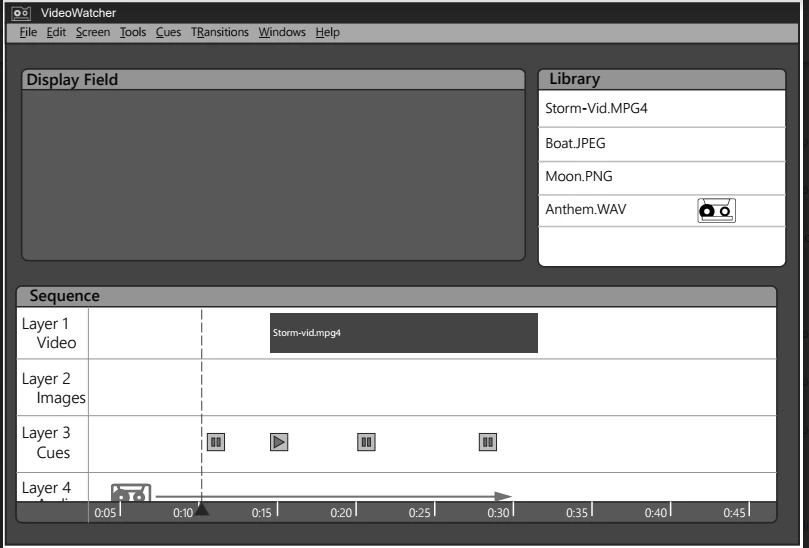
This AI file will print just fine:
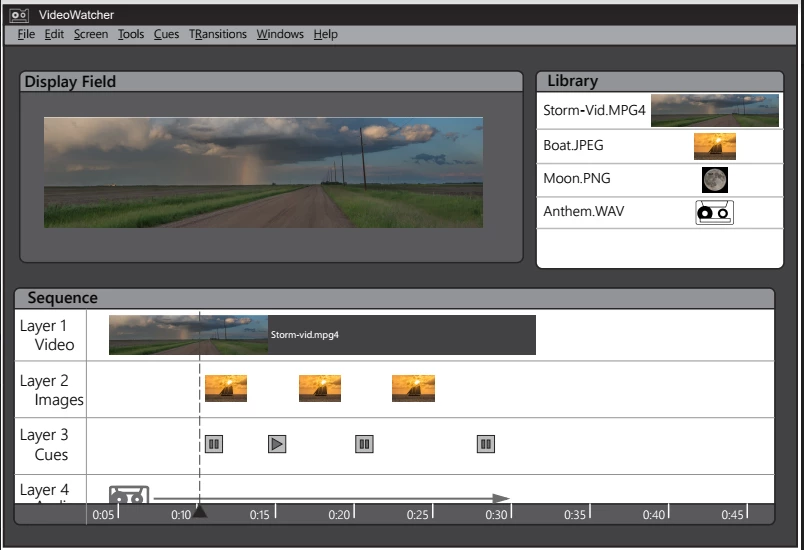
This one, however, will crash Framemaker/distiller:
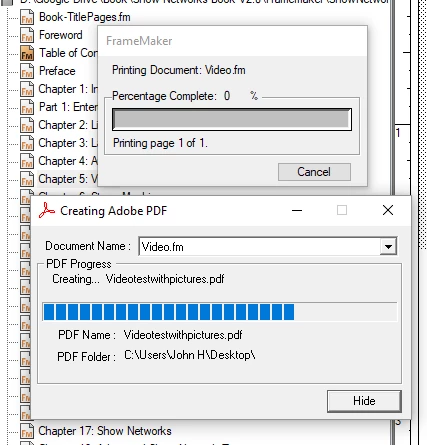
It just freezes here:
I have to close FM in windows and then delete all the lck files just to get it to function again.

Any ideas?

Thanks!

John

    This topic has been closed for replies.

    2 replies

    Arnis Gubins
    Inspiring
    October 27, 2017

    Hi John,

    How did you get the AI file into FM?

    Note, if you directly imported the AI file without first saving as a PDF or EPS from Ilustrator, then FM is running the file through the PDF import routine. An AI file looks like a PDF, but it contain a lot more specific info than a PDF, which may be tripping up FM when trying to put the converted EPS equivalent (FM's PDF import converts internally to an EPS on the fly) back out, especially when there are a lot of raster graphics.

    Try EPS (or PDF) from Illy to see if it behaves any better. It adds an extra step to the workflow, but you might at least get your book out.

    Adobe Employee
    October 16, 2017

    Hi John,

    Is the FrameMaker crashing or printing gets stuck as shown in above snapshot? If it is crashing can you please log a bug with adobe tracker Tracker  with source file as attachment or some sample file.

    also please share the bug number here as well.

    thanks,

    Amitoj Singh

    Inspiring
    October 16, 2017

    Well it "gets stuck" indefinitely.  I let it sit for probably 1/2 an hour on a four page document that took about 30 seconds to print with the non-photo containing document.  I have to force close Framemaker to do anything further.

    John

    Adobe Employee
    October 16, 2017

    Hi John

    Can you please log a bug for same via Adobe tracker and share the bug details. Please also attach a sample file in the bug.

    thanks

    Amitoj Singh