Hi Quintin:
I can replicate this in both FrameMaker 2017 and in 2019 – it is exactly as you described in both applications. I used the Kilimanjaro logo for testing purposes.
I opened the logo in Photoshop and there is definitely not a border or red artifacts around the letterforms in the image.
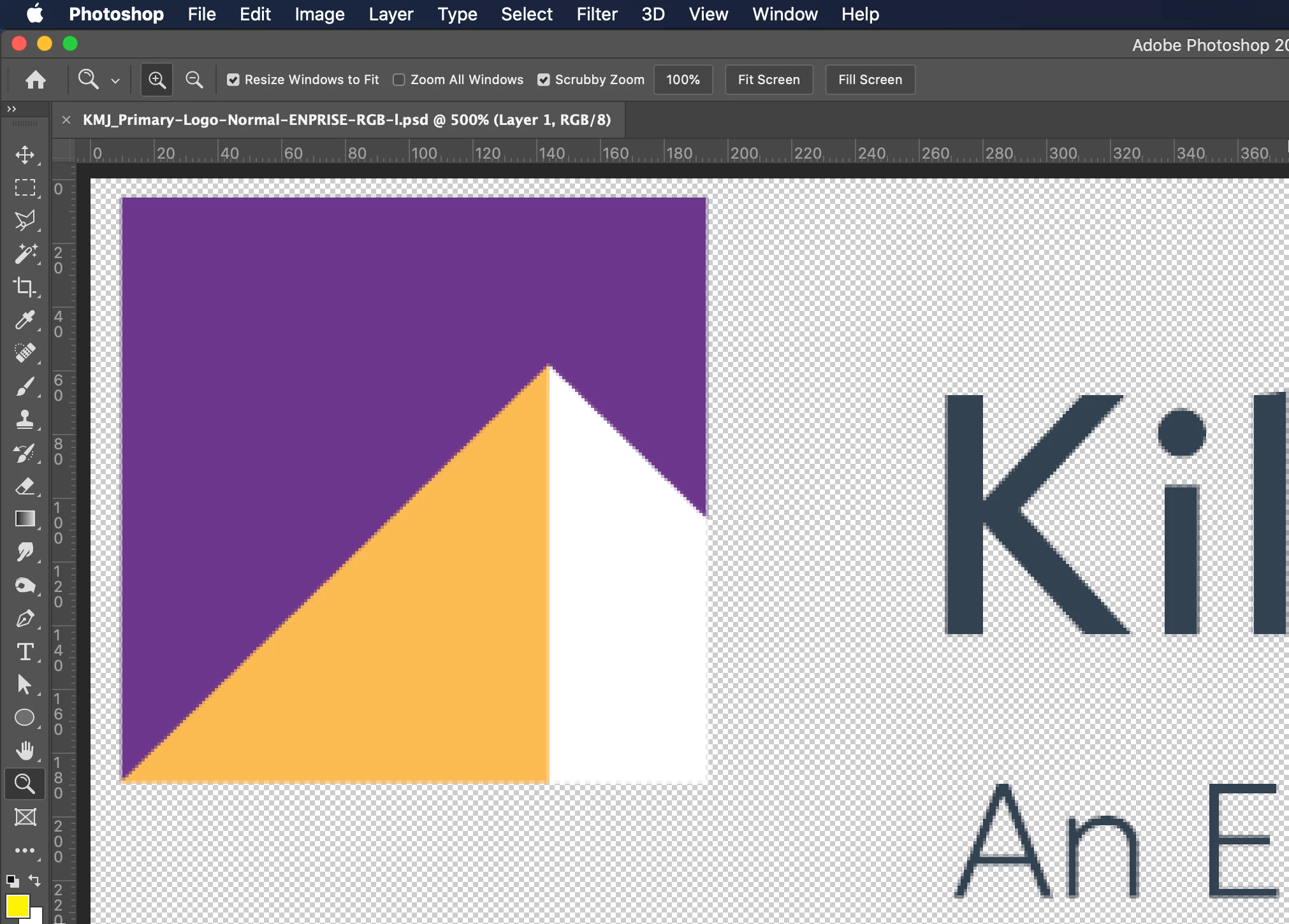
I tried printing the FrameMaker file to a PDF and the border did not appear for me in the PDF, which makes me think this is a screen display issue with .pngs in FrameMaker 2019. But I thought you said it appeared in the the PDF for you?
I saved your file three times—as a Photoshop .psd, as a .jpg and then again as a new .png. Only the .png file is continuing to display the mysterious border and the red artifacts around the letterforms in FrameMaker 2019.
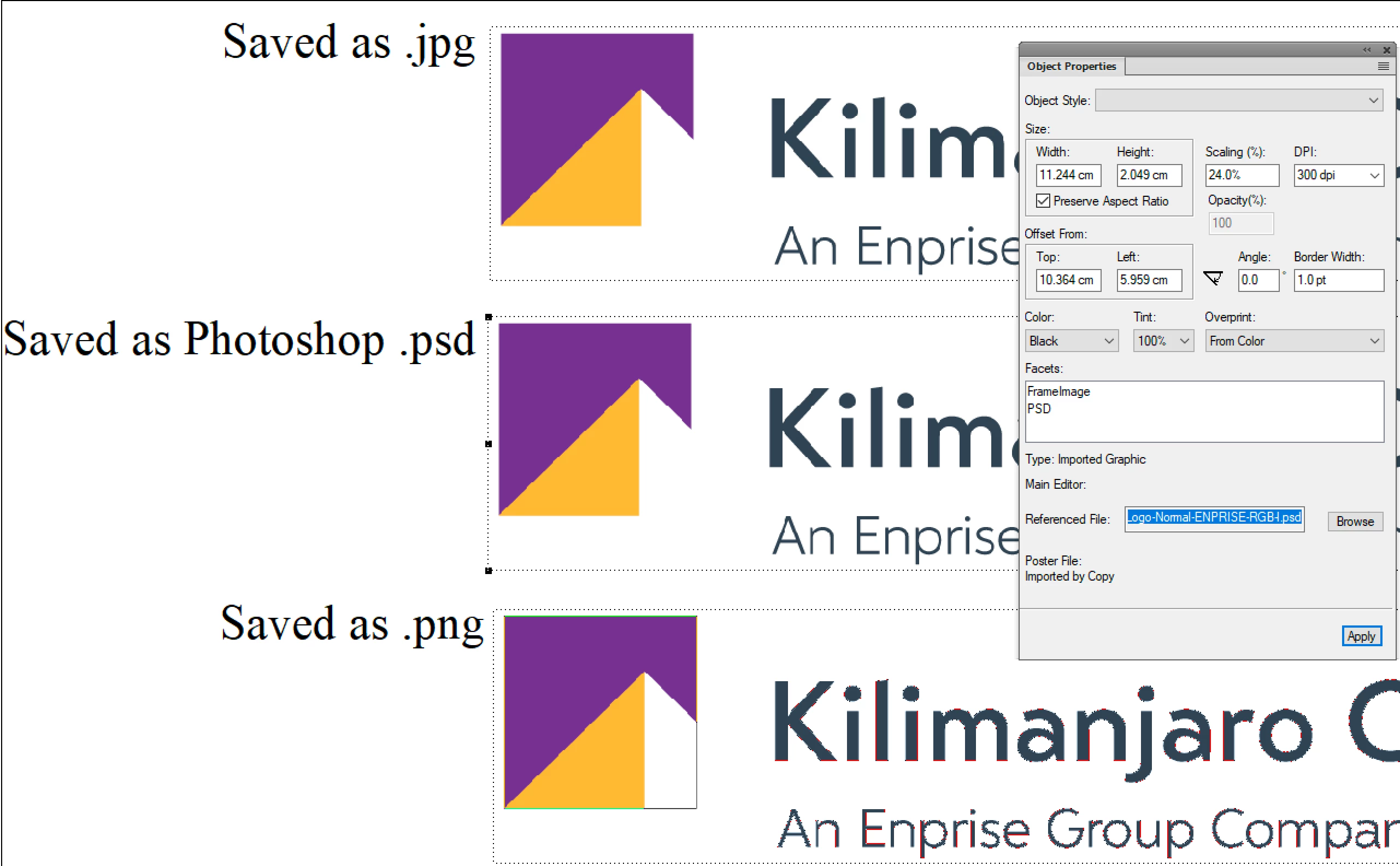
I created a brand new image in Photoshop and saved it as a .png. I did not get the border inFrameMaker 2019 but I did get the red artifacts around the letterforms. Then I created one in Illustrator and got the border but not the red artifacts. Basically, FrameMaker 2019 is not displaying .pngs correctly.
Where did these images come from? Typically, logos are designed using Illustrator, and occasionally in Photoshop. Can you request the original versions of the images that are displaying the borders, or in a format other than .png? You can certainly report this as a .png-related bug on tracker, but in the meantime, I would update the images if the borders are appearing in the PDF or on a printed page. (If they are not on the PDF or printed page, still report it and live with it until there is a patch.)
I normally place native Photoshop and Illustrator files in FrameMaker—it streamlines editing—so that is what I would be asking for, but any format besides .png should do the trick.
~Barb



 AdChoices