

FrameMaker 2019 Create and Name PDF from part of a chapter
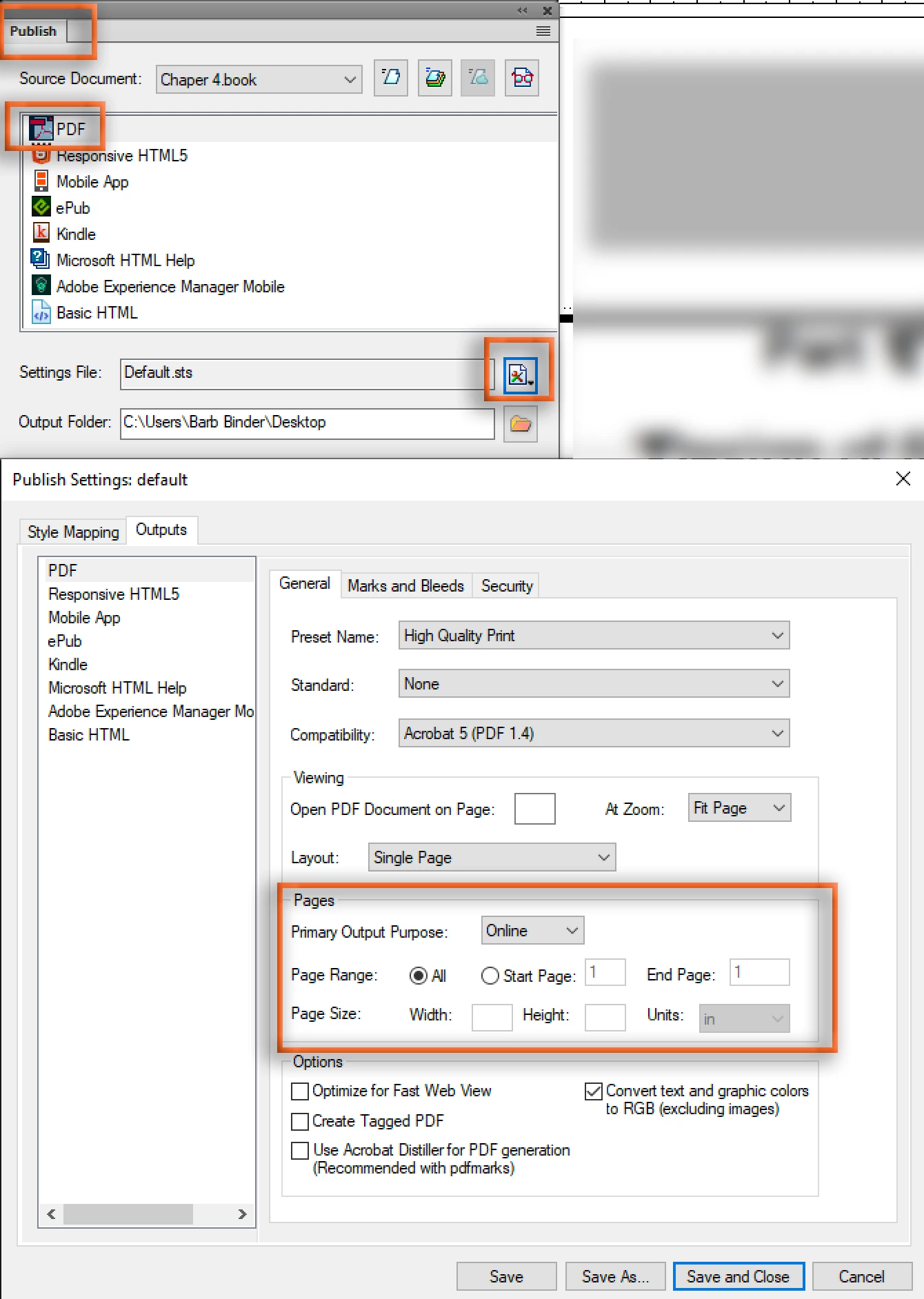
We recently upgraded to FrameMaker 2019. I create chapters that can be several pages long, however, I frequently need to create PDFs for only a portion of that chapter and I need to name that section according to the heading. For example, I have a 20-page chapter and need to create a review PDF for pages 10-12 and name that output Widgets Counters. The name of the Frame file is Widgets. How do I do this? So far I've seen videos and posts on using the Publish feature which would be great if I needed to publish the whole chapter quickly, but we frequently need to send sections of the chapters out for review. We've been using FrameMaker since about 2003 and have always been able to use File > Save as PDF, enter the File Name, click Save, and then select the page range in the PDF Setup dialog. How can I do something similar to this? Cleaning the output up (i.e. deleting the pages that don't need to be reviewed) in Acrobat Pro is a cumbersome workaround.
Thanks!
Ken


 AdChoices