
FrameMaker 2019: Some menus are displayed in English although the FrameMaker installation is German
I've downloaded and installed the FrameMaker 2019 package intended for a German operating system.
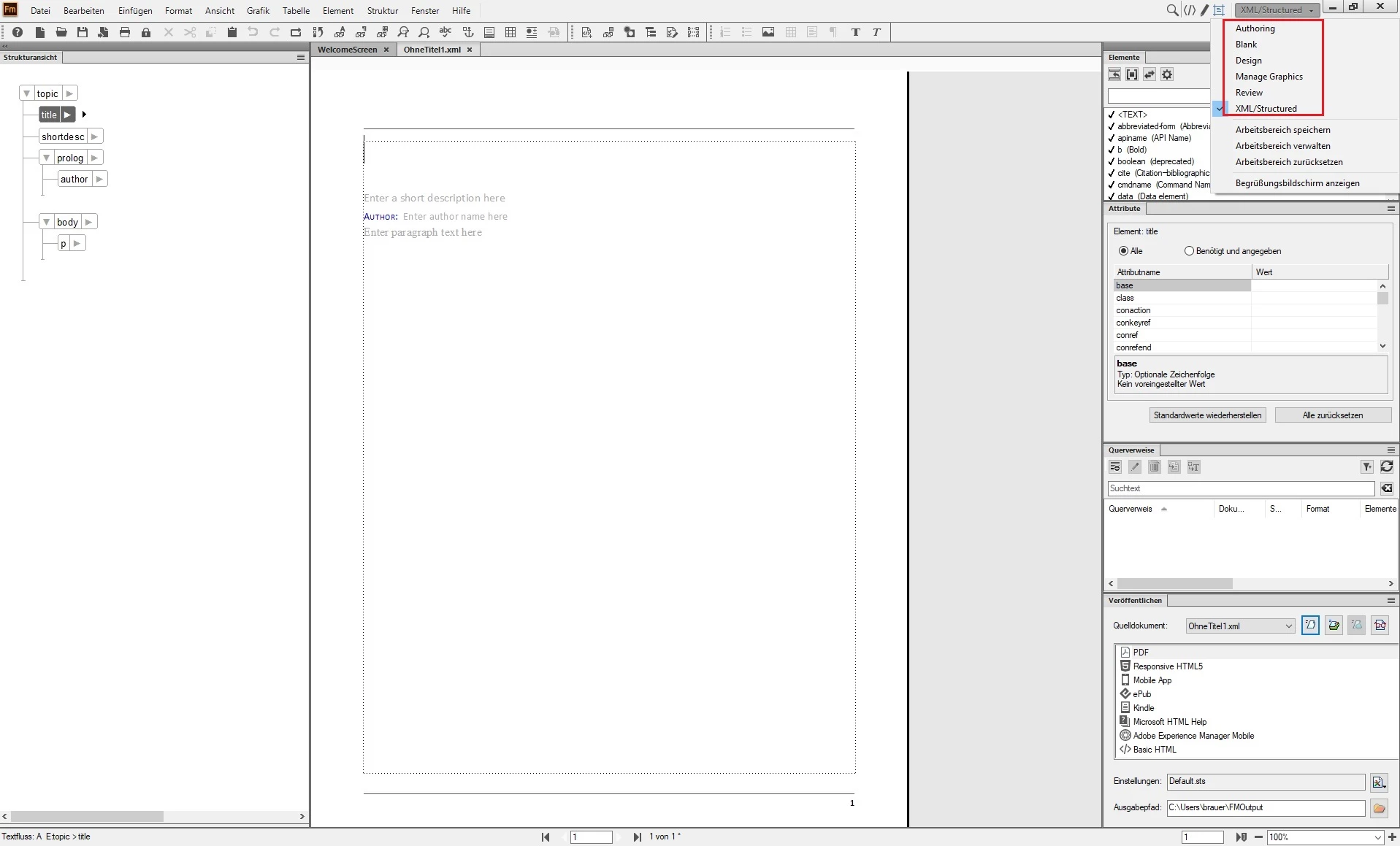
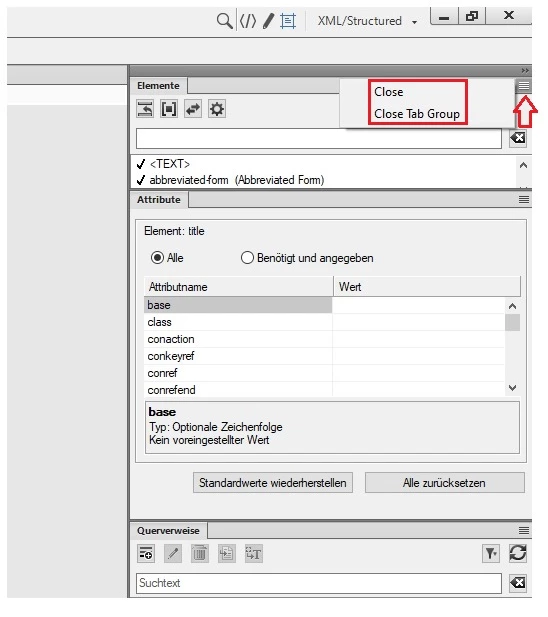
Although most of the menus in FrameMaker are disaplyed in German (as they should), there are some that are displayed in English.
For example:
- Dropdown menu "XML/Structured"
- PODs overview menu
Where is the menu language read from?
Why are some menus displayed in English?
Is there a setting that can be configured to get all menus in FrameMaker reliably in German?
I'm using Windows 10 Pro with regional settings German (Germany).
A co-worker observed a similar problem with his FrameMaker installation: The PODs menu changed the language from German to English after having installed a FrameMaker add-on, although the add-on didn't bring any POD menu and didn't explicitly change any language settings in FrameMaker (it actually also used German in all menus). So, it looks like something is messing with the menu language settings in FrameMaker.


 AdChoices