
Inspiring
January 25, 2024
Question

Framemaker with MP4 export to PDF

  • January 25, 2024
  • 4 replies
  • 1074 views

Hello,


I followed the instructions how to insert video and its poster. In Framemaker it works properly.

When I double click the poster, then the media player opens.


The MP4 is only 8,4 MB, so nothing big...
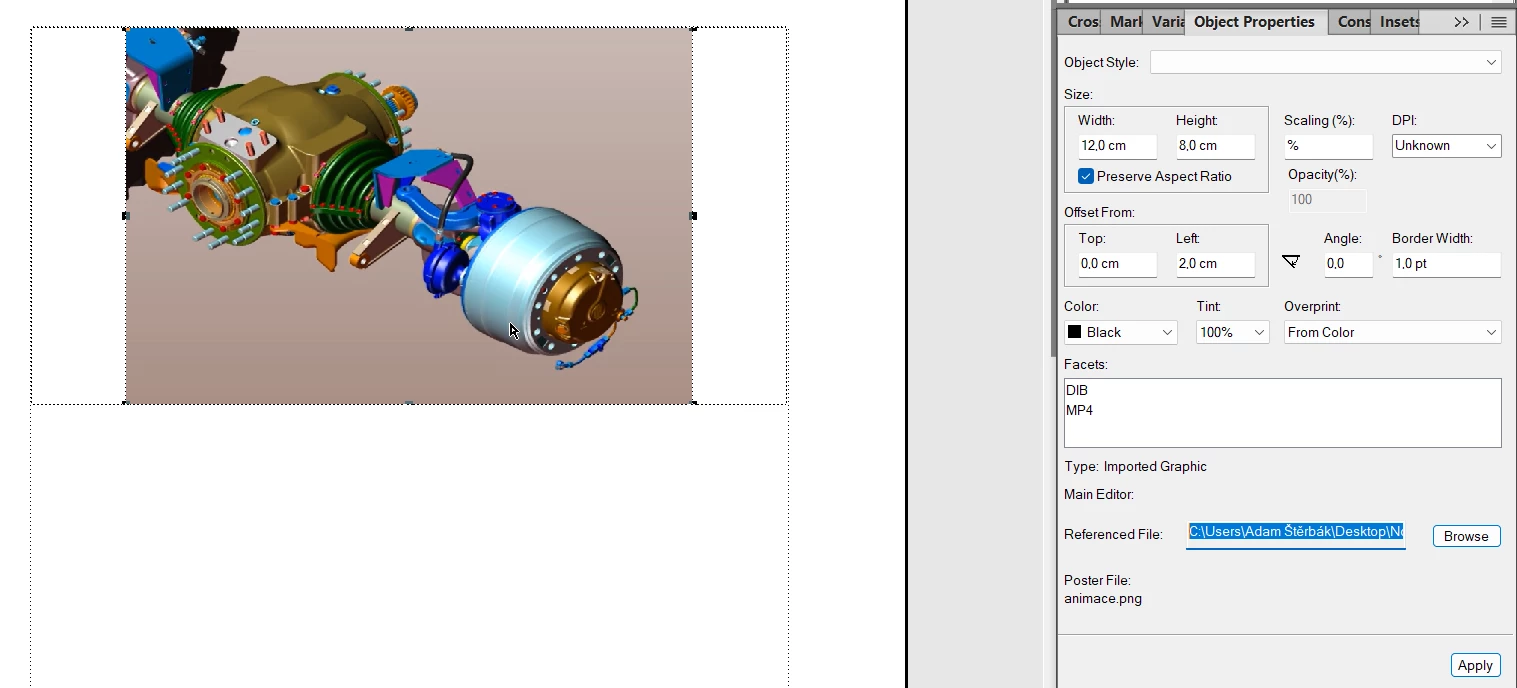
 

But I struggle with publishing to PDF.

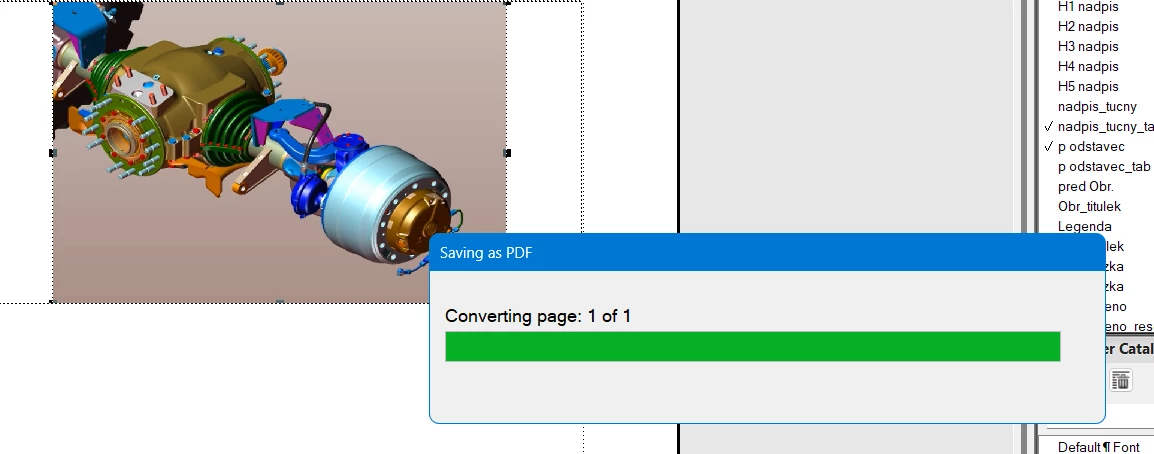
When I do a Save as PDF or Publishing procerude, my Framemaker always freeze like this:


Maybe I should do some PDF print setting to export PDF rich content. But I do not know which setting.

I use 17.0.3 version


I will apreciate any advices.


Thank you


Adam


    This topic has been closed for replies.

    4 replies

    Barb Binder
    Community Expert
    Community Expert
    February 1, 2024

    Hi Adam:


    I did write cover, but I meant chapter. Do you have time to try it again? The chapter file has rich media in it. My apologies!


    ~Barb 

    ~Batb

    ~Barb at Rocky Mountain Training
    Inspiring
    February 1, 2024

    I have tried it now, with this result:


    So it freeze on the page with RICH MEDIA (on this page is U3D file).

    Then I have to close FrameMaker via Task Manager.

    Jeff_Coatsworth
    Community Expert
    Community Expert
    February 1, 2024

    Ok, so it sounds like you need to do an uninstall/reinstall (don't forget to do it as an admin on your machine)

    Barb Binder
    Community Expert
    Community Expert
    January 31, 2024

    Hi Adam:


    FrameMaker should be able to export rich media to PDF without any version of Acrobat installed. During the installation, FrameMaker looks for Acrobat, and if it doesn't find it, it will ask if it can install the extension it needs to create a PDF. I don't have a lot of experience with mp4 files in FrameMaker, but I have an exercise in my Intro to FrameMaker class that includes a u3d file and all my students are able to export to PDF and interact with it. Not all of them have Acrobat installed. Some just have Acrobat Reader.


    I have always had Adobe Acrobat Pro installed because I teach it. You will need to have Pro if you want to insert rich media directly into a PDF. Standard can't do that and Pro can. But in your scenario, you are inserting it into FrameMaker, exporting and just trying to view it. All three products can display the rich media.


    I just opened a file with both an mp4 file and u3d object and it exported very quickly using the Publish pod. (You can access the same file to test it: open Standard Templates from the Welcome Screen, click on User Guide > CoverChapter > Show Sample.) This is probably a good test. If this one exports, then it might be something having to do with your actual file.


    If it doesn't, maybe the extension wasn't installed correctly when you installed FrameMaker. You might want to completely uninstall FrameMaker and then reinstall it. This time it will see that you have Adobe Acrobat Standard installed and will connect with it. 


    If it still doesn't work, I think Jeff gave you excellent advice: reach out to tcssup@adobe.com. I believe they are located in India, and so you are not likely to hear back until tomorrow morning (at least that's been my experience when I've reached out.) They should be able to help you solve this if the reinstall doesn't work. Please let us know how this is resolved so that we can help others with the same issue down the road.


    ~Barb

    ~Barb at Rocky Mountain Training
    Inspiring
    February 1, 2024

    I have tried to export a Cover file, that you have recommended and it was succesfull. But there is no rich media in this sample. Just two pages with one picture.


    I am always succesfull with exporting unless I have U3D or video file.


    I will try the reinstall and then I will contact Adobe Support.


    Thank you for now and I will send the final solution hopefully.


    Community Expert
    January 25, 2024

    Does it generate a pdf? Or is FrameMaker crashing?


    Bjørn Smalbro - FrameMaker.dk
    Inspiring
    January 26, 2024

    No the generation freeze exactly in this state „Converting page: 1 of 1.


    But I think that the reason is, that I have free version of Adobe Acrobat and not the full paied version. Do you know which funcionalities can by affected by this?

    Community Expert
    January 26, 2024

    You might try other approaches like:

    1. Print to PDF. Use the Print function and the Adobe PDF print driver.
    2. If the above fails, you may have the Microsoft PDF printer driver installed. Try that
    3. There are other PDF generators beside Adobes. CutePDF, BullZip PDF etc. Worth trying.
    Bjørn Smalbro - FrameMaker.dk
    Jeff_Coatsworth
    Community Expert
    Community Expert
    January 25, 2024

    What happens if you print to the Adobe PDF printer instance?

    Inspiring
    January 26, 2024


    It tells me, that my request could not be completed, because of I have free version of Adobe Acrobat.


    So most likely this is the reason....some funcionalities are available only with full version probably.

    Inspiring
    January 31, 2024

    I am not succesfull even with Adobe Acrobat Standard DC. Maybe I need Adobe Acrobat Pro?


    My publishing to PDF is not possible. It always freeze.

    I try to publish video or 3D (U3D format) and I am not succesfull.


    Do you know some product support who could help us?