Known Participant
September 14, 2023
Answered

Frames in Frame Maker

  • September 14, 2023
  • 2 replies
  • 503 views

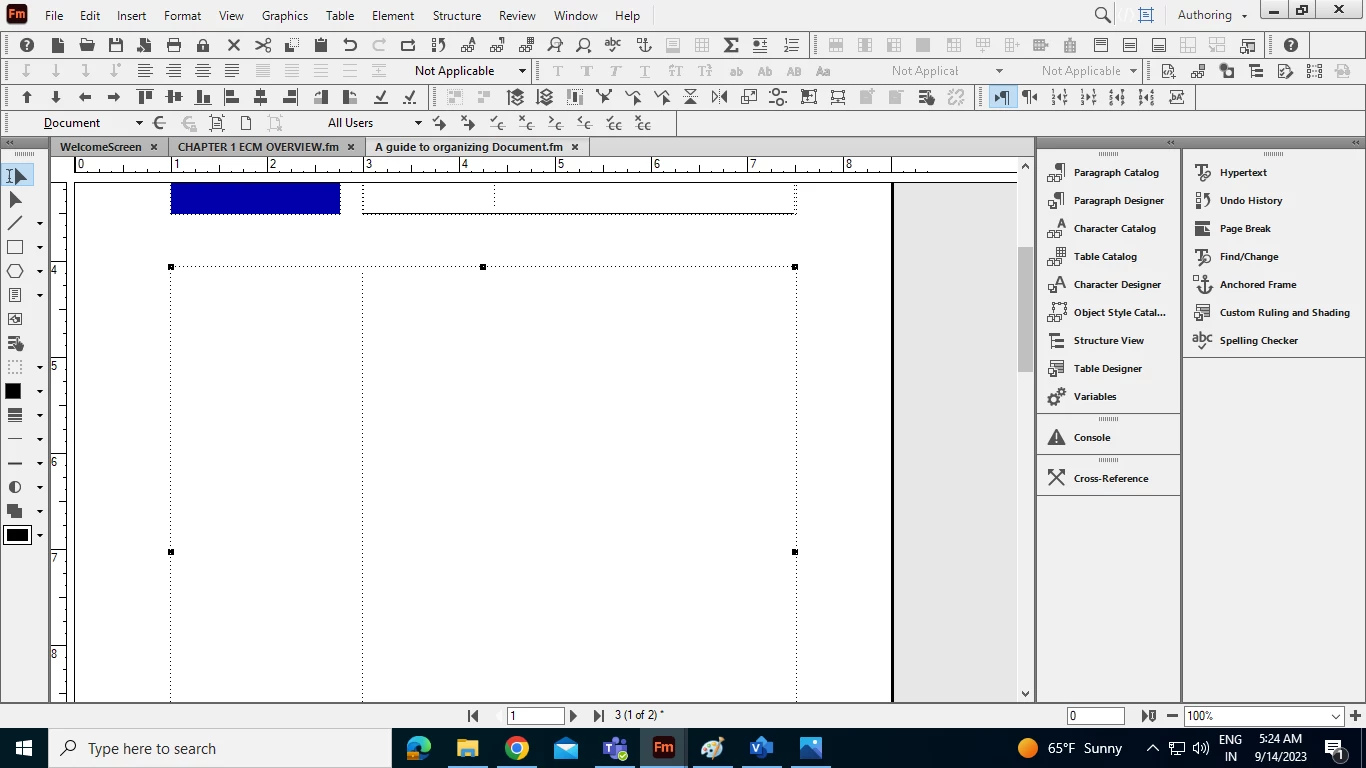
How do I know this is anchored frame, text frame or other.


    This topic has been closed for replies.
    Correct answer K.Daube

    You have already selected the object in question. Now use Graphic > Object Properties. This lists the type of object in ther dialog title.

    2 replies

    Barb Binder
    Community Expert
    Community Expert
    September 14, 2023

    Hi Amit:


    Klaus is correct—and I marked his answer as correct—but that's template frame. It has a flow tag assigned (Flow A) and auto-connect is enabled so text flows from one page to the text automatically.


    An anchored frame is added when you import a graphic with your cursor in the text and is attached to an anchor symbol (an upside down T). 
    https://help.adobe.com/en_US/framemaker/using/using-framemaker/user-guide/WSd817046a44e105e21e63e3d11ab7f7960b-7f41_ver12.0.html


    ~Barb

    ~Barb at Rocky Mountain Training
    Known Participant
    September 19, 2023

    Got it, thank you Barb!

    K.Daube
    Community Expert
    K.DaubeCommunity ExpertCorrect answer
    Community Expert
    September 14, 2023

    You have already selected the object in question. Now use Graphic > Object Properties. This lists the type of object in ther dialog title.
