Participant
April 30, 2019
Question

Have no correct png/gif transparency in FrameMaker 2019

  • April 30, 2019
  • 2 replies
  • 2164 views

Hello!

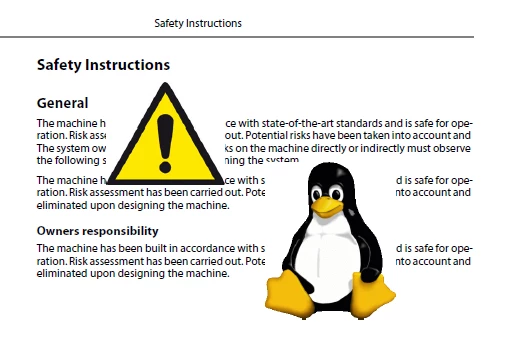
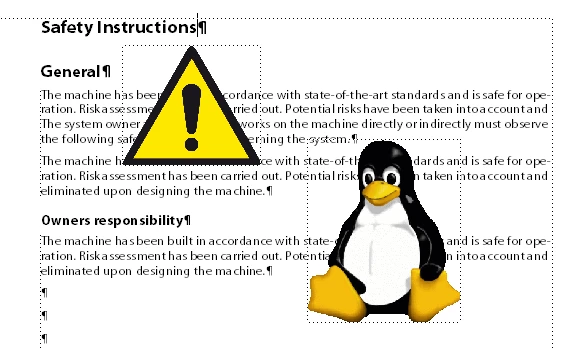
I have loaded (imported) images in png or gif with an optional (transparent) background into Framemaker 2019. In FrameMaker, the images look correct, but not in the PDF or when printed on paper. See examples below. How to get correct transparency for PDF or print outputs?

This topic has been closed for replies.

2 replies

Bob_Niland
Community Expert
Community Expert
April 30, 2019

For artwork that doesn't need internal transparency/opacity, you can use the traditional FM technique of having a clipping path around the object outline, and setting FM pen to None. The art might have to be EPS to implement that. If HTML output is required, I have no idea how that renders.

Nowadays, I'd instead try doing that alert sym as SVG vector art, which scales elegantly, and should render similarly in all work flows.

Community Expert
April 30, 2019

Hi,

I did this very long ago, and of course I forgot the correct process.

Did you set the background in FrameMaker to none?

Here are some discussions which should help:

https://forums.adobe.com/thread/2419439

https://forums.adobe.com/thread/2568753

https://forums.adobe.com/thread/2470633

https://forums.adobe.com/servlet/JiveServlet/downloadBody/8371-102-1-11454/FM_transparency_rev1.pdf

Best regards

Winfried

Participant
April 30, 2019

Hello Winfried,

(i'm German )

None of the topics that deal with transparency in this forum will help me. I even tried the Distiller setting for Transparency=true, but no chance. In addition, the transparency is not shown correctly in the paper printout! There must be some setting in FrameMaker 2019 that correctly omits the transparent background in PNG or GIF images.

Community Expert
April 30, 2019

Hi,

Hm. I did not use this feature in FM 2019 yet. Do you have the latest update (15.0.3)?

How do you create your PDF?

Is the option Use Acrobat Distiller for PDF generation in the Publish pod activated?

Did you set Adobe PDF as your printer?

Can you also convert your graphics to EPS and test, if this works?

The paper printout should always match the PDF. Or do you print directly from FrameMaker?

Best regards

Winfried