You can see if you can get it from Adobe. One suggestion is to sign up for a 30-day free trial to the Creative Cloud and download ExtendScript Toolkit CC. Or you should be able to download FrameMaker 2017 as a trial version and run a custom install so you just install ExtendScript Toolkit CC.
I think FrameMaker 2015 came with ExtendScript Toolkit CC. Do you have that version on your machine? You might try running the FrameMaker installer again and see if you can do a custom install and just install the latest ExtendScript Toolkit that comes with it. The CS5 version of ExtendScript Toolkit is pretty old.
Can you verify what versions of Windows and FrameMaker you are using? Thanks. -Rick
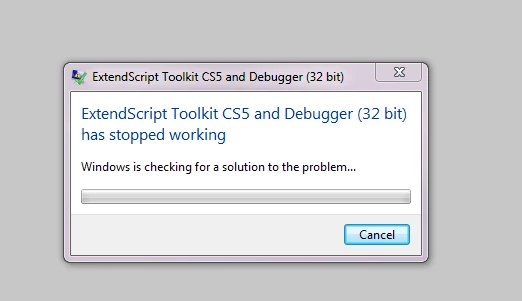
I see where CS5 is installed (but doesn't work). I don't have ExtendScript Toolkit CC installed. I probably inadvertently uninstalled it to reinstall and now I've messed everything up. I do know I couldn't get it to launch.
I do not have the Frame 2015 CDs as my ex-coworker bought it for the team and most likely downloaded it.
Suggestions? I really want to use/create scripts I used with FM 8.
You can see if you can get it from Adobe. One suggestion is to sign up for a 30-day free trial to the Creative Cloud and download ExtendScript Toolkit CC. Or you should be able to download FrameMaker 2017 as a trial version and run a custom install so you just install ExtendScript Toolkit CC.




 AdChoices