



Help? Color and Font Style Output Problems to PDF
FrameMaker 2015 Version 13.0.2.433
Windows 10 Pro Version 1607
I have a new FM manual based on a tried and true template. Changes from the standard template include migration to Open Sans as the primary font (to match the UI for the software this manual covers) and some frame and text fill colors to match company logo.
When I use the Save to PDF function, color output is fine, but there is no bold or italics applied to text in the document. These text effects were applied with individual character styles for each.
When I use the print to PDF or print to file and generate the final PDF in Distiller (using the same job options I've always used), the italics and bold fonts are fine, but the colors are way off on my blue headings and filled frame boxes. NOTE: I used the same color values in color definitions for the heading and fills that are used in the company logo file (in the header), but the blue is drastically off. The logo is CMYK and I have the values. I used the same values to create a custom color definition for the font/frame fills.
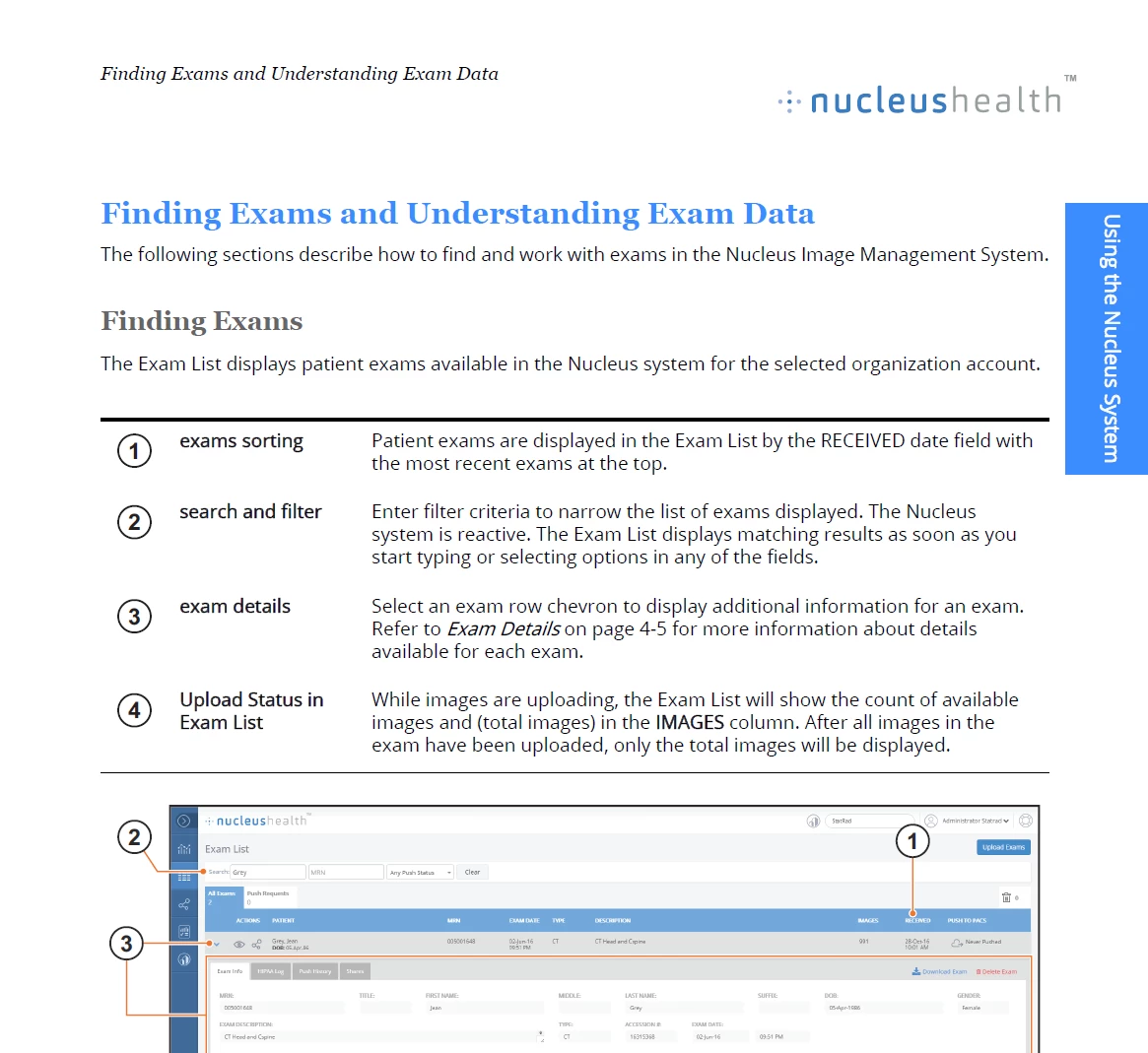
Image of page attached. I generated the PDF and then saved to .png for upload here. The Heading 2 at top of page, and the chapter name in the blue box in margin, should match the blue in the nucleushealth logo.
Again, when I Save to PDF, the colors are fine, but I get no bold or italics (called Bolded and Obliqued in the Open Sans font).
 AdChoices