
Help - how can I remove text in the background?
I am translating a text from English into Portuguese in a document created in Germany (as .mif 7).
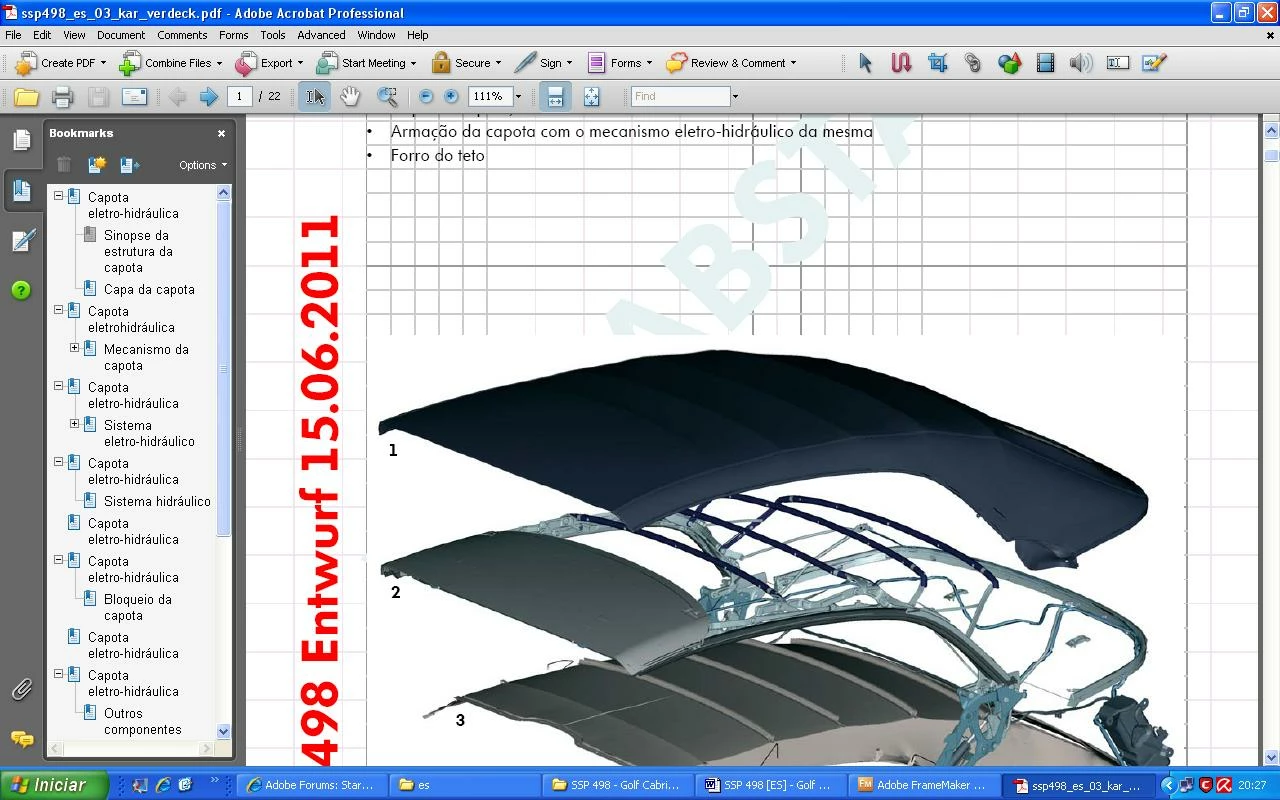
After I inserted the Portuguese text, a ruler and the words "498 Entwurf 15.06.2011" in red and "Abstand" in sky blue started to appear in the background, as well as some kind of a grid (please see attached image). I need them to disappear when the document is printed, but I haven't been able to make them disappear so far. The words in red indicate the name of the document (498) and the date when it was originally created. I need the document to have a white background only with the letters in black and images (just like the original, but in Portuguese - no words in sky blue and red and no grid).
This is probably easy to solve and I may sound really silly, but I've already lost 3 hours and I'm getting desperate because I need to deliver the document as soon as possible.
Any help would be much appreciated.
Best,
Paulo Rodrigues


 AdChoices